
Home > Dashboard > Compliance Dashboards > Exchange Compliance Dashboard
Export to PDFExchange Compliance Dashboard
The following are the report charts that can be managed on the default Exchange compliance dashboard. You can also add them to your custom compliance dashboards as gadgets. They are all container-level reports and can only be added to container-level dashboards.
Litigation Hold Enabled Mailboxes
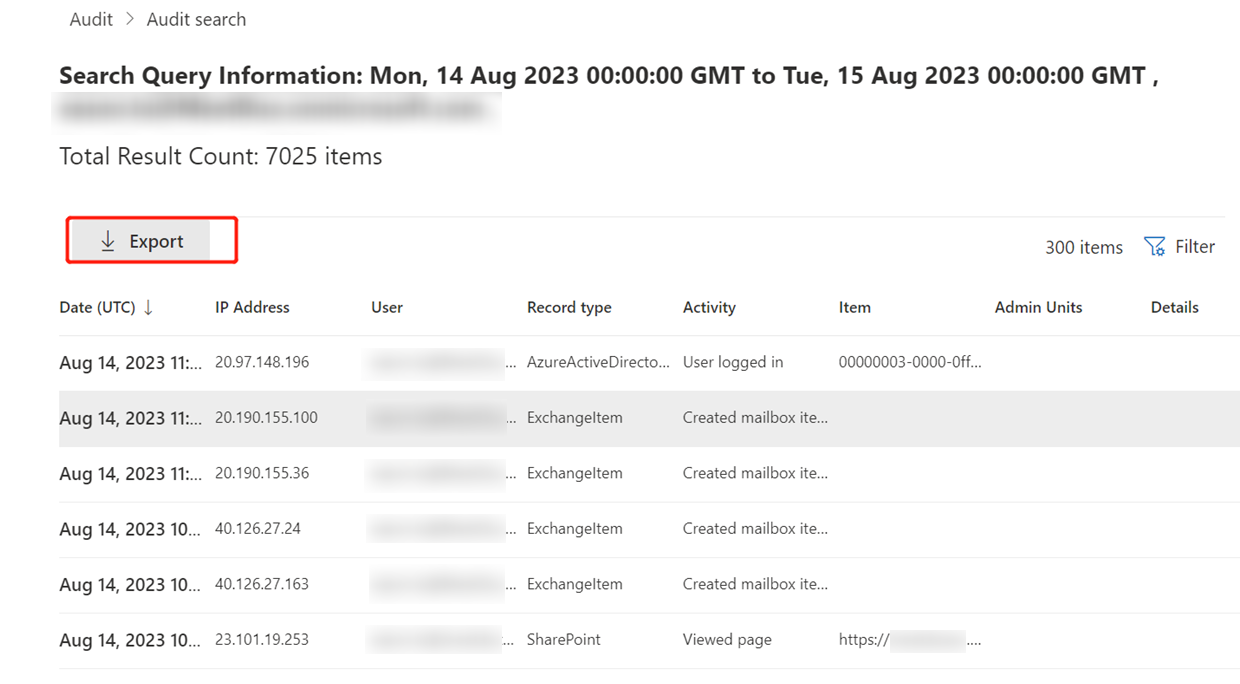
The Litigation hold enabled mailboxes shows the number of mailboxes that enabled litigation hold in the selected time range. The number on the chart is the number of litigation hold enabled mailboxes on the current day. The number is also compared with the data of the previous, and the difference is displayed as well.
Hover your mouse over the line to view the detailed data of a specific day.
Mailboxes Forwarding to External Domains
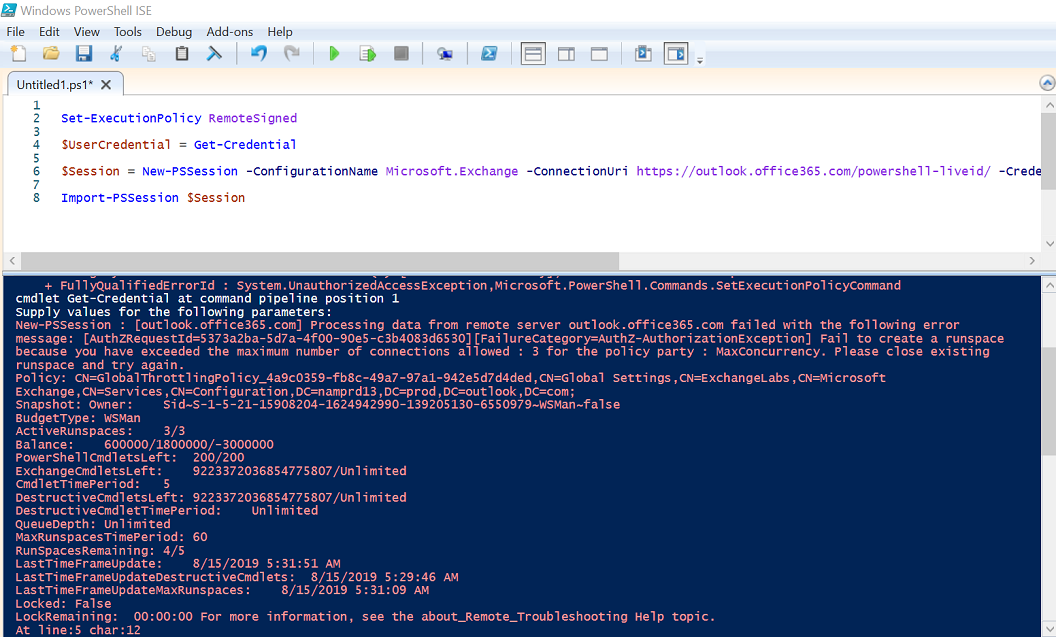
The Mailboxes forwarding to external domains show the number of mailboxes that enabled the automatic forwarding and are forwarding messages to addresses with external domains. The number on the chart is the number of relevant mailboxes on the current day. The difference with the data of the last day is also displayed.
Hover your mouse over the line to view the detailed data of a specific day.
Mailboxes Forwarding to Specific Domains
The Mailboxes forwarding to specific domains shows the number of mailboxes that enabled the automatic forwarding and are forwarding messages to the addresses with specified domains. You can specify the domains when you add the gadget, or you can edit the specified domains by editing the gadget. The number on the chart is the number of relevant mailboxes on the current day. The difference between the data of the last day is also displayed.
Hover your mouse over the line to view the detailed data of a specific day.
Litigation Hold Enabled Mailboxes in Departments

The Litigation hold enabled mailboxes in departments chart shows the number of mailboxes that has litigation hold enabled in each department. The X-axis depicts the departments, and the Y-axis depicts the number of relevant mailboxes.
Hover your mouse over the bars to view the detailed number of mailboxes in each department.
Click  to open the action list. Then click View the latest mailbox report to go to the Exchange page to view the mailboxes with litigation hold enabled.
Mailboxes Forwarding to External Domains in Departments
The Mailboxes forwarding to external domains in departments chart show the number of mailboxes that forward emails to external email addresses in each department. The X-axis depicts the departments, and the Y-axis depicts the number of mailboxes.
Hover your mouse over the bars to view the detailed number of mailboxes in each department.
Click  to open the action list. Then click View the latest mailbox report to go to the Exchange page to view the mailboxes that forward email messages to email addresses with external domains.
Mailboxes Forwarding to Specific Domains in Departments
The Mailboxes forwarding to specific domains in departments chart shows the number of mailboxes that forward emails to specific email address domains in each department. You can specify the domains when you add the gadget, and you can update the specified domains by editing the gadget. The X-axis depicts the departments, and the Y-axis depicts the number of relevant mailboxes.
Hover your mouse over the bars to view the detailed number of mailboxes in each department.