
Overview
The Overview module in Microsoft Azure permission analysis management enables the overview permission report and user report on your Microsoft Azure resources. Go to Microsoft Azure (Preview) > Permission analysis > Overview and refer to the following sections for the details.
Permission report
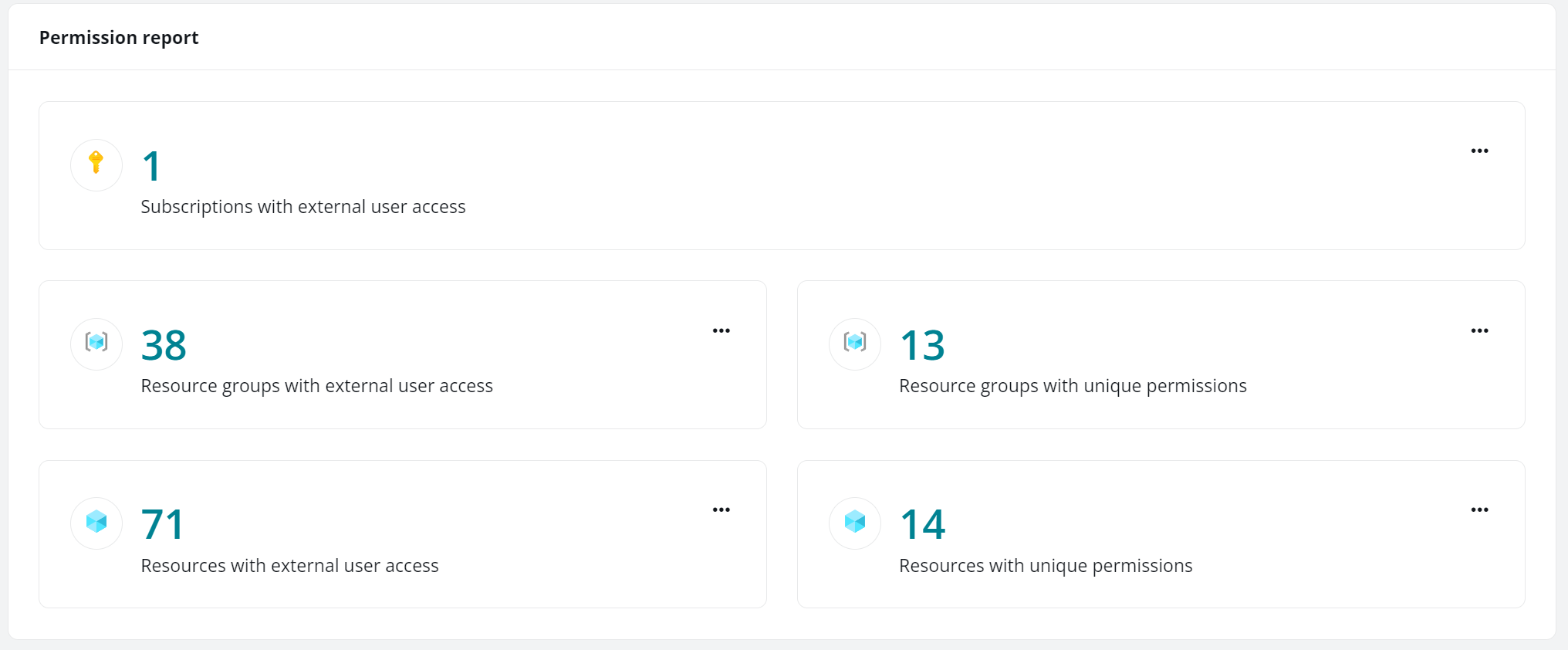
The Permission report statistical card shows the number of Azure resources that match the corresponding rules.
You can view detailed report by clicking the figure or by clicking the more button and selecting View details. To export the detailed report, click the more button (…) and select Export.
User report

The User report statistical card shows the number of Azure resources that match the corresponding rules.
You can view detailed report by clicking the figure or by clicking the more button and selecting View details. To export the detailed report, click the more button (…) and select Export.