
Home > Power Platform Management > Power BI > Artifact Activity Analytics
Download this articleArtifact Activity Analytics
The Artifact activity analytics tab provides a report on the detailed information on artifact viewing related activities. Apart from the artifact basics, it displays the number of views as well as unique viewers of each artifact, allowing you to gain understanding on artifact usage and referencing.
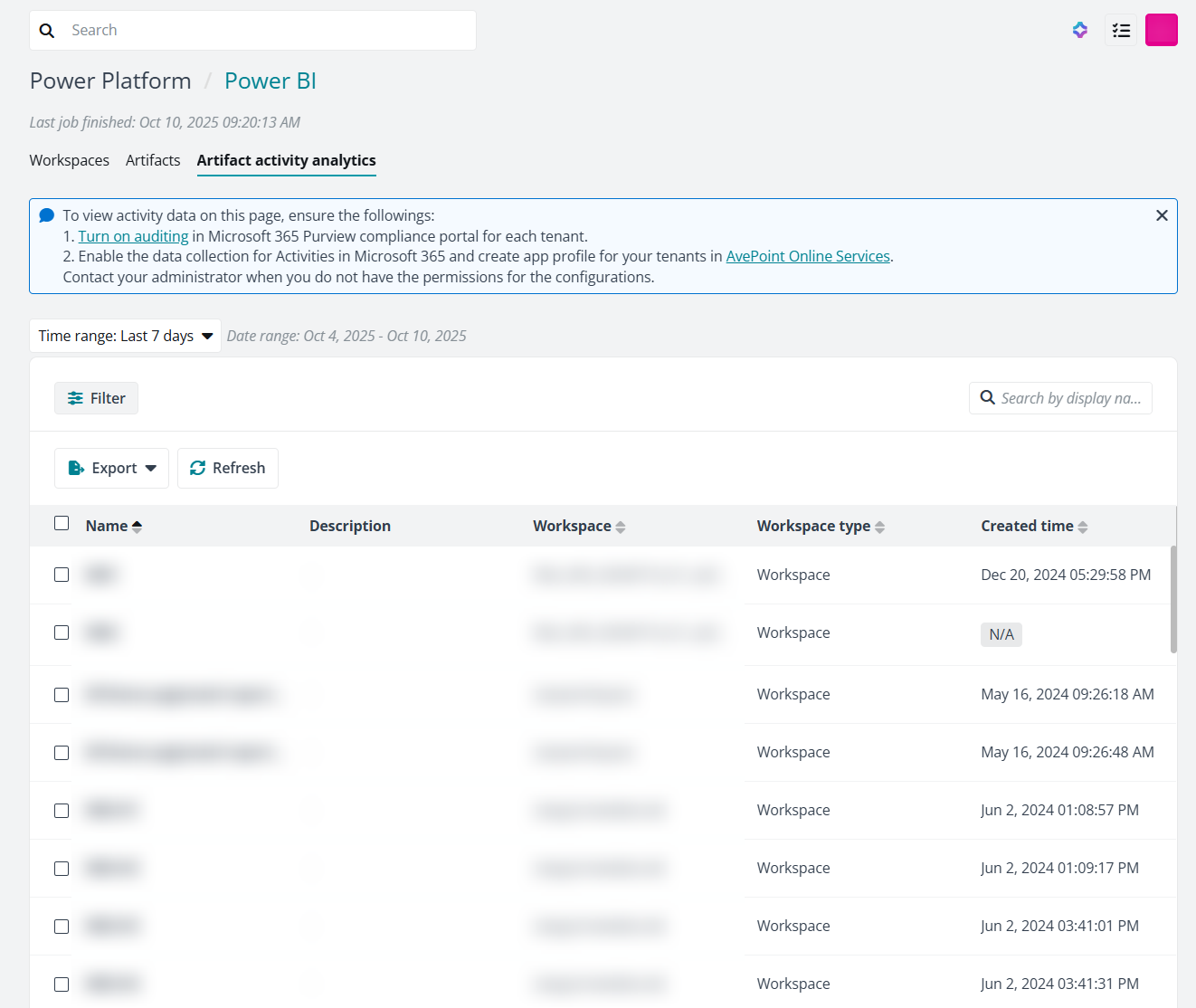
- Turn on auditing in Microsoft 365 Purview compliance portal for each tenant.
- Enable the data collection for Activities in Microsoft 365 and create app profile for your tenants in AvePoint Online Services.
The listed data and detailed information can be exported into report files by following the steps below:
-
In the Artifact activity analytics tab, click Export in the upper-right corner.
-
Select the report from the dropdown list. The available options are:
-
Export artifacts table – To export all data displayed in the table on this page.
-
Export artifacts analytic details – To export detailed data pertaining to views and viewers. By selecting this, two reports will be generated, including detailed information on views and viewers respectively.
After selecting this, click Export in the Export artifacts analytic details panel.
-
-
The process will start to generate the file.