
Home > Azure Entra ID Enterprise Applications (Public Preview) > Enterprise Applications > Dashboard
Download this articleDashboard
EnPower provides a tenant-level default overview dashboard for Azure Entra ID enterprise applications monitoring and analysis, with the following report charts as gadgets.
Certificate Expiry Status
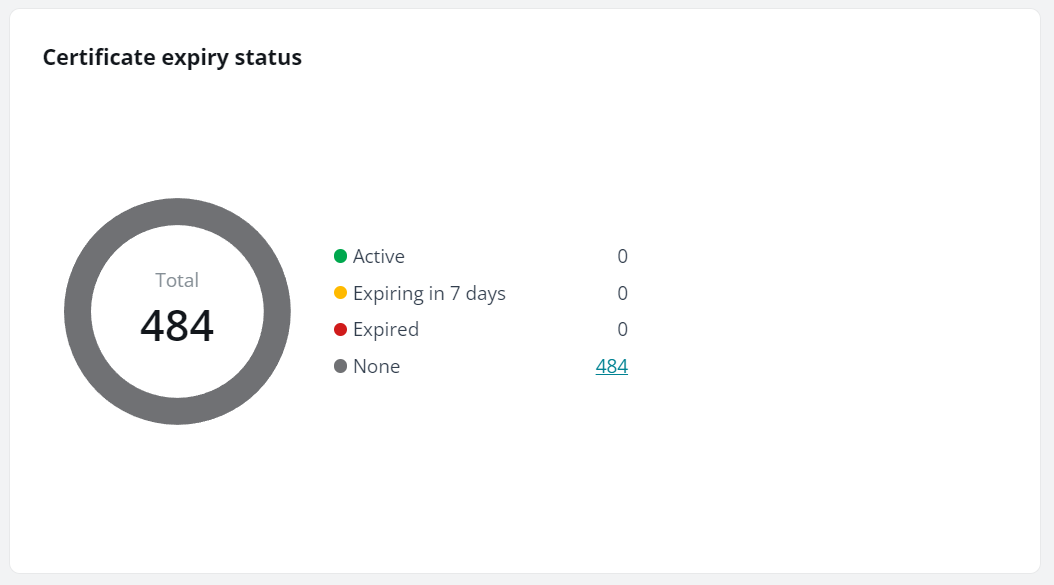
The Certificate expiry status chart shows the number of apps by their certificate expiry statuses.
Hover your mouse over the ring or refer to the legend for specifics, and click on a legend figure to see the corresponding list of apps.
None refers to apps with no certificates.
Certificate Risks
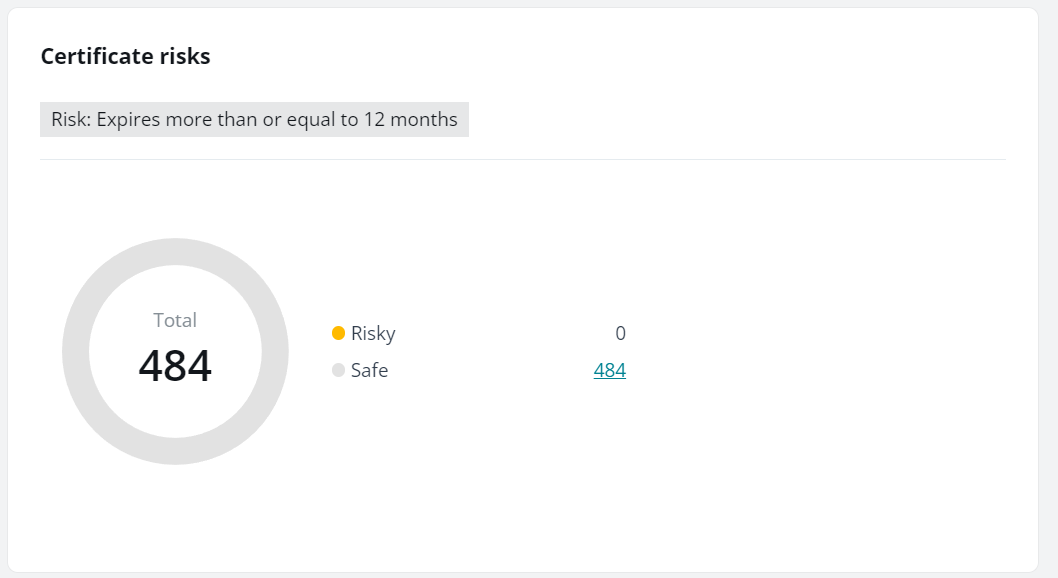
The Certificate risks chart shows the number of apps with risky certificates and apps with safe certificates.
Hover your mouse over the ring or refer to the legend for specifics, and click a legend figure to see the corresponding list of apps.
Safe refers to apps with certificates expiring in less than 12 months or apps with no certificates.
Risky Rules Analysis
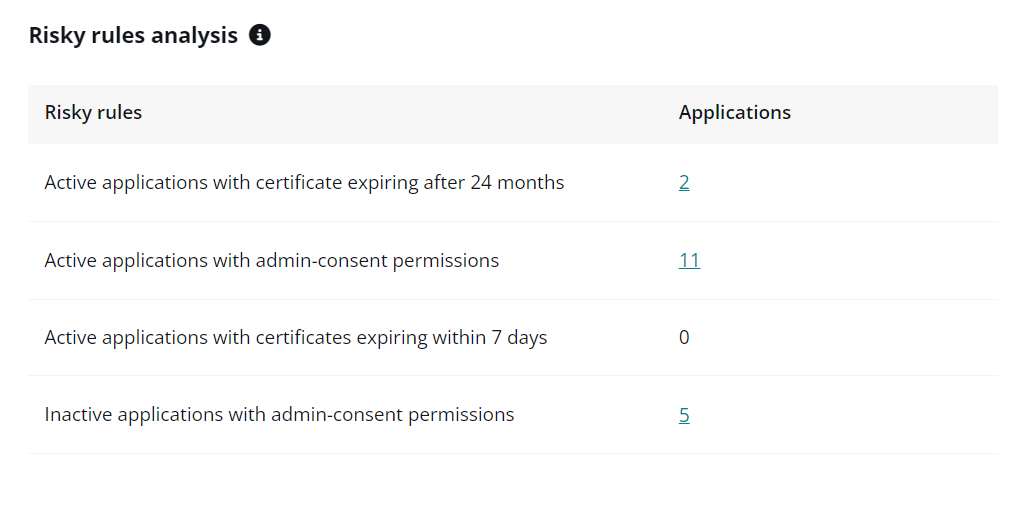
The Risky rules analysis statistical table shows the number of apps by their matched risky rules.
Click a legend figure to see the corresponding list of apps.
Last Sign-In Time
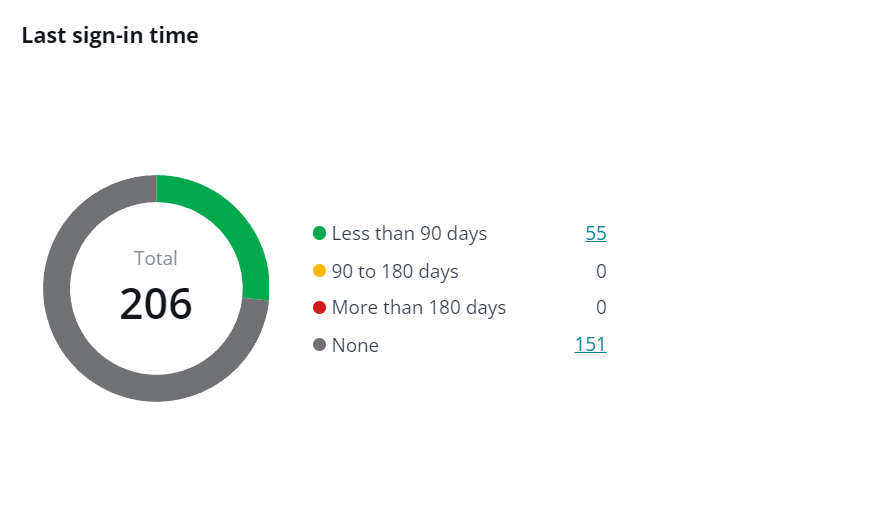
The Last sign-in time chart shows the number of apps by their last sign-in time.
Hover your mouse over the ring or refer to the legend for specifics, and click a legend figure to see the corresponding list of apps.
Risky Certificates
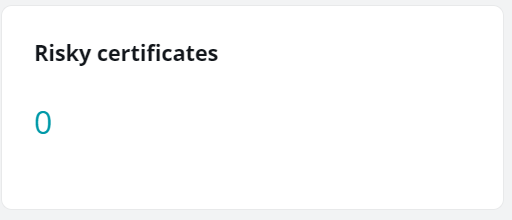
The Risky certificates card shows the current number of risky certificates that will expire more than or equal to 12 months in the specified tenants.
Changed Apps
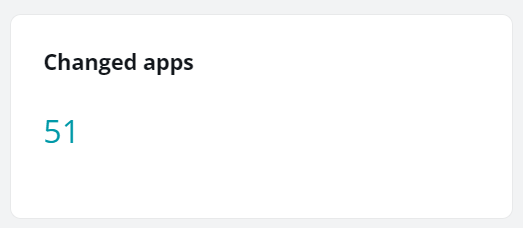
The Changed apps card shows the current number of apps with recent changes detected in the specified tenants.
Admin Consent Apps
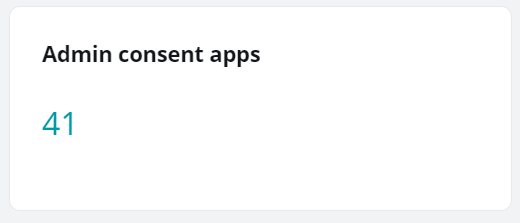
The Admin consent apps card shows the number of apps consented by administrators.
User Consent Apps
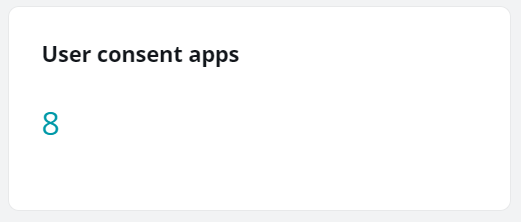
The User consent apps card shows the number of apps consented by users.
App Owners
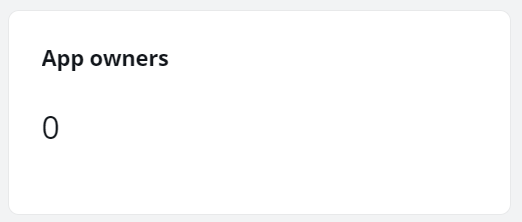
The App owners card shows the current total number of app owners.
Deleted Apps
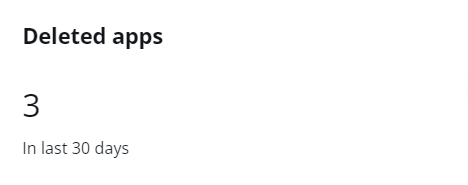
The Deleted apps card shows the total number of apps that have been deleted in last 30 days.
Created in This Month
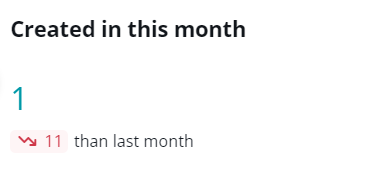
The Created in this month card shows the number of enterprise applications created in this month and the difference with the data of the last month in the specified tenants.
Total Apps
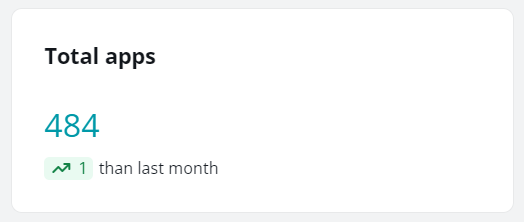
The Total apps card shows the current total number of enterprise applications and the difference with the data of the last month in the specified tenants.