
Home > Power Platform Management > Power Apps > Canvas App Analytics
Download this articleCanvas App Analytics
In the Canvas app analytics tab, you can view all your canvas apps and sort or filter the apps by their activity-related details, including the app launches, launched users, and user activities against the apps.
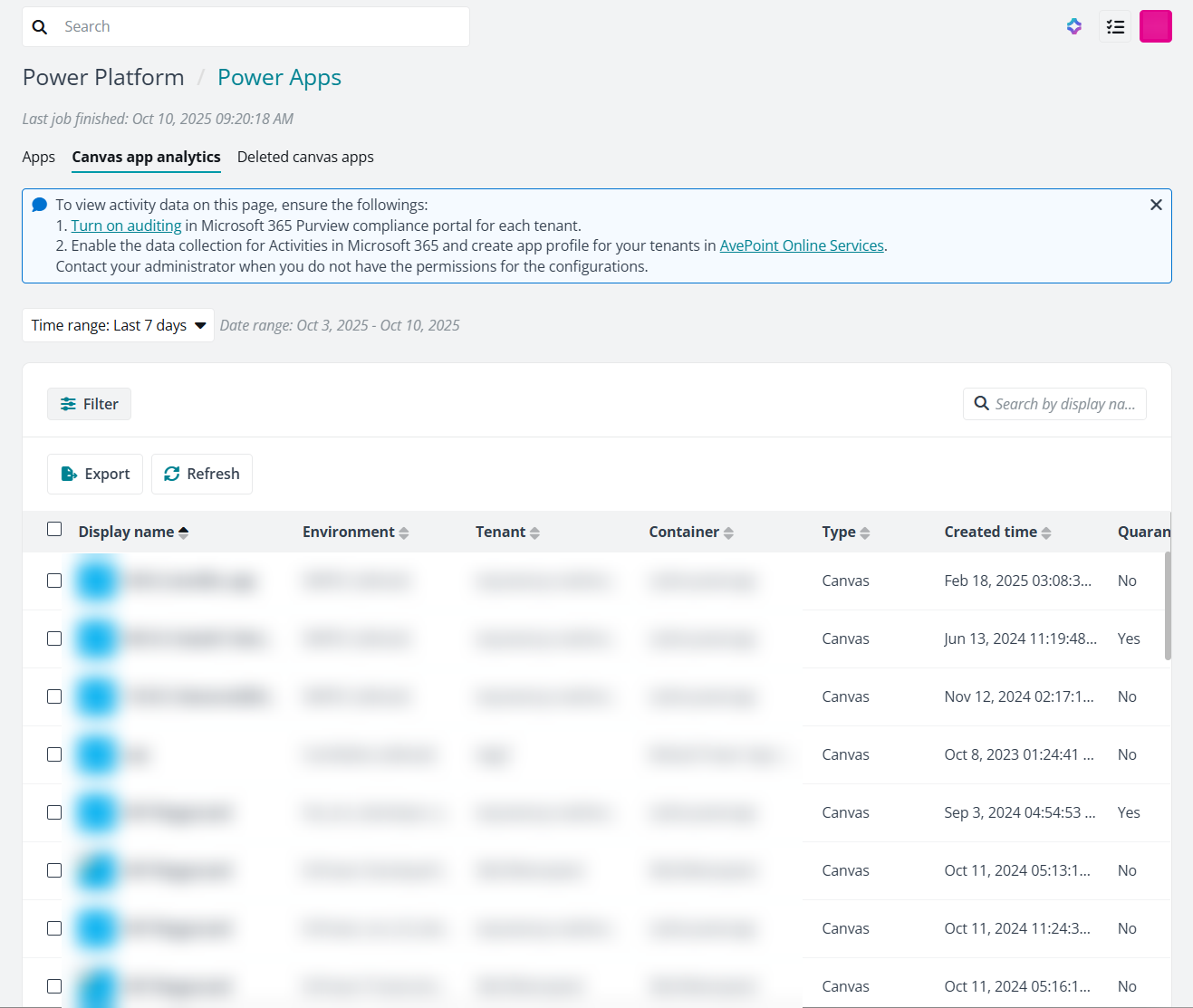
In this tab, apart from the general filtering and sorting, you can perform the following operations:
-
To view the detailed launching history or user activities against a canvas app, click the number in the App launches, Launched users, or Activities column. A panel will show and list all activities in the specified time range. You can further configure the columns in the panel and filter specific records.
-
To report the apps you’ve filtered on this page via email, select the apps and click Management > Send email on the ribbon. The app details will be sent to users you specified.
-
To export the apps to an Excel file, filter and select the apps. Then click Management > Export selected objects. The process will start to export the report. You can check the process details and download the exported file in the Process Center
-
To quarantine or restore specific apps, select the target apps and click Management > Quarantine or Restore on the ribbon. The selected apps must be in the same quarantine status.