
Home > Reporting and Integrations > Integration with ConnectWise > View Job Monitor
Export to PDFView Job Monitor
On the ConnectWise page, click Job monitor.
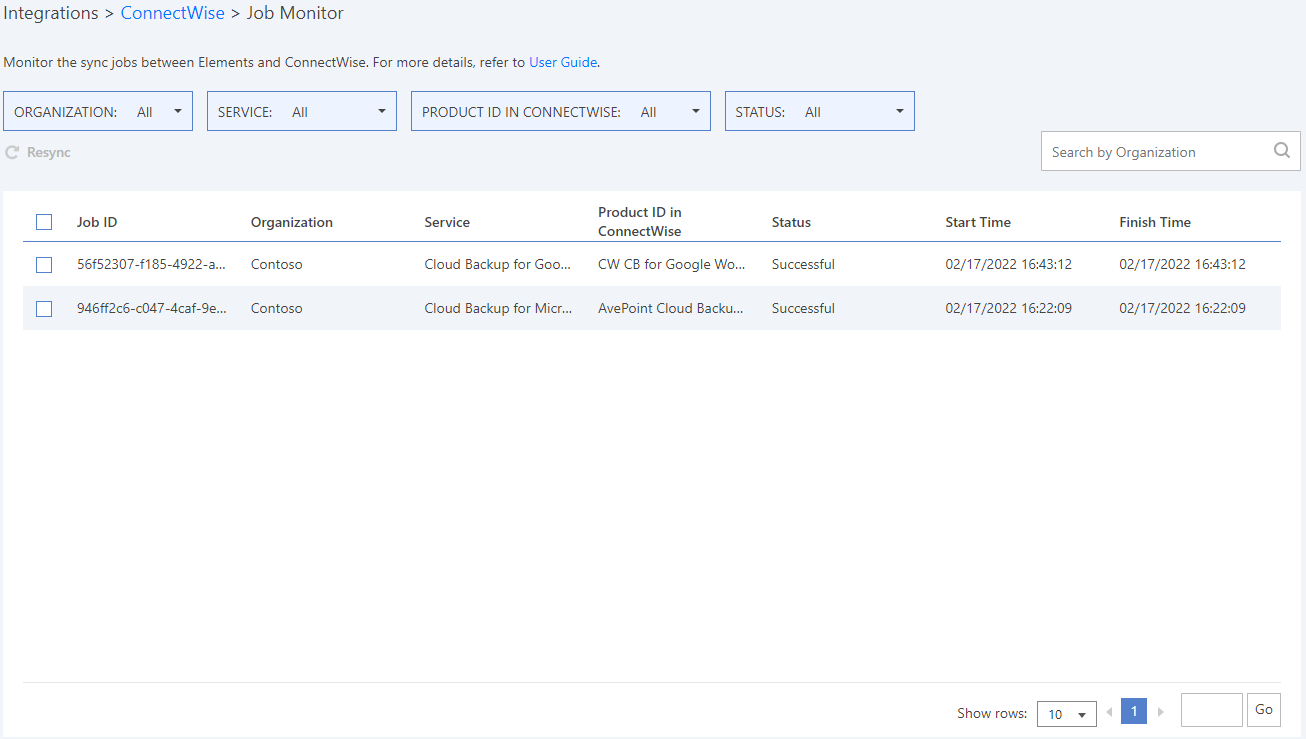
On this page, you can view the results of synchronization jobs between Elements and ConnectWise. For the Failed jobs, you can hover your mouse over the information ( ) icon next to the Failed status to view the details. You can also select the checkboxes next to the job IDs and click Resync to run the synchronization jobs again.
On this page