
Home > Reporting and Integrations > Integration with ConnectWise > Configure a ConnectWise Connection
Export to PDFConfigure a ConnectWise Connection
In Elements, navigate to Integrations > ConnectWise. On the ConnectWise page, click ConnectWise connection. Configure the following information.
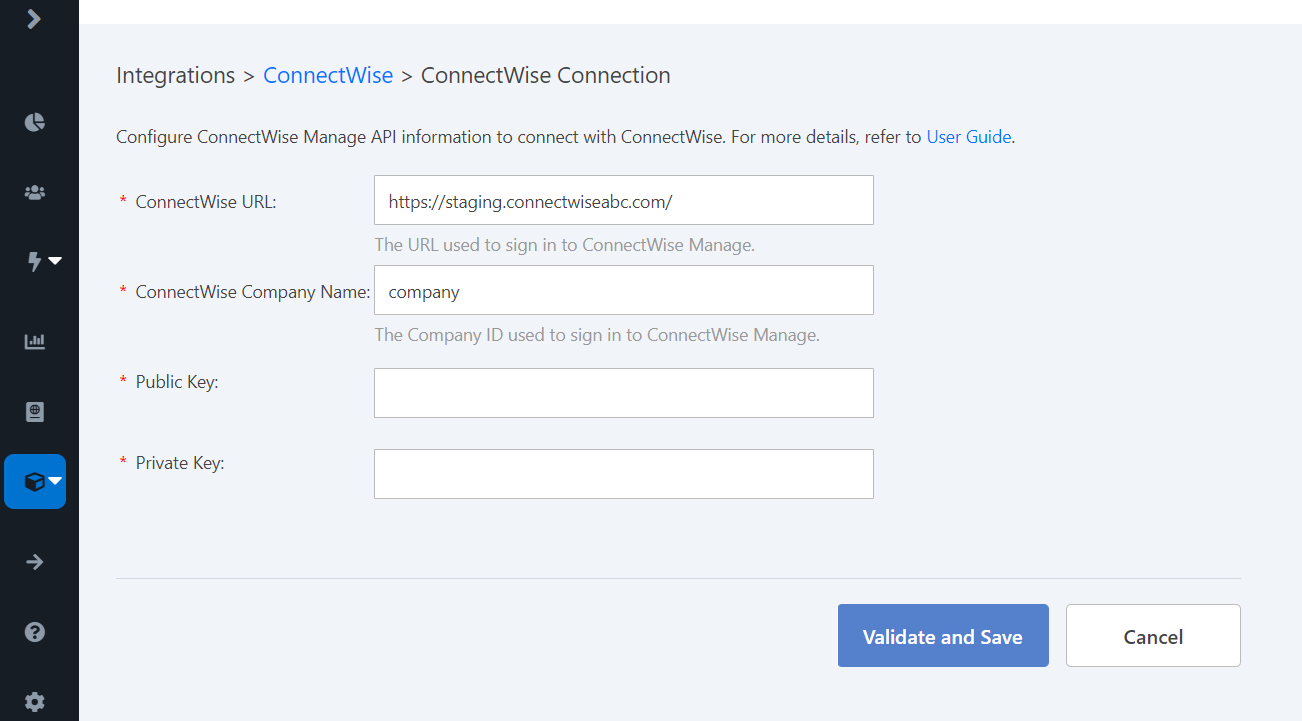
Click Validate and save.
On this page