
Home > Reporting and Integrations > Integration with ConnectWise > Configure Product Mappings
Export to PDFConfigure Product Mappings
In Elements, navigate to Integrations > ConnectWise. On the ConnectWise page, click Product mapping. The table on this page lists all AvePoint services in the marketplace.
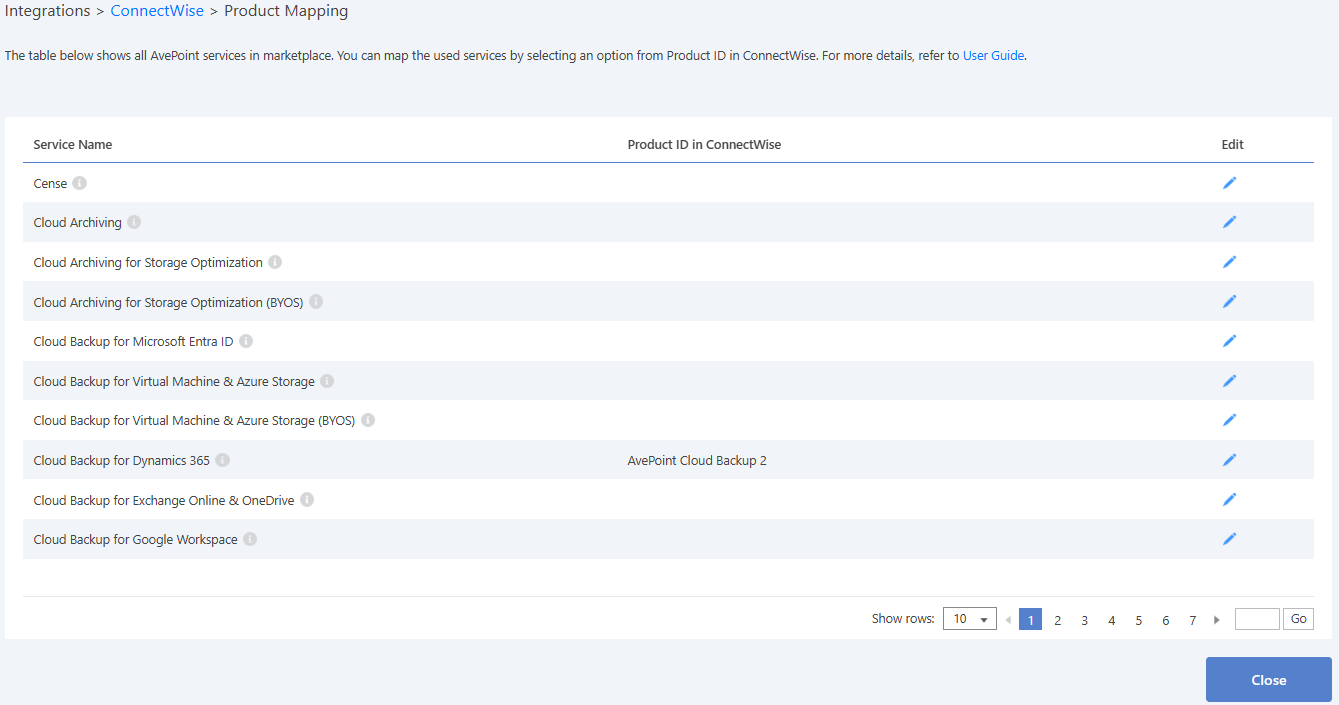
To configure a mapping for the services that you have used, click the edit ( ) button in the Edit column of a mapping. Enter the keyword of a product ID in the Product ID in ConnectWise column, press Enter on the keyboard to search for it, and select the product ID in the suggestion list. Then, click the save (
 ) button to save the product mapping.
NOTE
Each Product ID can only be mapped to one item in the Service name column.
The following services are supported:
On this page