
Home > Azure Security Management > View Issues of Individual Tenants
Export to PDFView Issues of Individual Tenants
Click a tenant name on the Azure security management page to access the Issues page where you can view all matched issues of the tenant based on the risk rules.
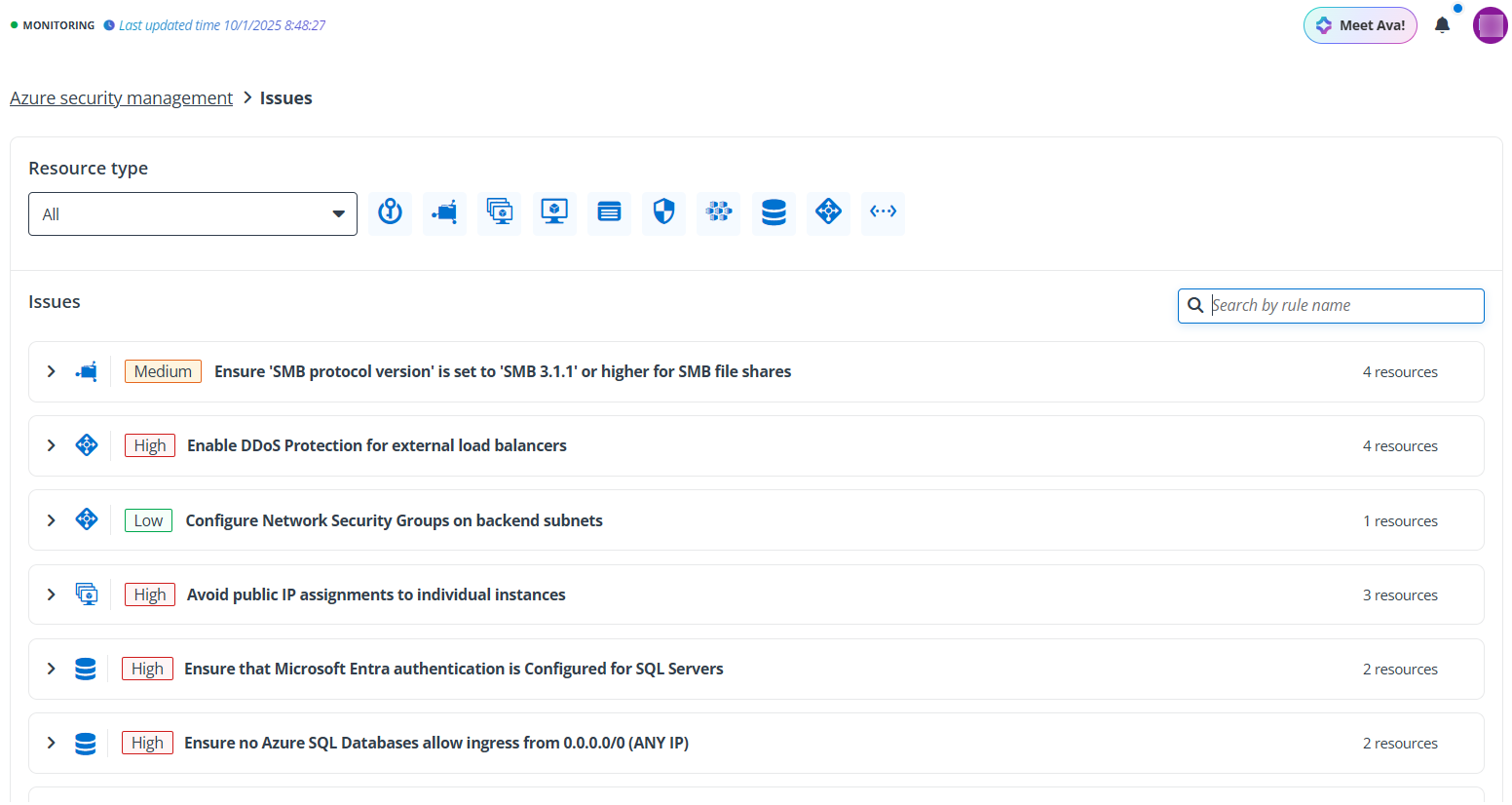
In the Resource type section, all data sources are selected by default. You can select specific data sources to view the matched risk rules and issues.
In the Issues section, the matched risk rules are displayed with the number of resources that violate the risk rule. Click the right arrow ( ) button to expand the rule details where the matched resources are listed in the table. By clicking the resource name link, you will be directed to the resource details page to view the basic information and the issues detected about the resource.