
Home > Get Started > Manage App Profiles for tyGraph > Manually Create Apps in Microsoft Entra ID
Download this articleManually Create Apps in Microsoft Entra ID
A custom app can replace the automatically created apps. If you want to manually create an app in your Microsoft Entra ID, refer to the API permissions listed in the table below to add permissions requested by AvePoint tyGraph features to the custom app.
For details on how to create an app in your Microsoft Entra ID, see Create Custom Apps. When the app is in place, create an app profile in AvePoint Online Services and choose the Custom mode. For detailed instructions, refer to Create an App Profile.
According to the features you want to use and the permissions you have granted to the custom app, select the Azure app, Azure app with delegated permissions, or Viva Engage. Refer to Permissions for App Authorization to add the required API permissions to your custom app.
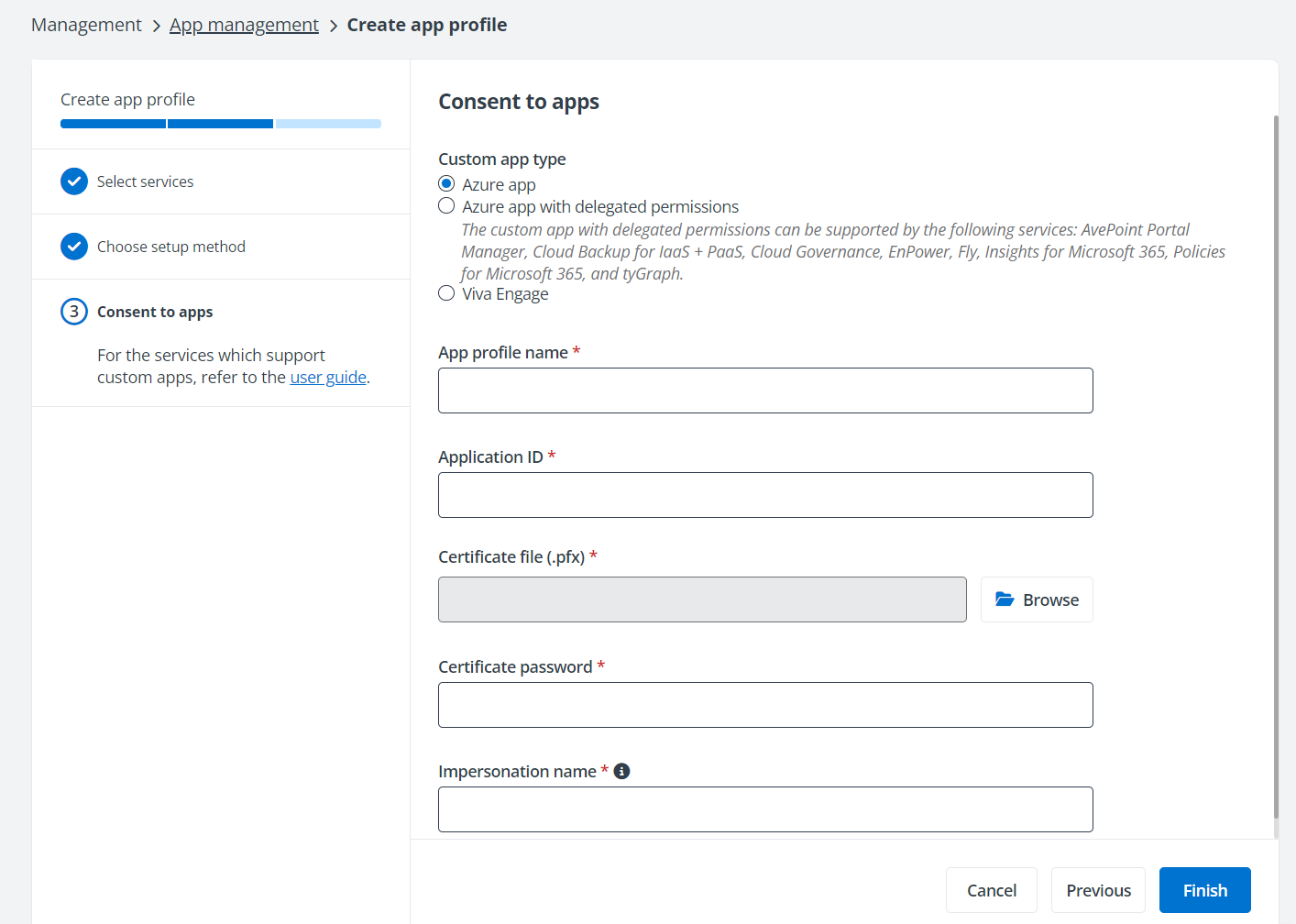
To consent to the Azure app with delegated permissions used by tyGraph for Viva Engage, the Microsoft 365 account must have Viva Engage Verified Administrator privileges. The Viva Engage Verified Administrator role cannot be revoked from the user who consents to the delegated Yammer permissions.