
Home > Report Center > Share Report View
Download this articleShare Report View
-
To share a report view or custom dashboard with the applied filter with specific users or groups, use link sharing. enables recipients to access data views that correspond to the selected filters.. For instructions on how to share a view of a report, you can refer to the following: Click Share on the top-right corner of the report page.
-
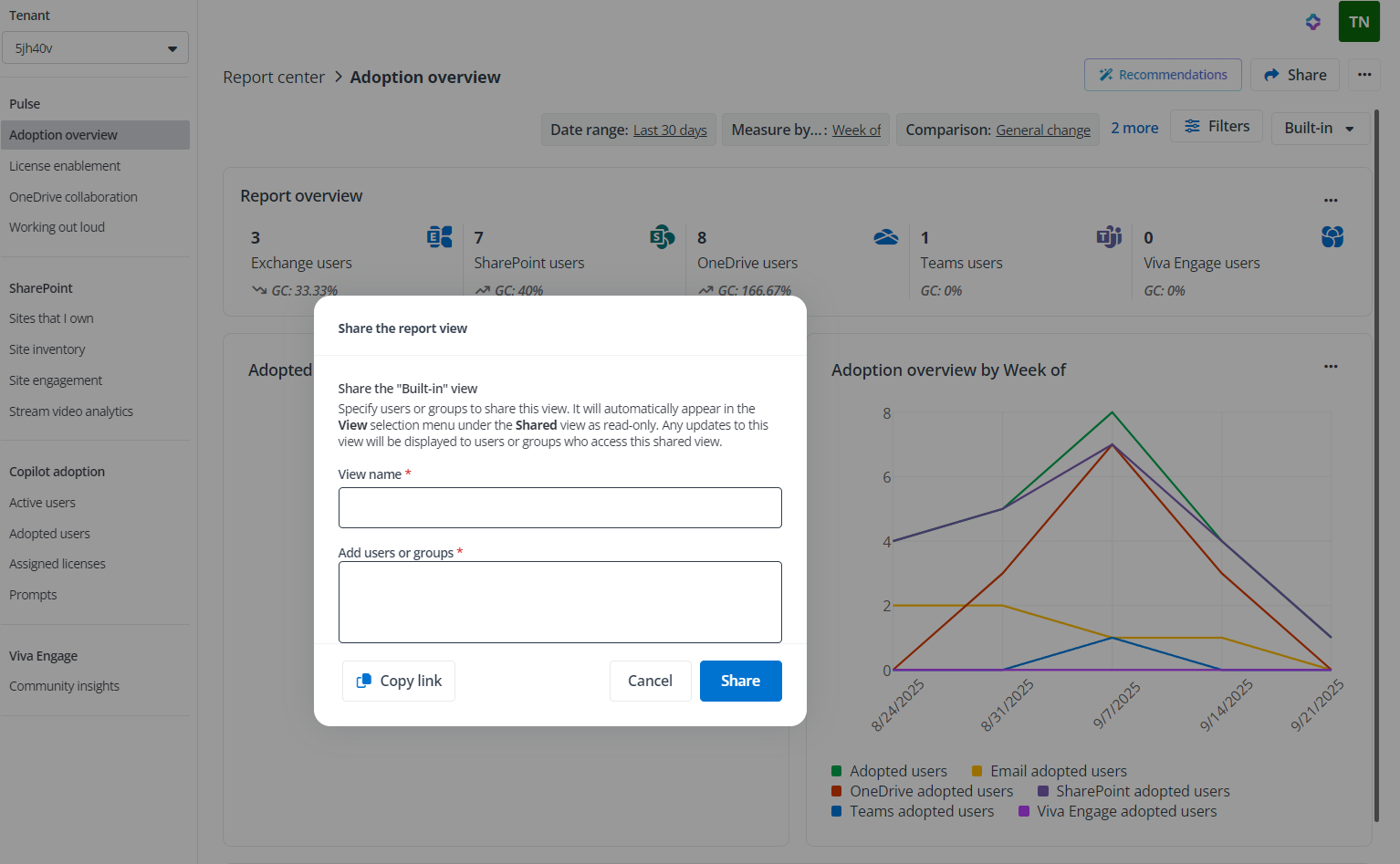
In the Share the report view window, you can specify users or groups to share the report with. If you want to share the built-in view, you need to enter a view name.
-
Click Copy link and then click Share. An email with this sharing link will be sent to the recipients. You can also paste the copied link to send it to specific users or groups.
On this page