
Home > Report Analytics > View Power BI Reports for Purchased Modules
Download this articleView Power BI Reports for Purchased Modules
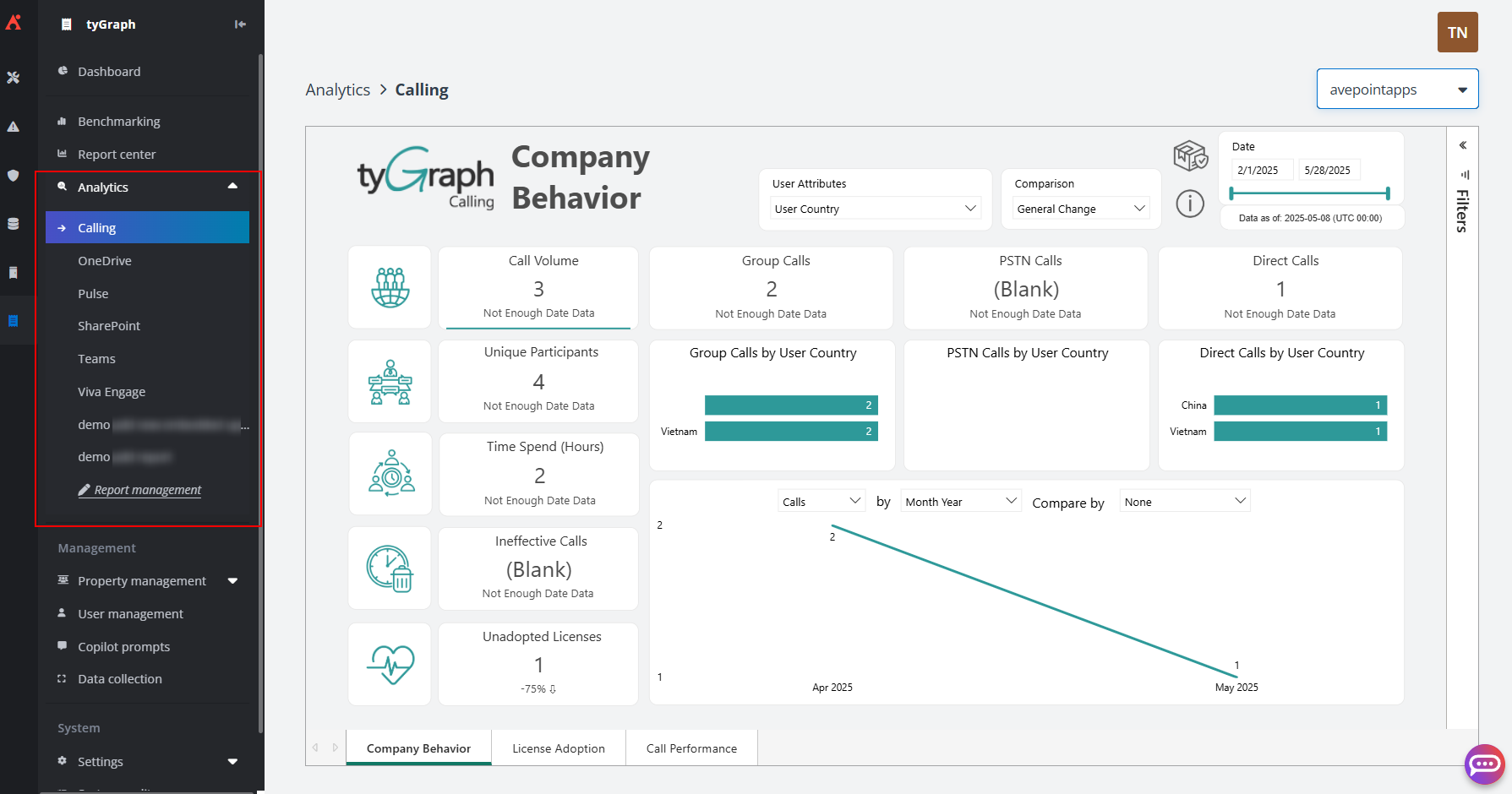
Once you have purchased the Power BI embedded module for your subscription, you can view the following visual reports for the supported modules within Analytics and you can choose to connect your custom Power BI reports to tyGraph interface using embed URLs through the Report management page. This new function centralizes analytics, enabling unique access for stakeholders across your organizations:
-
tyGraph Calling – tyGraph Calling shows you how your organization is spending its time, spots the differences in regional collaboration styles, measures external Vendor collaboration, and mature Teams adoption.
-
tyGraph for OneDrive – tyGraph for OneDrive provides detailed insights and reports on the usage of Microsoft's OneDrive for Business, which can help you gain a deeper understanding of how your employees are utilizing OneDrive to store, share, and collaborate on documents.
-
tyGraph Pulse – tyGraph Pulse provides analytics and insights for Microsoft 365, Microsoft Teams, and Viva Engage collaboration platforms. It delivers real-time metrics to help you understand how users are leveraging these platforms for communication and teamwork.
-
tyGraph SharePoint Analytics – tyGraph SharePoint Analytics provides detailed analytics into the sites, pages, and files that make up your intranet. With our SharePoint tools, you can understand collaboration and track the performance of your organization's investments in SharePoint.
NOTEEnsure the tyGraph Pages Engine app is installed to enable data collection on your SharePoint pages. For instructions on installing the tyGraph Pages Engine app, see the Install the tyGraph Pages Engine App section.
-
tyGraph for Teams – tyGraph for Teams is a comprehensive set of reports and analytics that help you better understand and better manage your teams and channels.
-
tyGraph for Viva Engage – By integrating with Viva Engage, tyGraph for Viva Engage enables administrators and community managers to understand and improve engagement across their network.