
Home > Property Management > User Attribute Options at tyGraph
Download this articleUser Attribute Options at tyGraph
At tyGraph, we utilize a wealth of user information to allow you to segment your audience. As a standard we use active directory information to populate user profiles but there are further options which we will explore in this article.
Most deployments start with Entra ID data and then augment tyGraph Reports with information they feel is valuable but missing by default. Below is the common order:
Microsoft Entra ID
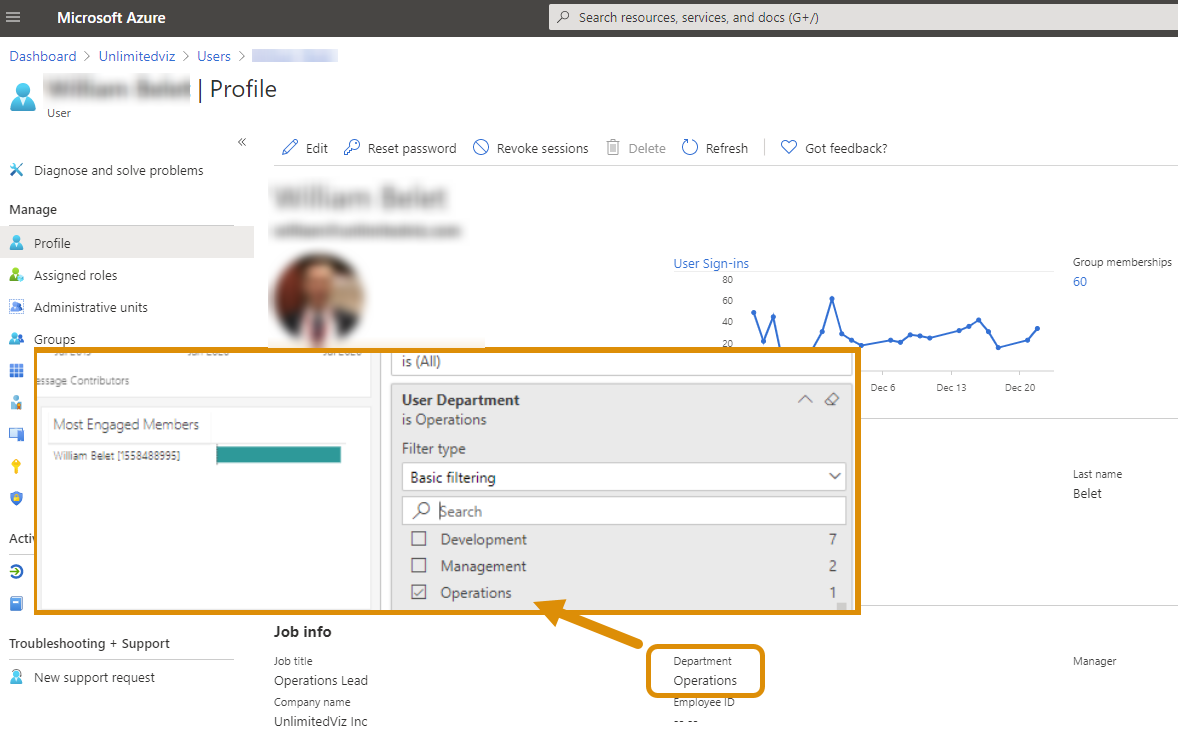
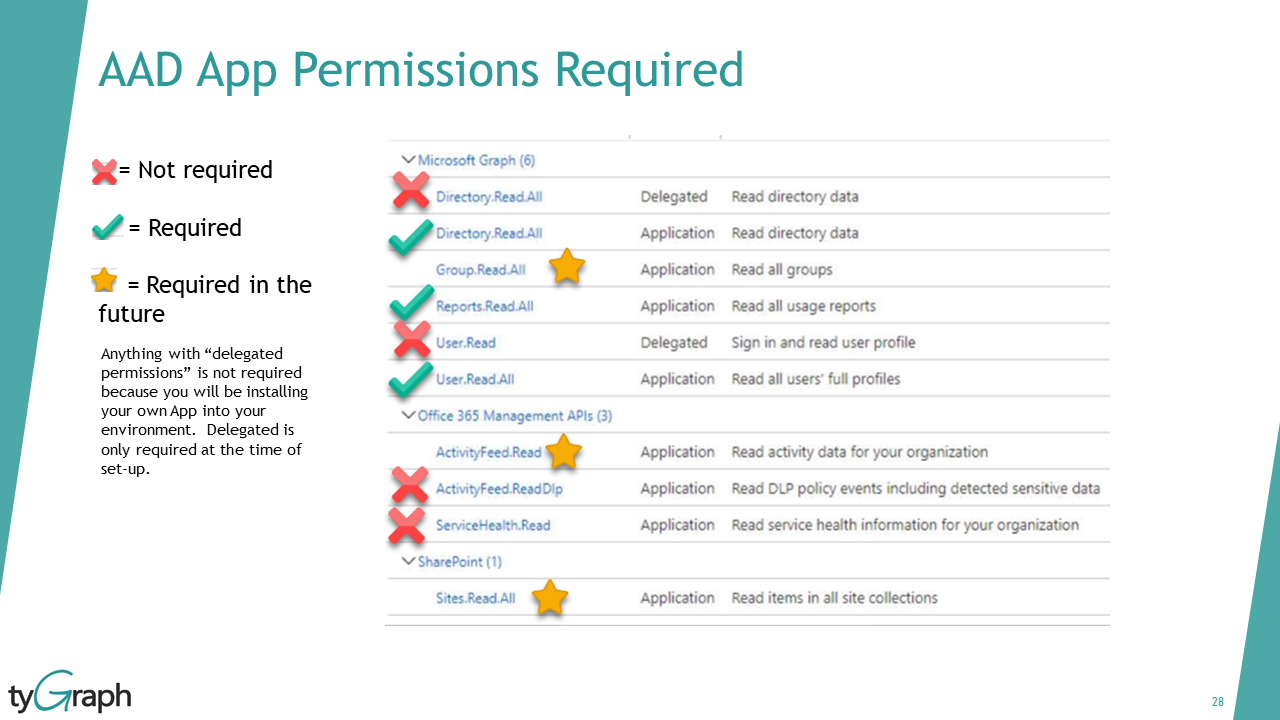
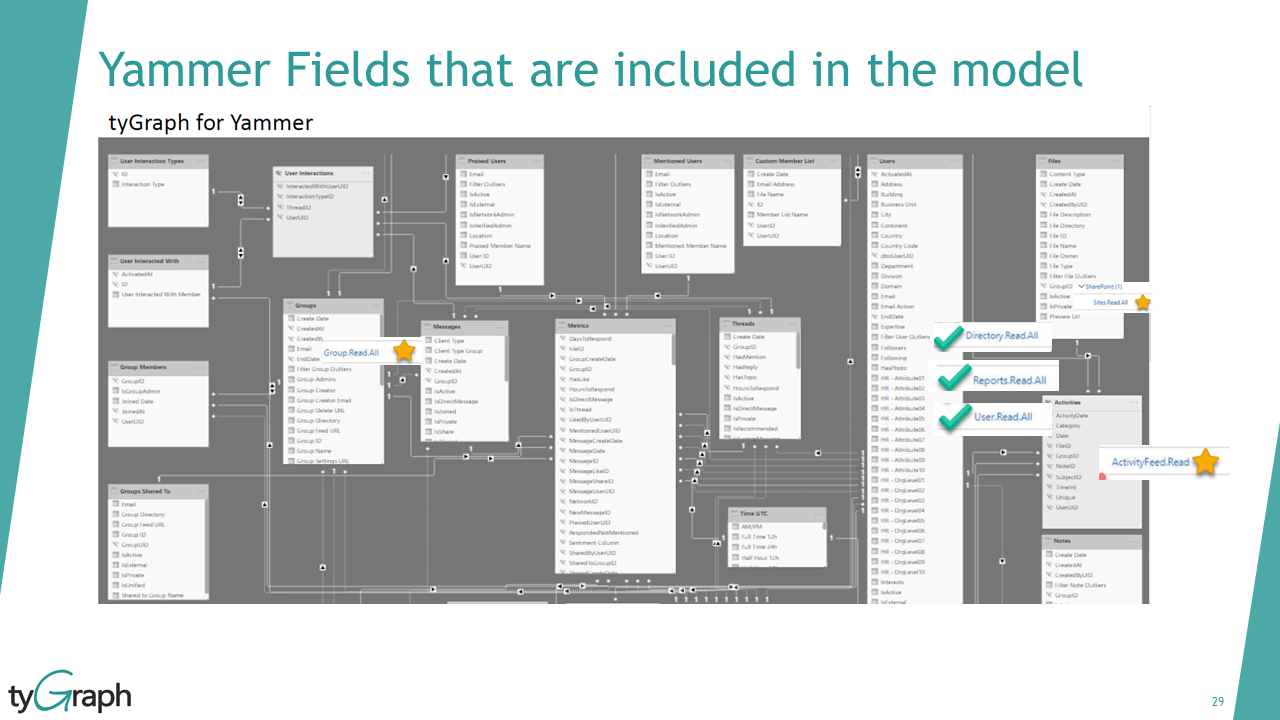
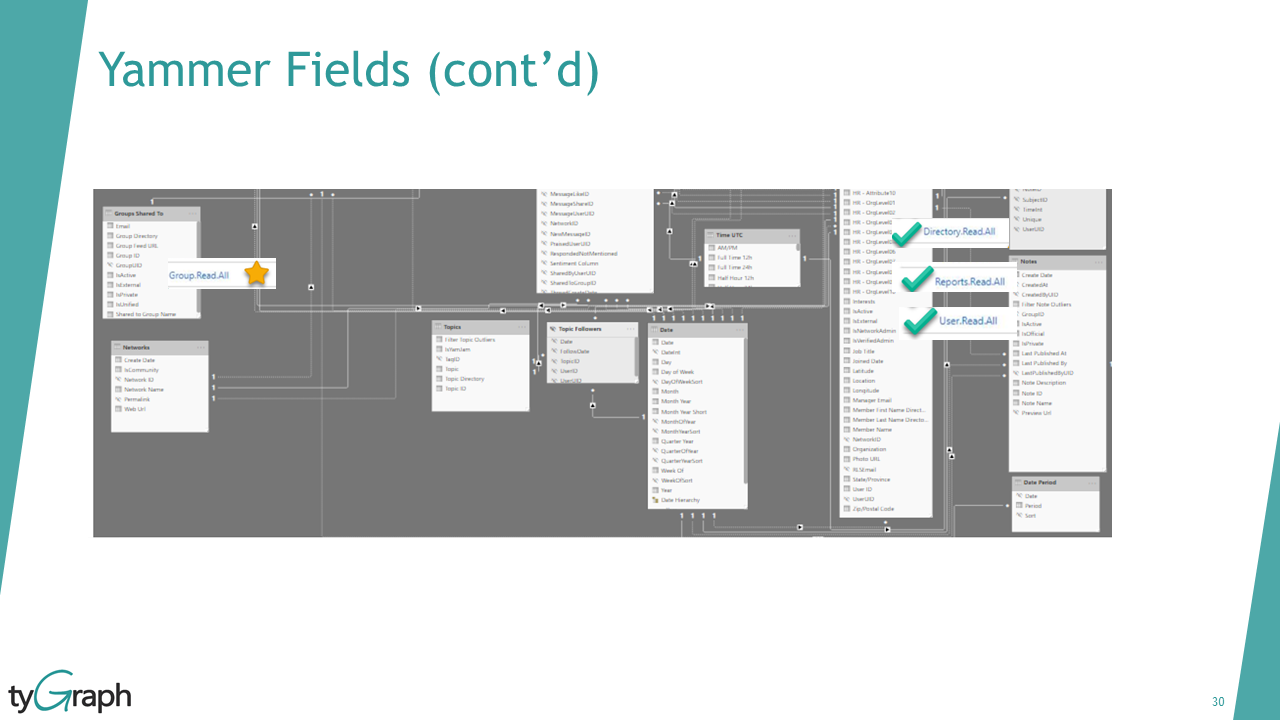
By default, all tyGraph M365 products use user Entra ID profile attributes. This allows a seamless up to date picture on your users based on the data you already maintain in Microsoft Entra ID.
Microsoft Entra ID Extension Attributes
Microsoft provides every company the ability to have 15 "Extension Attributes" which you can populate for your users. We also collect these by default at tyGraph.
If you have data from another source in your organization and can insert it into a spare extension attribute for your company it will automatically be integrated into tyGraph.
For more details, see Microsoft Entra Connect Sync: Directory extensions.
External Sources
We can ingest data into the tyGraph Matching engine through an API or export for SaaS deployments. Your data must include User Email, any attributes you would like, and follow the user property template structure.
If you have an export you would like us to integrate, please reach us at support@avepoint.com.