
Home > tyGraph Web Part > tyGraph Pages Web Parts URL Parameter Listing > Overview
Download this articletyGraph Pages Web Parts URL Parameter Listing
URL parameters can be used with the tyGraph Pages web parts to quickly access report views and review Data Engine settings. To use a Pages parameter, add the parameter string to the end of URL on your page.
Example: https://tenant.sharepoint.com/?showPageReports
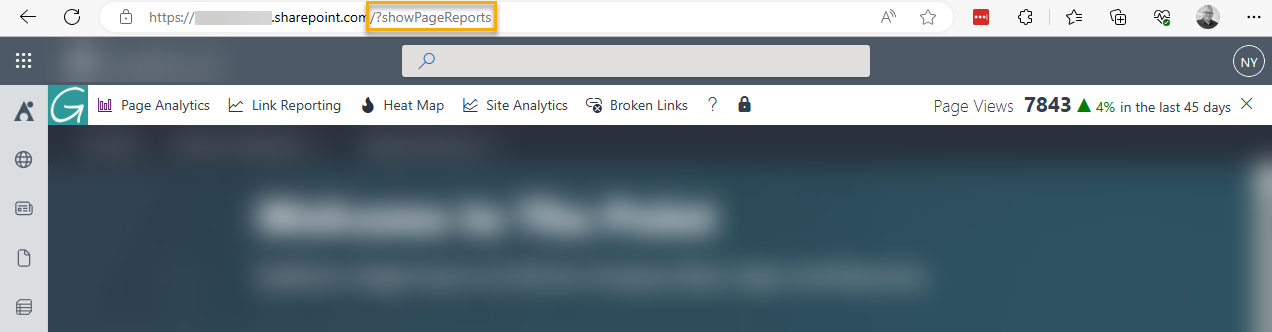
The complete listing of Pages parameters and their purpose is listed below. Please note that these parameters are case-sensitive.
| Parameter | Purpose |
|---|---|
| ?showReportBar | Activate the Report Bar |
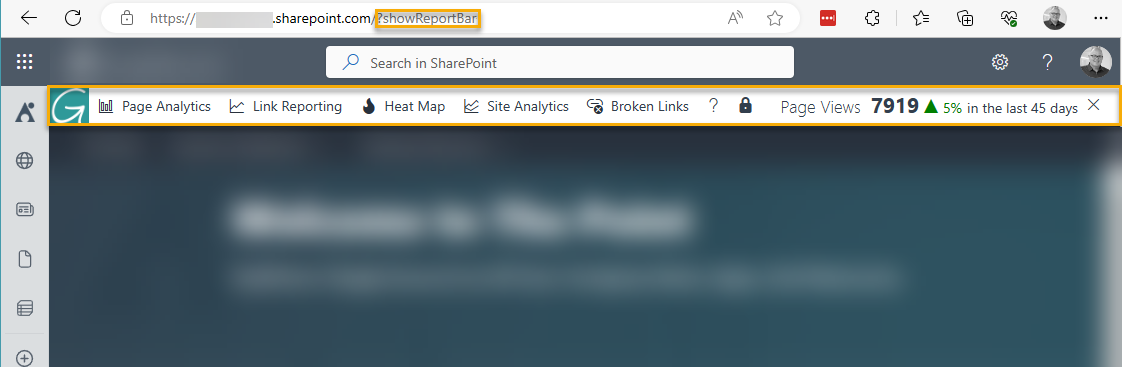 |
|?showSiteAnalytics|Show the Site Analytics Report Panel
|
|?showSiteAnalytics|Show the Site Analytics Report Panel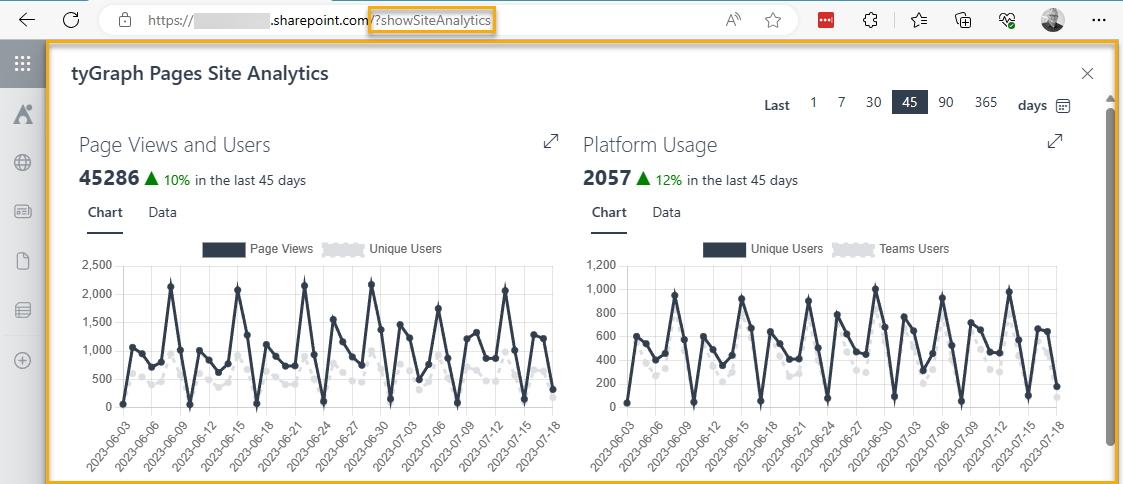 |
|?showHeatMap|Activate the Heat Map
|
|?showHeatMap|Activate the Heat Map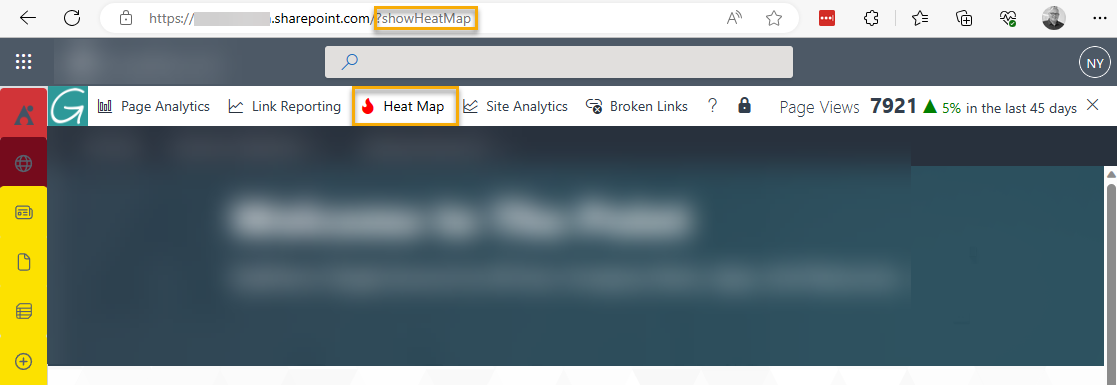 |
|?enableLinkReporting|Enable Link Reporting
|
|?enableLinkReporting|Enable Link Reporting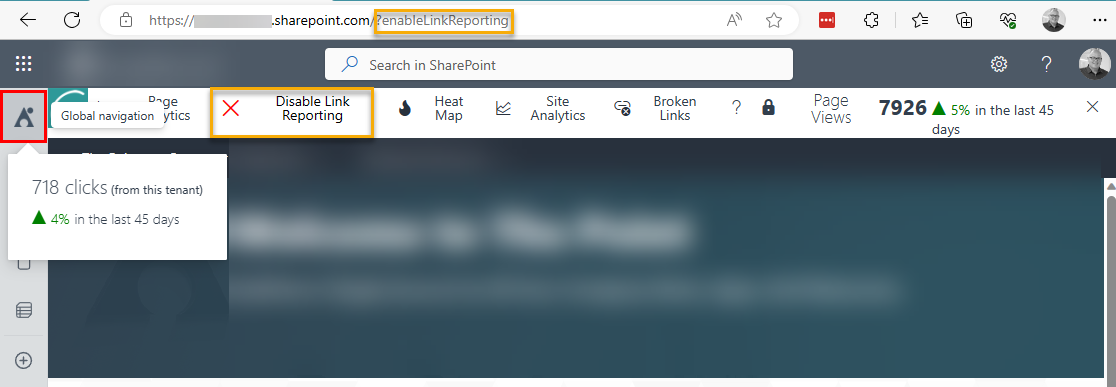 |
|?showBrokenLinks|Show Broken Links
|
|?showBrokenLinks|Show Broken Links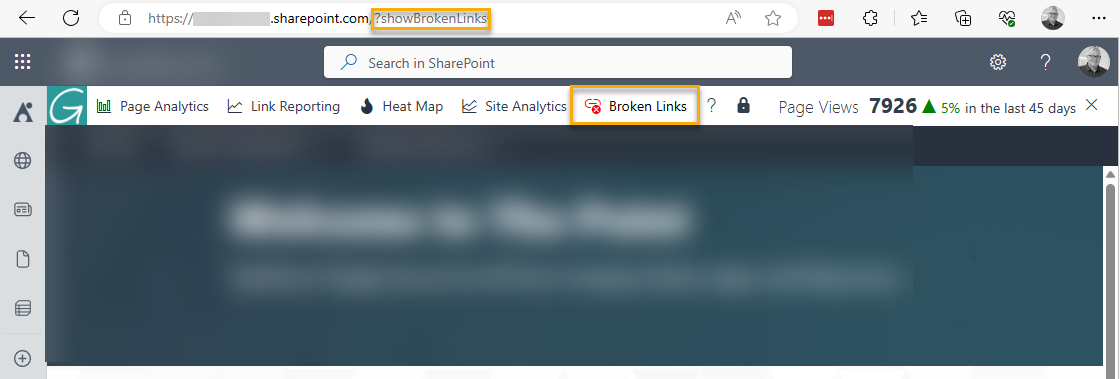 |
|?tyGraphDebug|Display debug information in the browser consoleSee Enabling Debugging in the tyGraph Pages Engine|
|?tyGraphClearCache|Clear the local browser cache of tyGraph Pages Engine
|
|?tyGraphDebug|Display debug information in the browser consoleSee Enabling Debugging in the tyGraph Pages Engine|
|?tyGraphClearCache|Clear the local browser cache of tyGraph Pages Engine
See Clearing the tyGraph Pages Engine Cache| |?tyGraphShowTenantInfo|Show the tenant configuration info for tyGraph Pages Engine