
Home > Upgrading from Legacy tyGraph to AvePoint tyGraph > Post-Upgrade Phase > Update Power BI Report Connections
Download this articleUpdate Power BI Report Connections
After AvePoint has upgraded your environment, you will need to update your connections in Power BI. We recommend getting the latest version of the reports and installing them as a new copy. This will allow you to compare your existing report to the new reports. You must complete this process for each report you are using today. Connection information and credentials can now be retrieved from AvePoint tyGraph by a tyGraph administrator.
Refer to the steps in the Connect Power BI Reports to Your Data section to install the Power BI app to view reports.
tyGraph Online Users
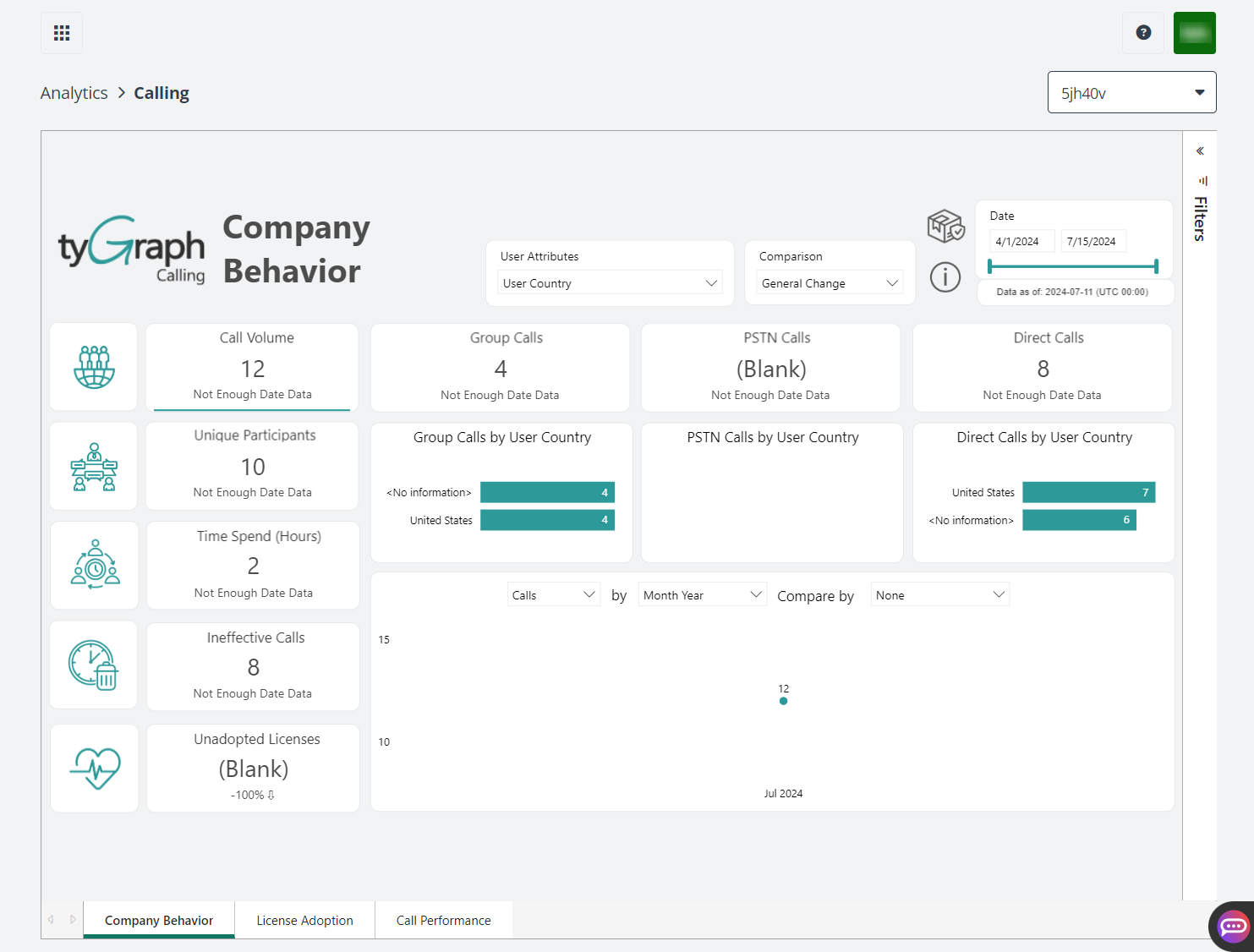
For users using tyGraph Online, your un-customized reports will be copied to the new environment and available under Analytics in AvePoint tyGraph.
For users with customized reports, you need to host them in your own Power BI environment. During the migration process, we will provide you with copies of any customized reports which you can upload to your environment. The connection process will be the same as documented in the above instructions.