
Home > Enable AI Services
Download this articleEnable AI Services
tyGraph’s AI services feature uses Azure AI services to enhance user productivity by automating prompts categorization, analyzing reports, and offering actionable insights and recommendations on each report page in Report center and the benchmarking report pages, as well as the custom dashboards. Best owner identification is powered by an automated data pipeline that delivers customer data from SQL and Kusto into the data lake, enabling reliable machine learning and analytics.
When enabled, tyGraph processes Copilot prompts using Azure OpenAI. Only prompts from licensed Copilot users are processed. Non-identifiable prompt metadata is analyzed, including prompt type, topic, sentiment score, suspicious score, language, and prompt length. The actual prompt content is not stored, and prompt data is not used to train any LLMs.
Follow the steps below to enable and configure these services for your tenants:
-
Navigate to Settings > AI services.
-
On the Enable AI services page, locate the tenant that you want to enable these services.
-
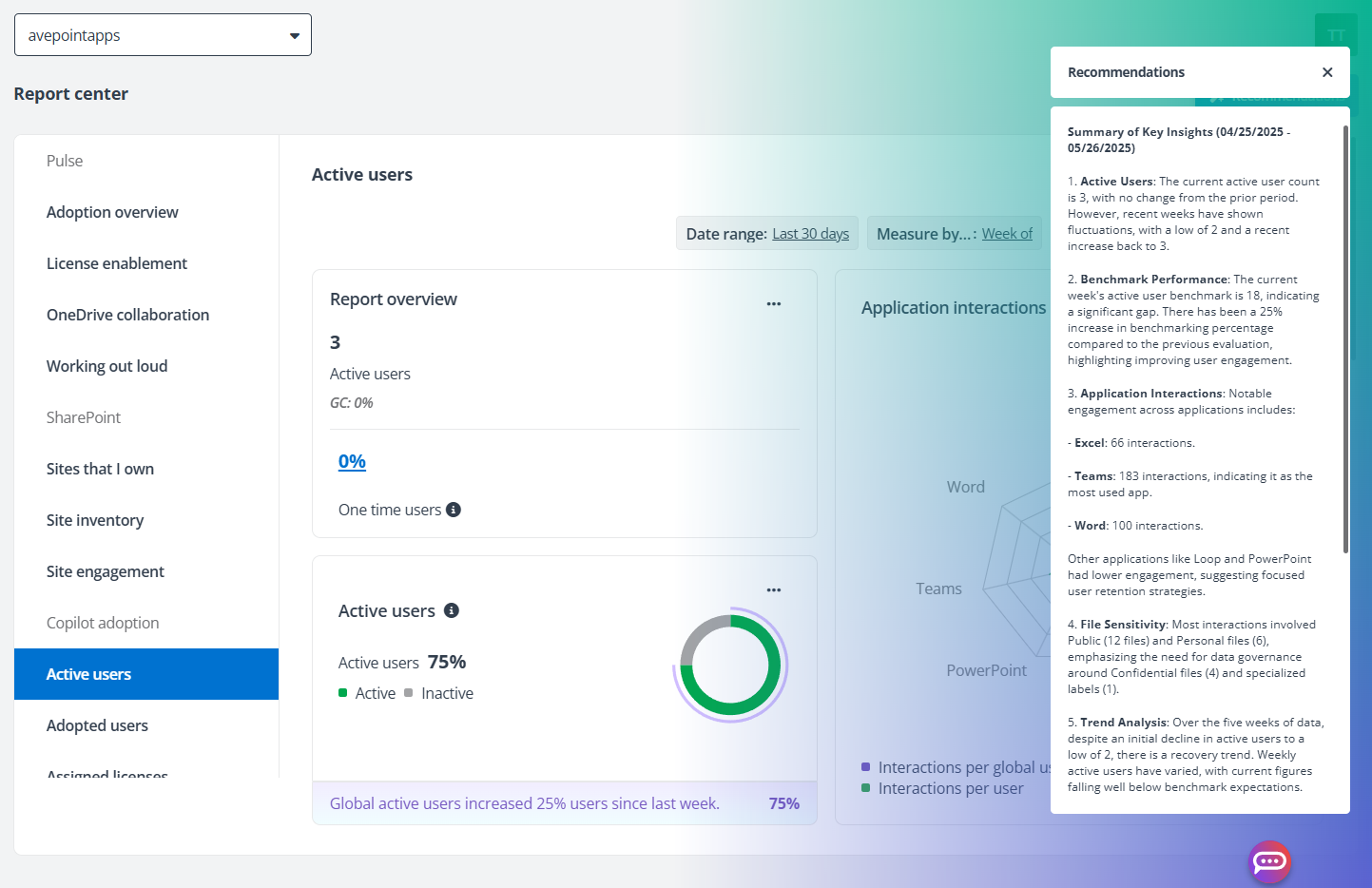
Turn on the Generate recommendations and insights using Azure OpenAI, so that the Report center users can click the Recommendations on the top-right of each report to summarize the most important take-aways and provide actionable insights and recommendations.
-
Turn off the Categorize Copilot prompts using Azure OpenAI option if you do not want to perform the prompt analysis using Azure OpenAI. With this option turned off, the Prompts report under the Report center > Copilot adoption will be disabled. Your data is never used to train AI models. For details on Copilot Prompts report, refer to Prompts.
-
Turn on the Identify best owners using machine learning model option to enable tyGraph to learn and identify the most appropriate owners based on user activity, behavior, and predicted stewardship affinity. This machine learning–driven approach analyzes patterns in your data to deliver accurate, timely ownership insights automatically without manual effort or ongoing maintenance.
-
Click Save to save your changes.