
Home > Report Center > View Clear Mode of Obfuscated Data
Download this articleView Clear Mode of Obfuscated Data
Regular users will not have access to unobfuscated data in reports if their tenants configured data privacy settings, ensuring privacy and compliance with data protection standards. Designated users can view the data while adhering to these privacy measures.
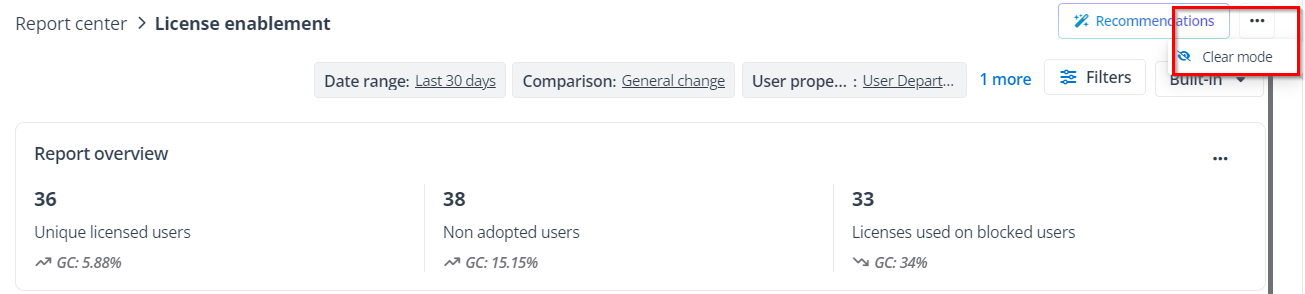
You can view clear data for obfuscated data in reports by enabling the Clear mode on the report pages.
NOTE
Ensure you have been granted permission to view clear data for specific reports.
On this page