
Dashboard
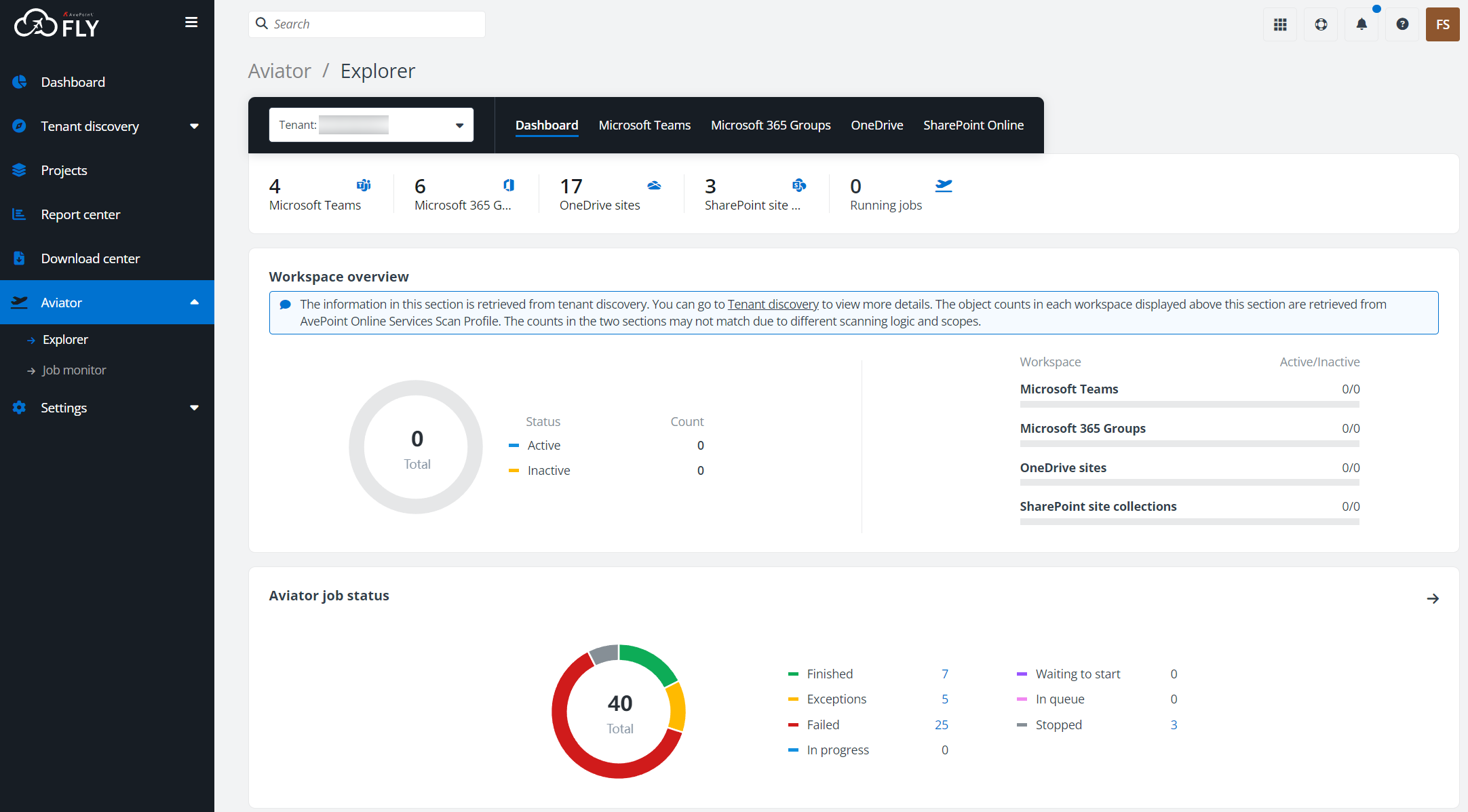
The dashboard details the Microsoft 365 object or job count of tenants selected from the Tenant drop-down list for Aviator. When selecting a tenant, you can enter the keyword of a tenant name in the search box to search for the tenant.
-
To retrieve total Teams, Groups, OneDrive sites, and SharePoint site collections in the first section, run an auto discovery job in AvePoint Online Services to scan the objects to containers.
-
To retrieve active and inactive Teams, Groups, OneDrive sites, and SharePoint site collections in the Workspace overview section, run a tenant discovery job for the workspaces in Tenant discovery.
-
To run an Aviator job to copy or merge the following data, click the Microsoft Teams, Microsoft 365 Groups, OneDrive, or SharePoint Online tab.
-
Teams, channels
-
Groups
-
SharePoint Online site collections, subsites, lists/libraries, folders
-
OneDrive sites, folders
-