
Home > System Auditor
Download this articleSystem Auditor
System auditor allows you to monitor user activities in Fly. Navigate to System > System auditor to view the activities of all users in Fly.
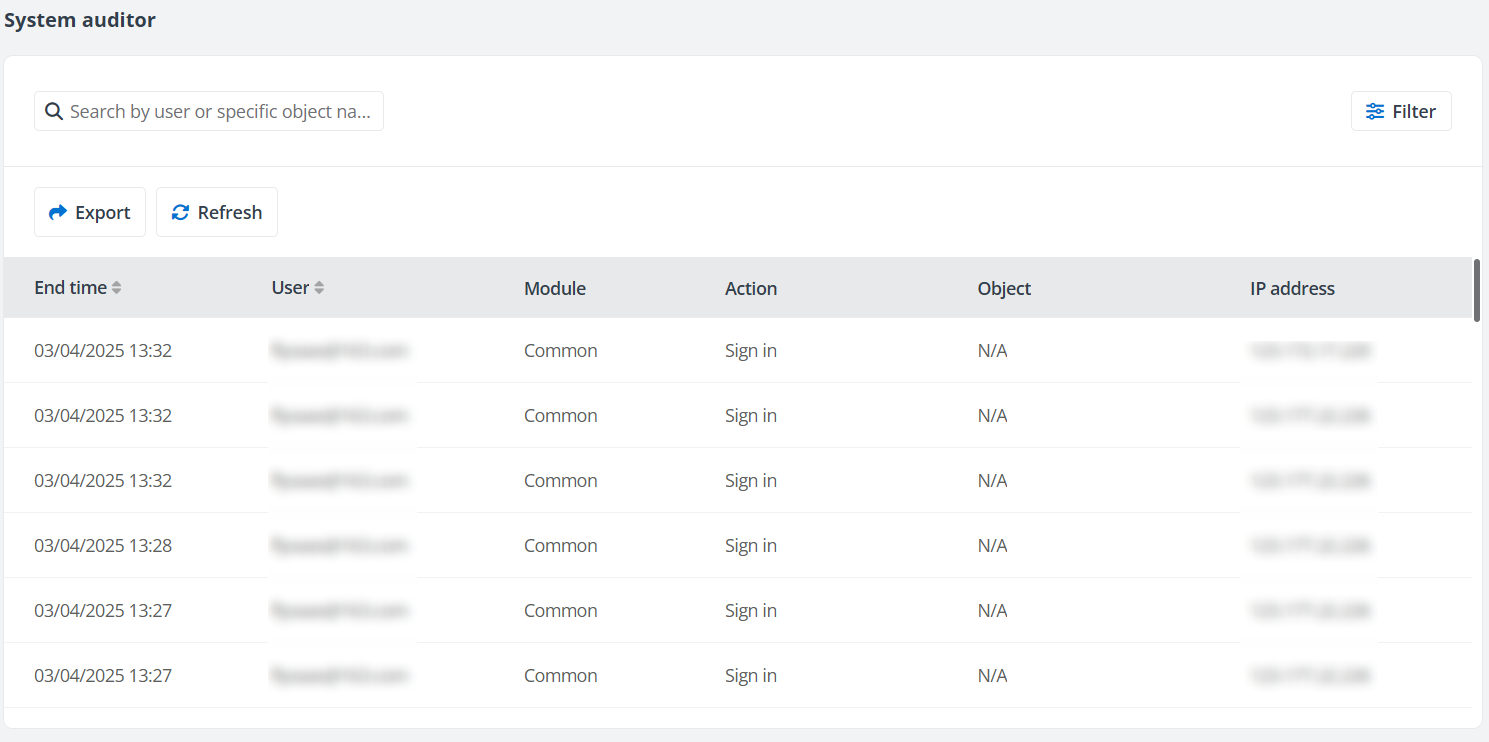
You can perform the following actions on the System auditor page.
-
Export – Click Export to export all user activities within the selected data range to an Excel file.
-
Refresh – Click Refresh to refresh the user activities listed in the table.
-
Filter – Click Filter to filter user activities by Module or Data range.
-
Search – Search user activities by entering the keyword of the username or specific object name in the search box.
On this page