
Home > Perform OneDrive Migrations > Post-migration
Download this articlePost-migration
After the domain name of your source tenant is changed to your destination tenant for go-live, you can choose one of the following options to migrate the source new or modified data:
-
Option 1: Update the domain names of the source and destination user email addresses configured in project mappings, and then perform an incremental job.
-
Option 2: Directly perform an incremental job since Fly now can migrate data based on the object GUIDs.
If you choose option 1, refer to the following steps to change the domain names of source and destination users/objects:
-
Click Projects in the left pane to access the Projects page, and click the name of a project.
-
On the Project mappings page, select one or multiple mappings for which you want to change domain names.
-
Click Post-migration, and select Change mapping domain to change domain names for the users/objects. Note that the source domains of your selected mappings must be the same. The destination domains of your selected mappings must be the same.
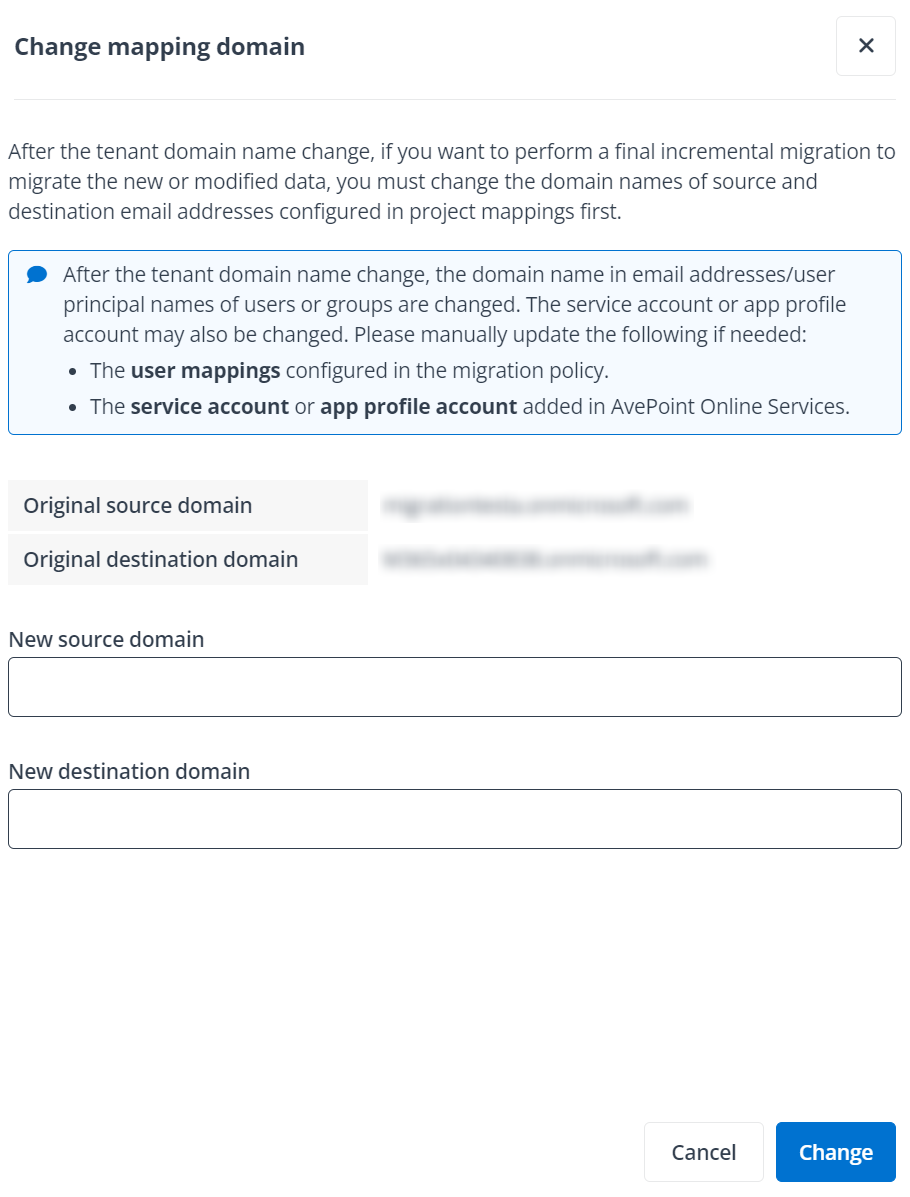
In the Change mapping domain panel, the original source domain and destination domain of users/objects are automatically displayed.
-
Enter a new source domain and destination domain for the users/objects, and click Change to change the domain names.
After changing the domain names, the original domain names of the source and destination users/objects will be updated to the new domain names.