
Home > Content Sources > Information Lifecycle > Google Drive (Preview) > Overview
Export to PDFGoogle Drive (Preview)
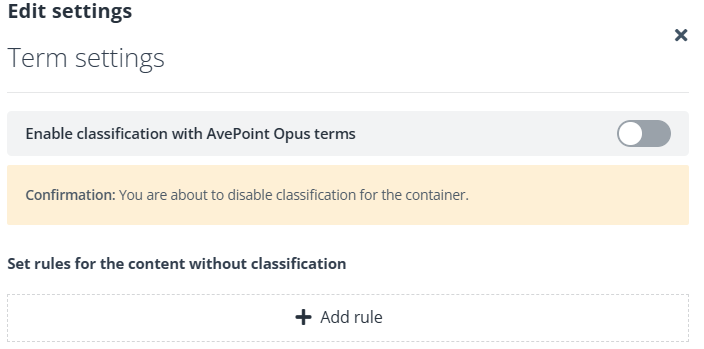
Based on whether to enable classification with terms, you can manage Google Drive content (files only) with or without terms.
Manage Google Drive Files withTerms
To manage Google Drive files with terms, you need to perform the following operations in order:
-
Configure settings on a tree node to classify the content.
-
Run an Apply settings job to apply the configured settings to content. Therefore, rules associated with the configured terms will be applied to the content.
-
Run an Enforce rule actions job to enforce rule actions on content to manage the content.
Manage Google Drive Files withoutTerms
To manage Google Drive files without terms, you need to perform the following operations in order:
-
Create rules on a tree node to define the content that you want to manage.
-
Run an Enforce rule actions job to enforce rule actions on content to manage the content.