
Home > Appendices > Appendix B – Change the Organization Name Displayed in AvePoint Cloud Governance
Download this articleAppendix B – Change the Organization Name Displayed in AvePoint Cloud Governance
In the AvePoint Cloud Governance interface, you can see your organization name when selecting a scope. This name was defined when your organization was set up in AvePoint Online Services.
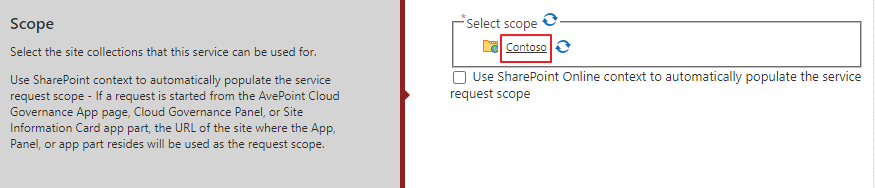
If you want to change the organization’s name, refer to the instructions below:
-
Navigate to AvePoint Online Services.
-
Click your username in the upper-right corner and select Organization profile.
-
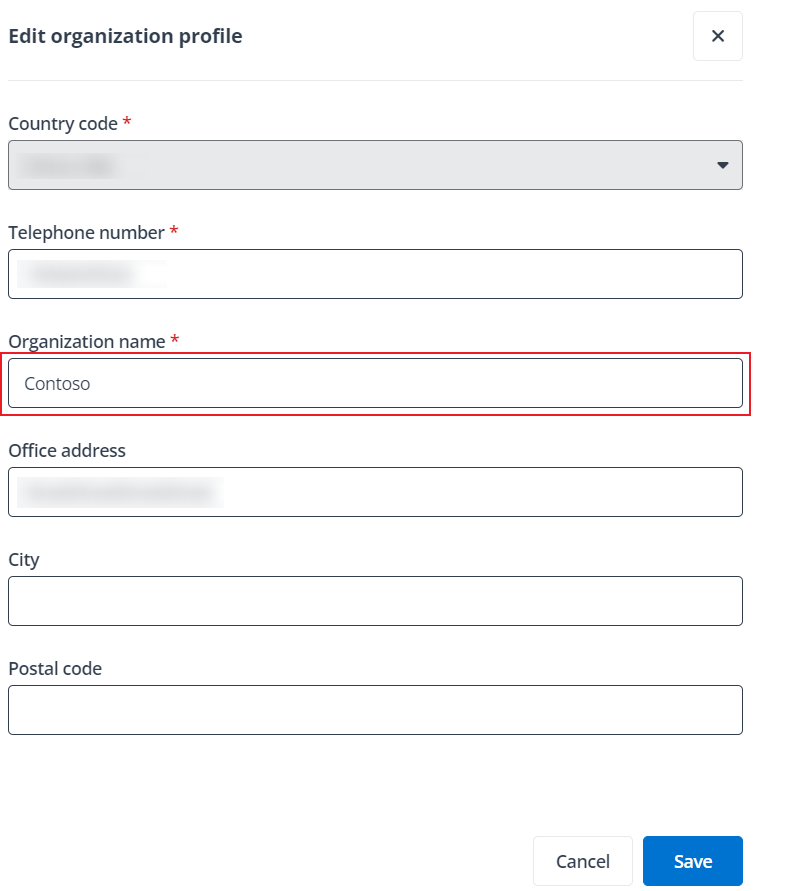
Click Edit to edit the organization profile and enter a new name in the Organization name field.
-
Click Save to save your changes.
On this page