
Home > Protected Data Size Calculation > Azure VM, Azure Storage, Azure SQL Database, Azure PostgreSQL, and Cosmos DB
Download this articleAzure VM, Azure Storage, Azure SQL Database, Azure PostgreSQL, and Cosmos DB
Follow the instructions below to calculate the protected data size for Azure VMs, Azure storage, Azure SQL databases, Azure PostgreSQL databases, or Cosmos DB databases.
-
Make sure you have downloaded the script package. Extract the package to locate the script for your desired service.
-
Sign into the Microsoft Azure portal and open the Cloud Shell window.
-
In the Cloud Shell window, execute the command lines from the corresponding script to check the protected data size for your desired service. For details on using the Azure Cloud Shell, refer to How to use the new user interface for Azure Cloud Shell.
-
Upon execution, the protected size data for the corresponding service will be listed.
-
Azure VM - The protected size of each VM and disk, and the total protected size.

-
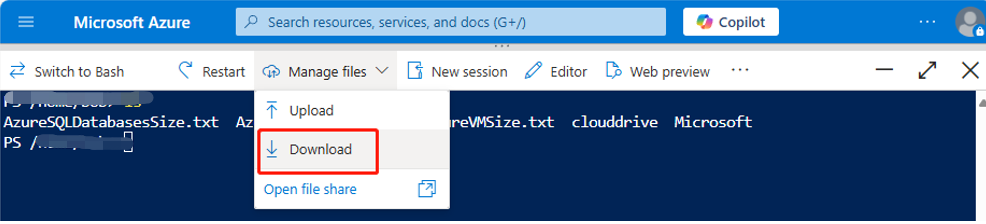
Azure Storage - The protected size of each blob container and file share, and the total protected size.
-
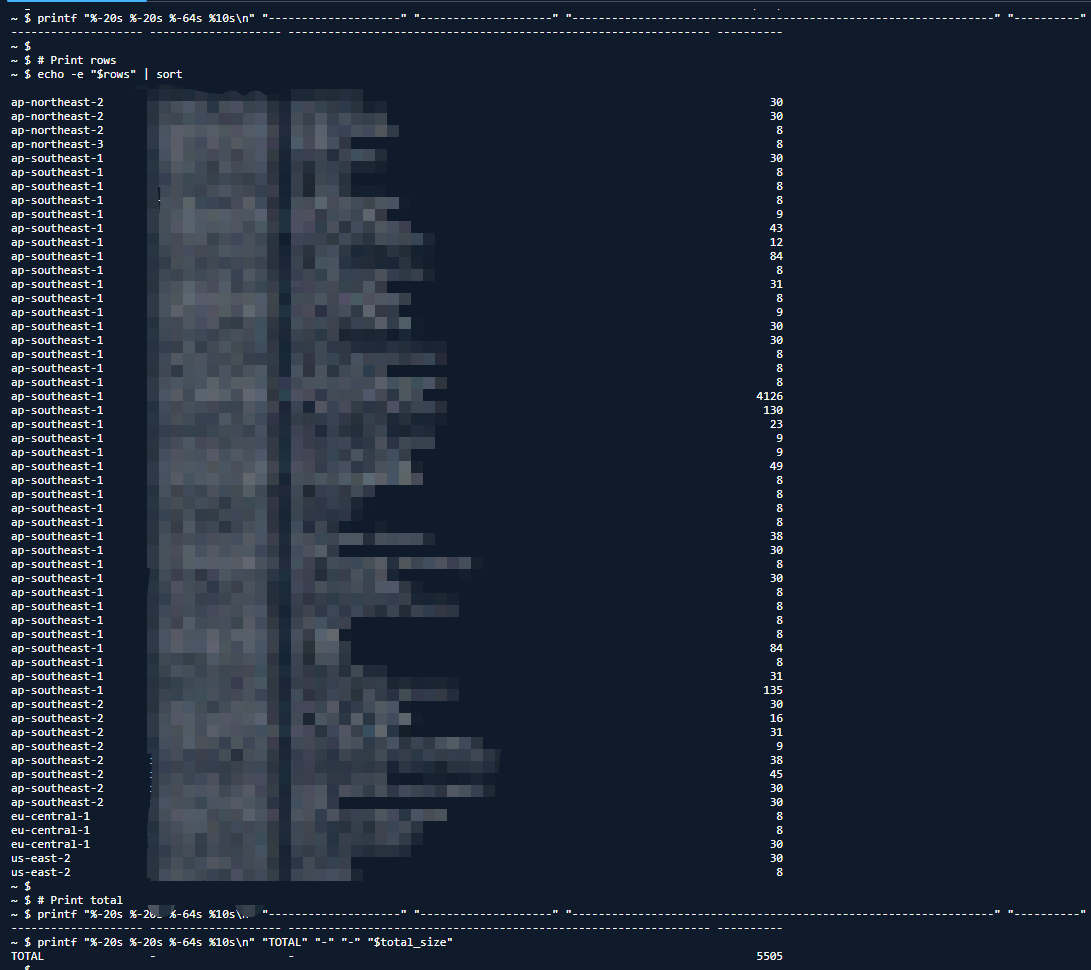
Azure SQL Database - The AllocatedSpace size of each database and the total AllocatedSpace size.
-
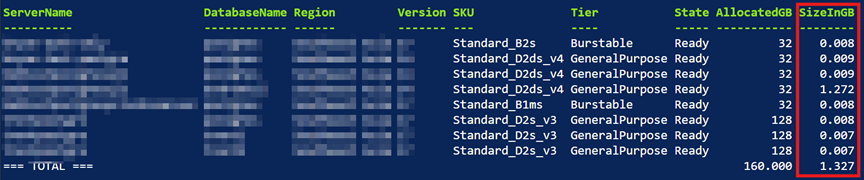
Azure PostgreSQL Database - The protected size of each database and the total protected size.
-
Cosmos DB Database – The protected size of each database and the total protected size.

-
-
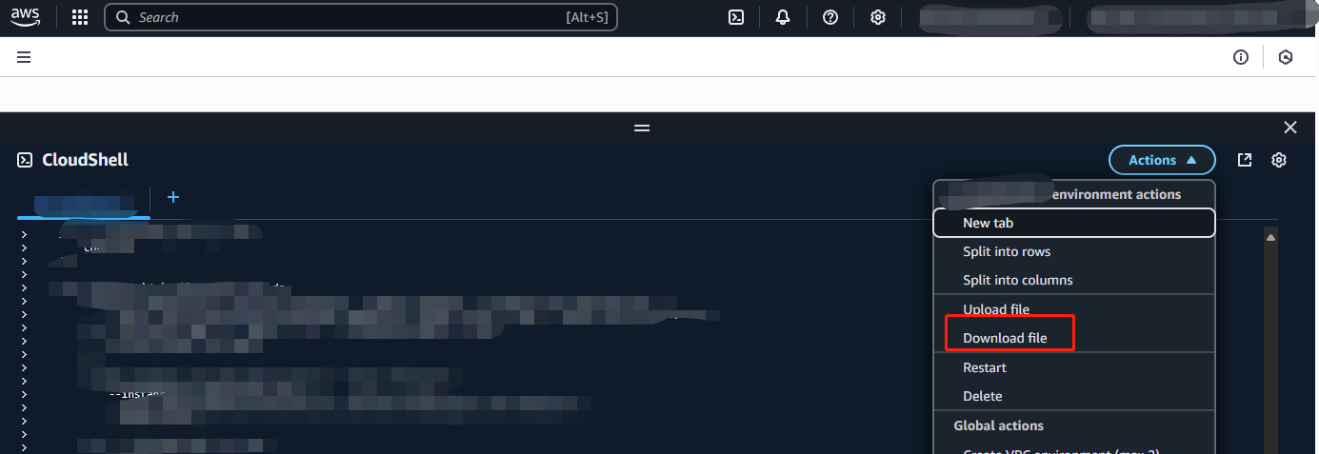
To save the results, click Manage files and then click Download to download the output as a txt file. Name the txt files as follows:
-
Azure VM - AzureVMSize.txt
-
Azure Storage - AzureStorageSize.txt
-
Azure SQL Database - AzureSQLDatabaseSize.txt
-
Azure PostgreSQL Database - AzurePostgreSQLSize.txt
-
Cosmos DB Database – AzureCosmosDBSize.txt
-