
Home > Get Started > Enable Backup for Amazon EC2 Instances, Amazon S3, or AWS Platform Configurations > Create an Access Key
Download this articleCreate an Access Key
To authenticate the requests for backup and restore, you must provide an access key (an access key ID and a secret access key).
Follow the steps below to create an access key for this user:
-
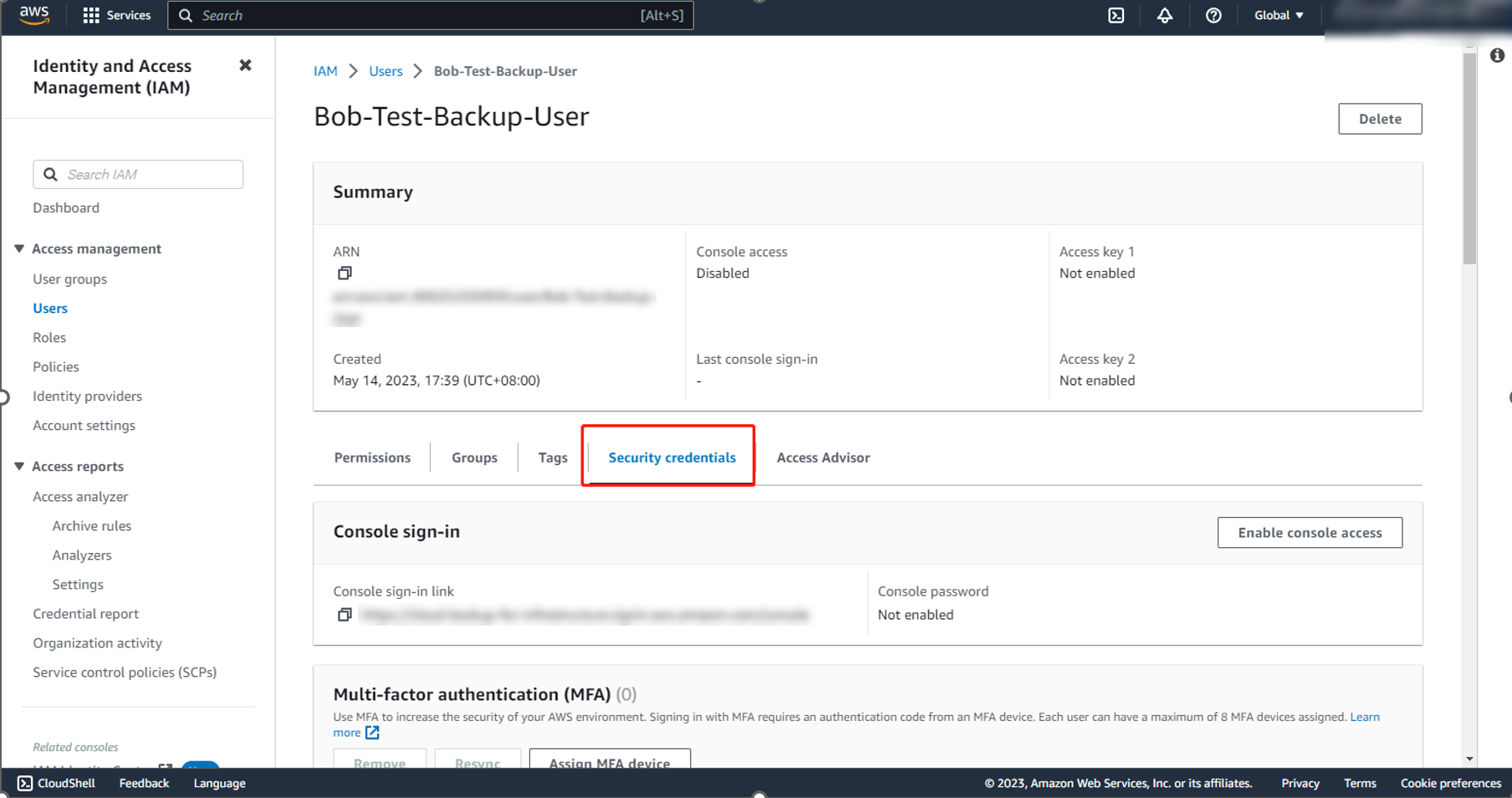
Go to the user details page and expand the Security credentials tab.
-
In the Access keys section, click Create access key.
-
On the Access key best practices & alternatives page, select Third-party service option.
-
In the Retrieve access keys page, copy the access key and the secret access key or choose to download a .csv file to store the information.
On this page