Home > Restore and Recover Your Data > Microsoft Entra ID > Copy BitLocker Recovery Keys
Download this articleCopy BitLocker Recovery Keys
To copy the BitLocker keys for the devices, follow the steps below:
-
Go to the Restore page and click the Microsoft Entra ID tile.
-
Click the Recovery point tile.
-
In the restore wizard, a calendar displays all the data recovery points. You can choose whether to display the finished with the exception jobs in the calendar by selecting the Include jobs with only partial backup data option.
-
Hover over the data recovery point to view the job details, including the job status, job start time, scope name, scope ID, job ID, backup size, and the number of objects in a backup., and click the data recovery point that you want to use in the calendar.
-
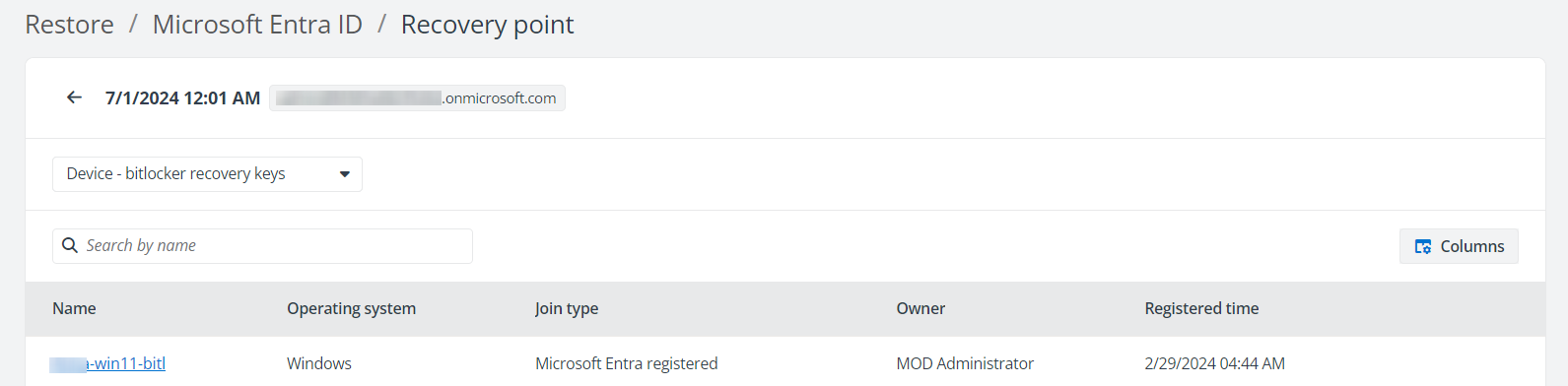
Select Device – bitlocker recovery keys from the object type filter. You can manage the columns to adjust the view of bitlocker recovery keys.
-
Click the device name to find all the BitLocker keys that you can copy.
-
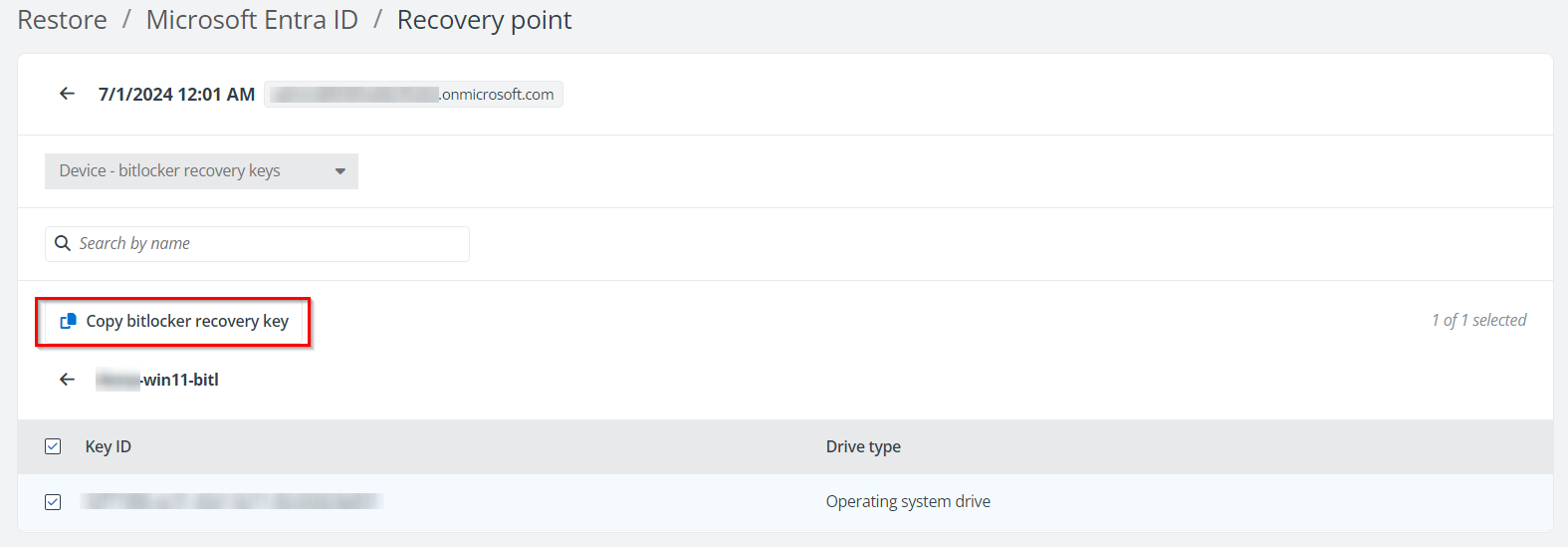
Click the Copy bitlocker recovery key button to copy the recovery key for the corresponding key ID.