
Home > Manage the Backup Scopes for Microsoft Entra ID
Download this articleManage the Backup Scopes for Microsoft Entra ID
You can only define a single backup scope for each app profile. Once you have created a scope, you cannot add this directory to another one. The backup service for Microsoft Entra ID will perform one backup job a day. Backup job frequency is currently not editable.
-
To create a new backup scope for Microsoft Entra ID, refer to Create a New Backup Scope for Microsoft Entra ID.
-
For the existing backup scopes, you can perform the following actions:
-
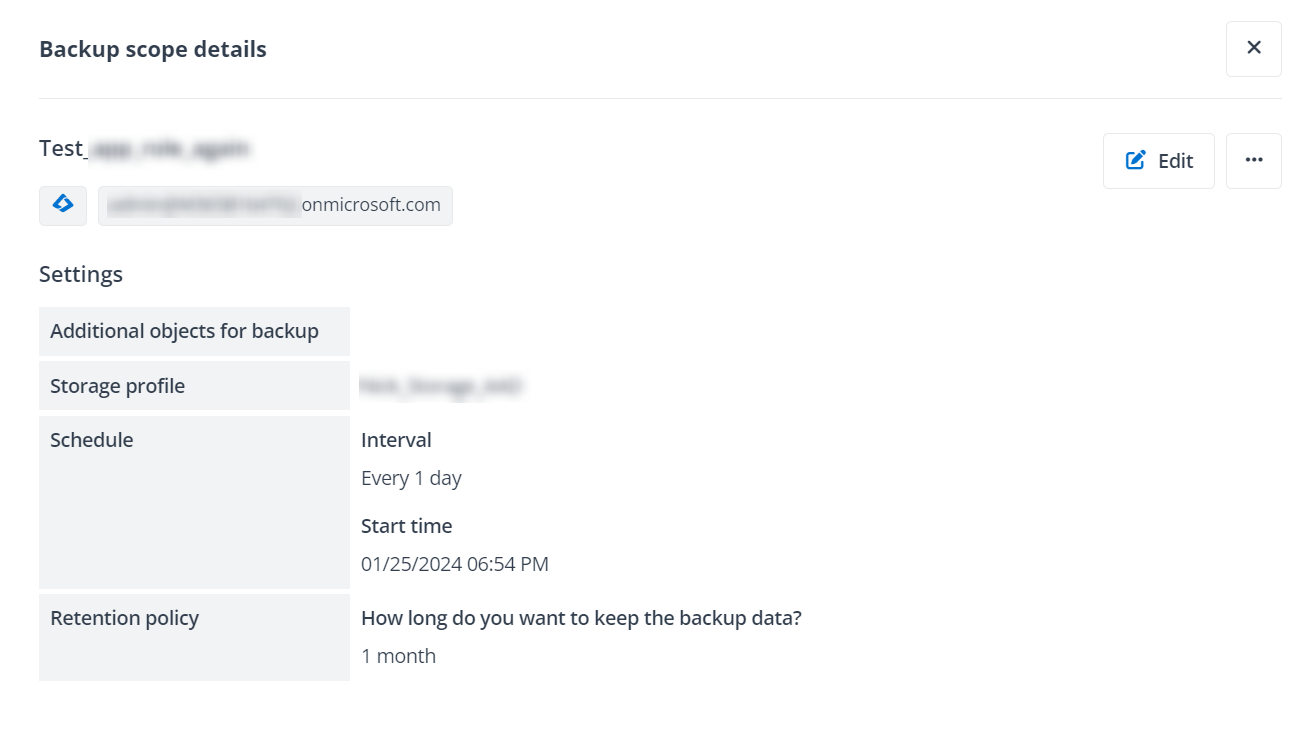
Edit - To edit a backup scope, you can select a backup scope and click Edit button on the command bar, or you can click the Edit button when you are viewing the backup scope details. For details on the backup scope settings, refer to Create a New Backup Scope for Microsoft Entra ID.
-
Delete - To delete a backup scope, you can select a backup scope and click Delete button on the command bar, or you can click the Delete option from the More actions list when you are viewing the details of a backup scope. You can also select multiple backup scopes to delete. When deleting backup scopes, you can select how to handle your backup data: keep the data and follow the configured retention policy, keep the data for 30 days before deletion, or delete the backup data immediately
-
Run backup now - If you want to start a backup immediately, you can select a backup scope and click Run backup now, or you can click the Run backup now from the More actions list when you are viewing the details of a backup scope.
-