
Home > Manage CAP Gateways
Download this articleManage CAP Gateways
The CAP Gateway mode is a secure and efficient solution designed to enhance your cloud data protection. Installing gateways within your cloud environment ensures data residency and enhanced security. Choose CAP Gateway mode if you need to host backups within your own compute in your virtual network, have specific regulatory requirements, or want granular control over infrastructure and data flow.
Before configuring CAP gateways on CAP Gateways page, you can refer to Get Started to check requirements and prepare.
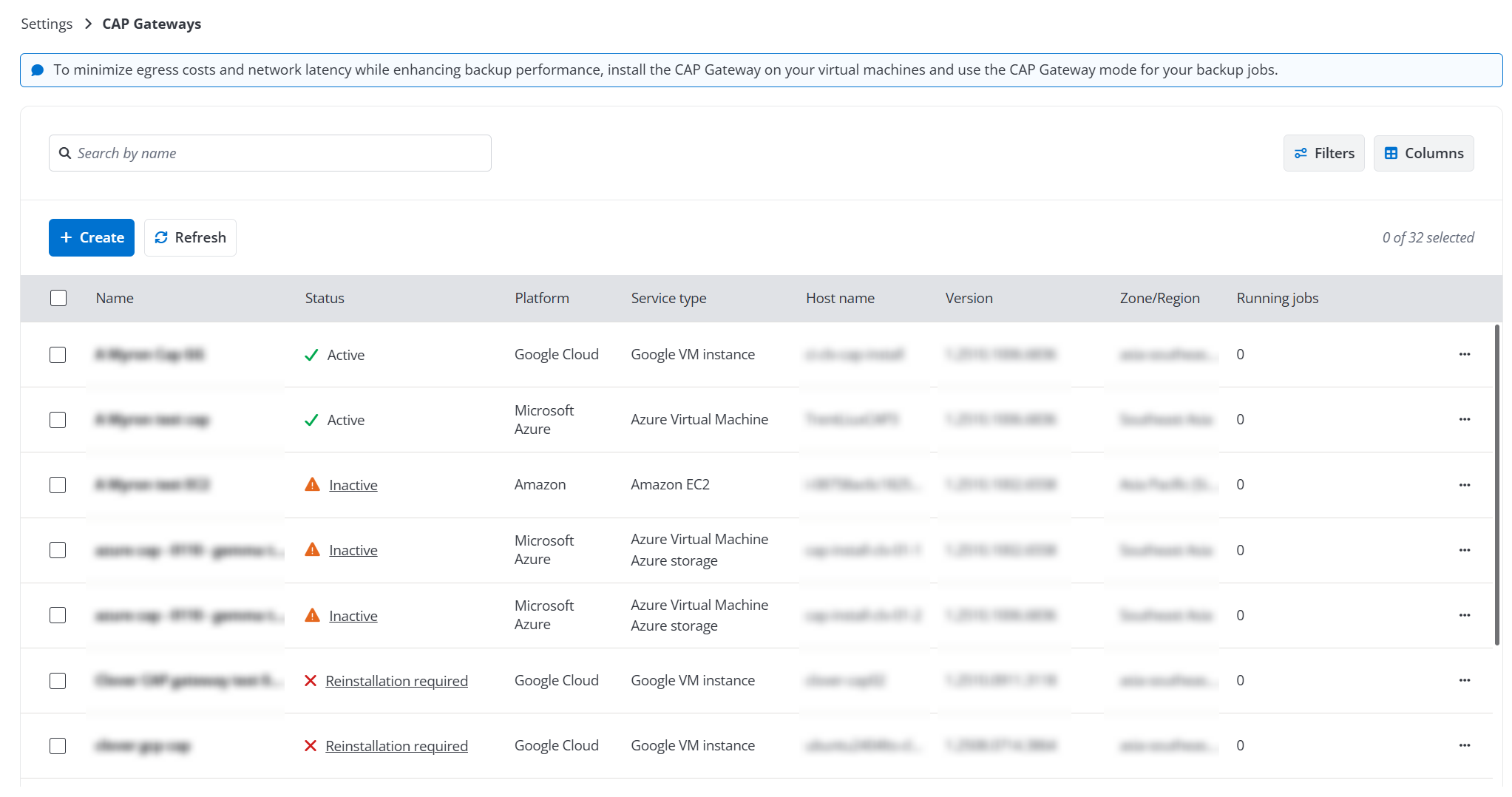
-
To create a new CAP Gateway, refer to Create a New CAP Gateway.
-
For the existing gateways, you can perform the following actions:
-
Edit - To edit a gateway, you can select a gateway and click Edit button on the command bar, or you can click the Edit button when you are viewing the gateway details. For details on the gateway settings, refer to Create a New CAP Gateway.
-
Delete - To delete a gateway, you can select a gateway and click Delete button on the command bar. You can select multiple gateways to delete.
-
Install - To install a gateway in your environment, you can select a gateway and click Get package button on the command bar. For details on the gateway installation, refer to Install a CAP Gateway.
-
Upgrade - When a new gateway package version is available, the Version column will show the Updates available link. To upgrade a gateway package, you can either click this link or select a gateway and click the Upgrade button on the command bar. You can choose to upgrade the gateway automatically or manually. If you choose a manual upgrade, after upgrading the package to the new version for an installed gateway, you must reinstall it in your environment. For detailed instructions, refer to Install a CAP Gateway.
-
Refresh - The gateways will be automatically refreshed every 15 minutes to update their status. You can also refresh a specific gateway manually. To refresh a gateway, you can select a gateway and click Refresh button on the command bar.
-