
Home > Manage Dynamic Services > Settings > Change the Look
Download this articleChange the Look
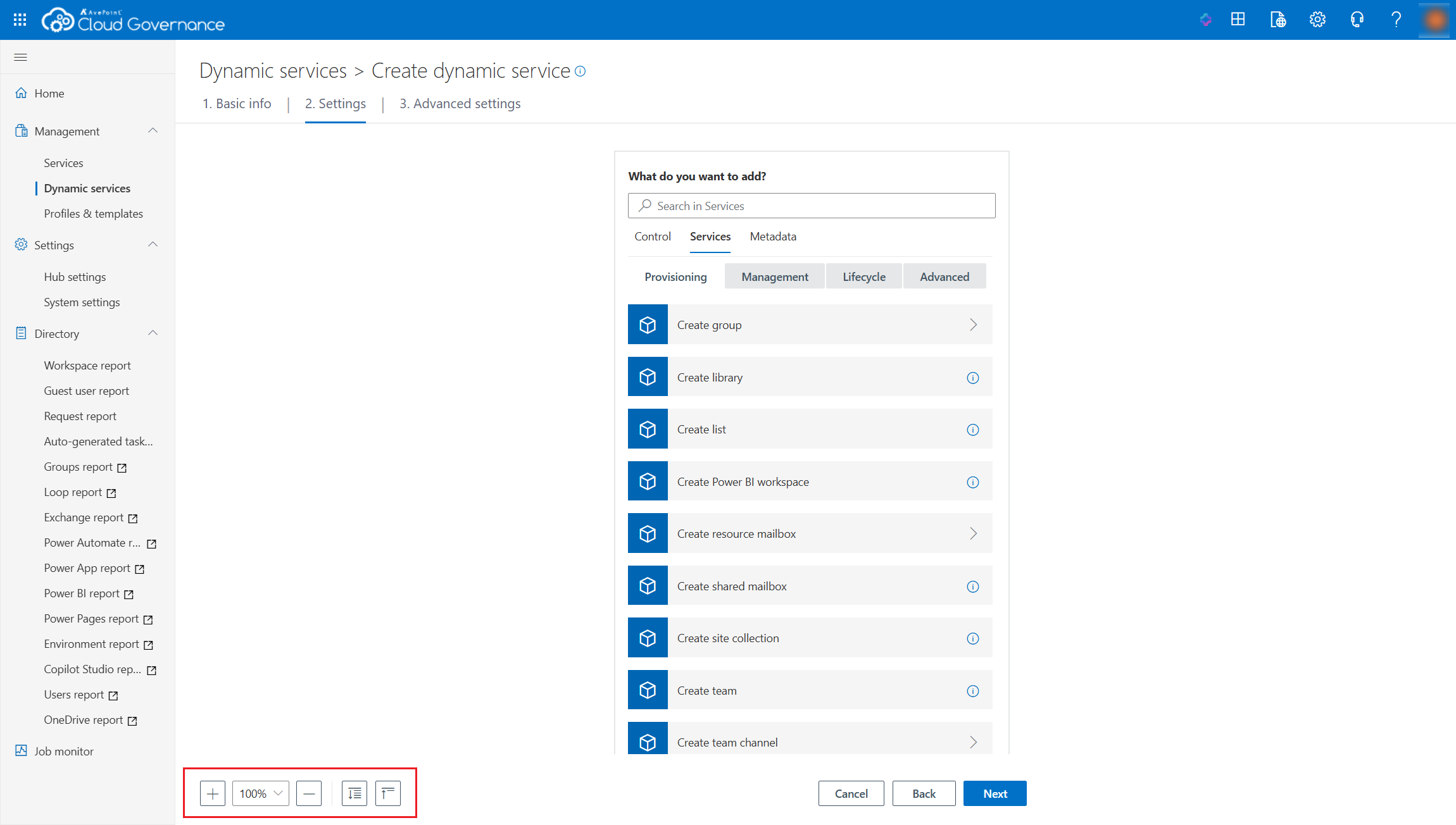
You can perform the following actions on the page to change the look:
-
Zoom in or zoom out – You can click the Zoom in button to zoom in on the page or the Zoom out button to zoom out on the page. You can also choose a zoom percentage from the drop-down list.
-
Expand all – You can click the Expand all button to expand all cards in the flow.
-
Collapse all – You can click the Collapse all button to collapse all cards in the flow.
When you complete the configurations, click Next and go to configure settings on the next page.
On this page