
Home > Use Insights for Google > Risk Analysis > View Detailed Information of Drives
Download this articleView Detailed Information of Drives
On the Detailed information page, you can view the name of the drive on the top. This page is made up of several tabs: Activities, Statistics, and Details.
-
Activities – All activities within the drive are displayed. Deselect the Show all activities within this workspace option to only show the activities of this drive. You can click Export to export the displayed activities or click Refresh to refresh the activities displayed in the table.
-
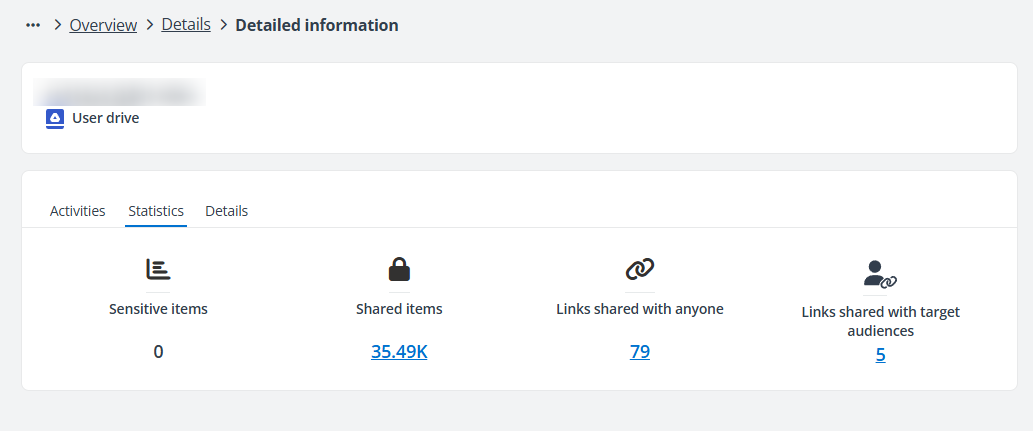
Statistics – You can view the numbers of sensitive items, shared items, links shared with anyone, and links shared with target audiences. Clicking the number link under each statistic allows you to access the corresponding page with detailed objects displayed.
-
Details – You can view the basic information of the drive, as well as the risk information.