Home > User Guide > View Subscription Information
Export to PDFView Subscription Information
To view the subscription information, click Subscription on the left navigation. The Subscription section provides reports under the Dashboard and Usage tabs.
*Note: The subscription information is only visible for an enterprise subscription of Cloud Backup for Google Workspace.
Under the Dashboard tab, you can view the information on the following panes:
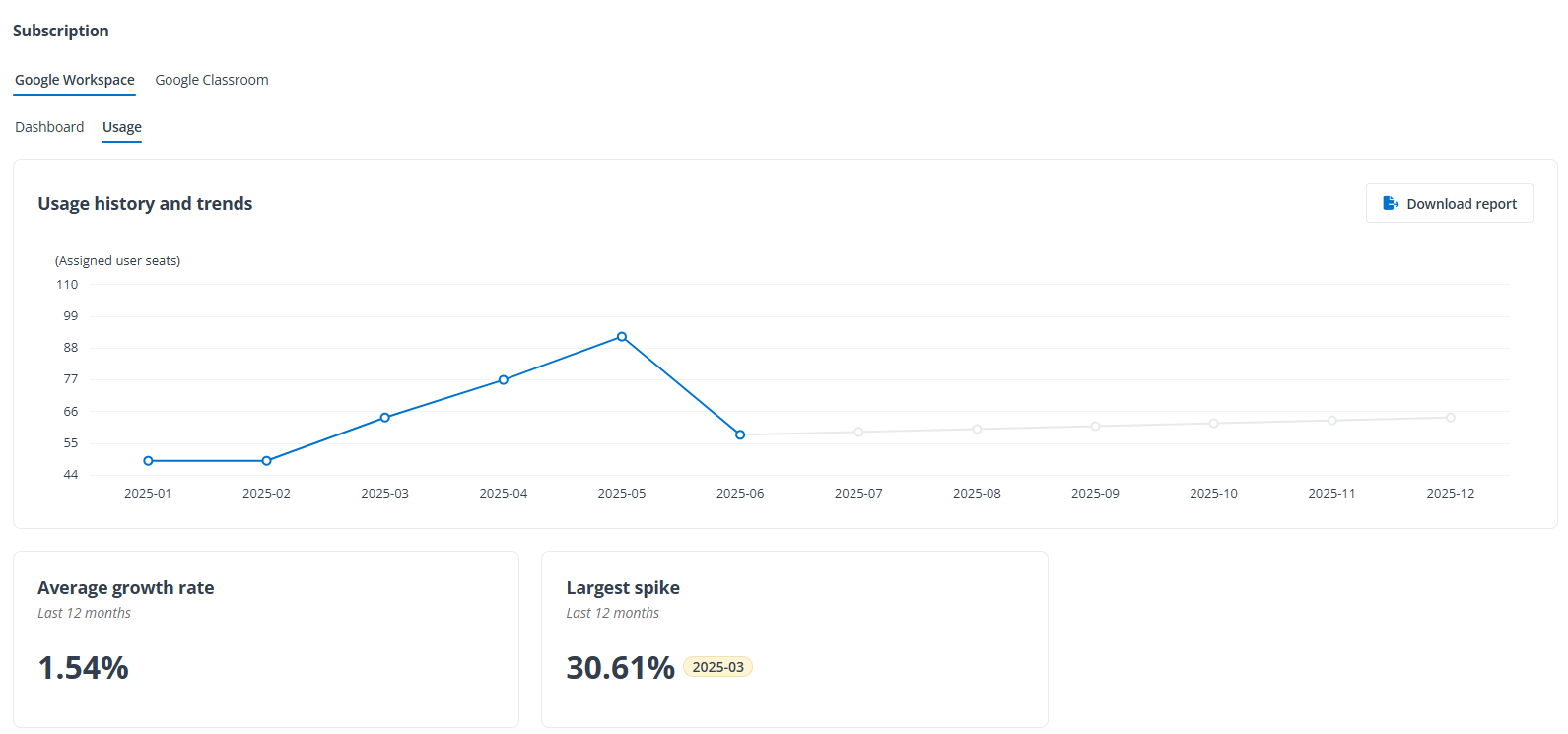
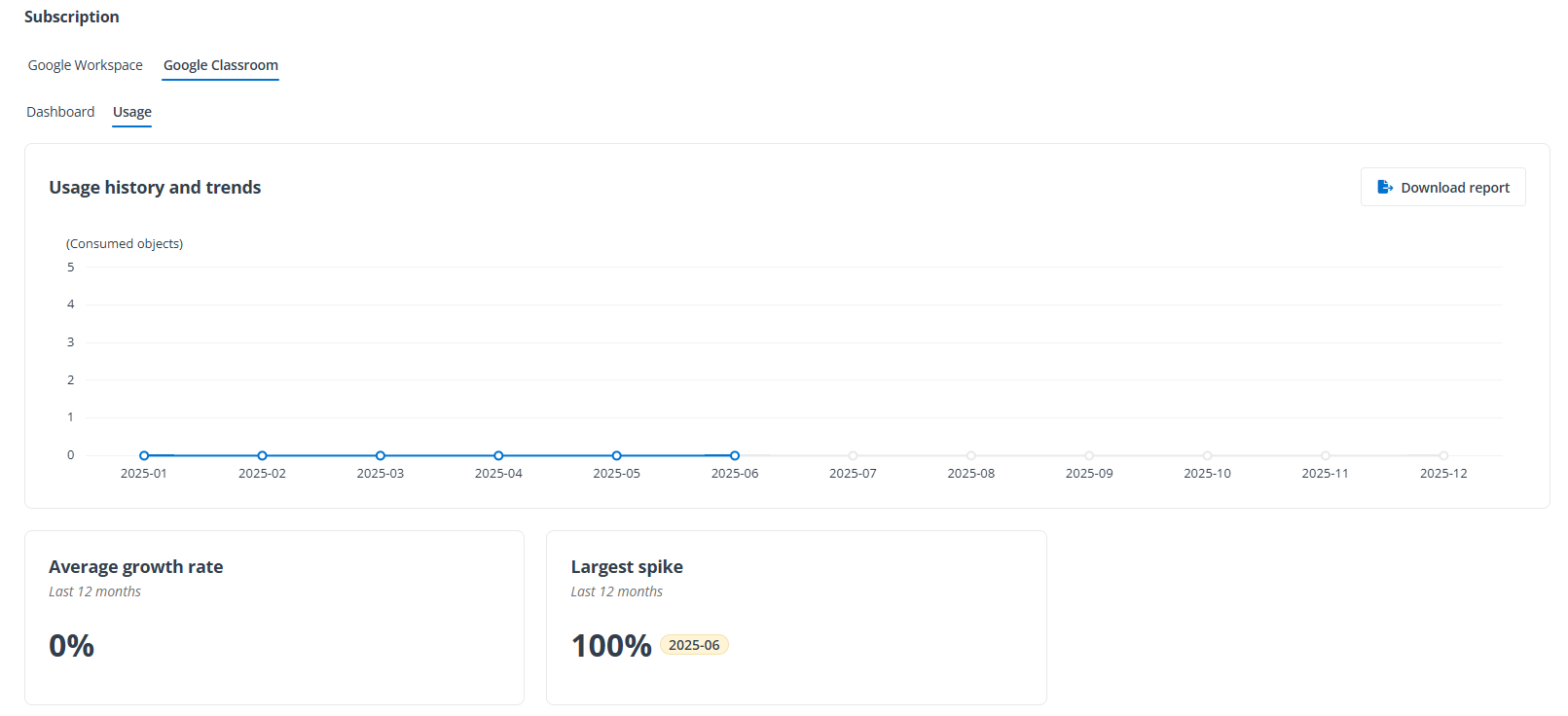
Under the Usage tab, the Usage history and trends pane displays a line chart reflecting the history and trends of assigned user seats or consumed objects, and you can hover the mouse over a point on the line chart to view the details. To download a copy of the usage report, click Download report. The Average growth rate and Largest spike panes are also under the Usage tab.