
Home > Manage App Profiles > Create Custom Apps > Create a Custom Google App > Step 1: Create a New Project and Enable APIs > Enable APIs
Export to PDFEnable APIs
Follow the steps below to enable Google APIs:
-
Go to the .
-
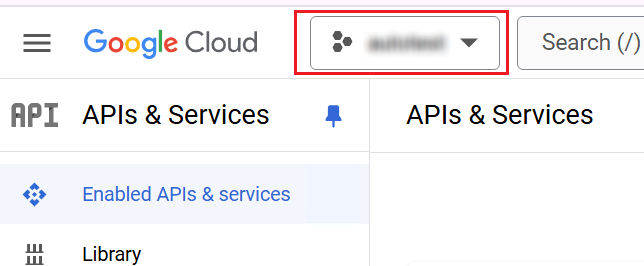
Click the current resource to expand the projects list, and then select the project you want to use.
*Note: The user that can enable APIs for a project must be the project owner.
-
Click Enable APISand services.

-
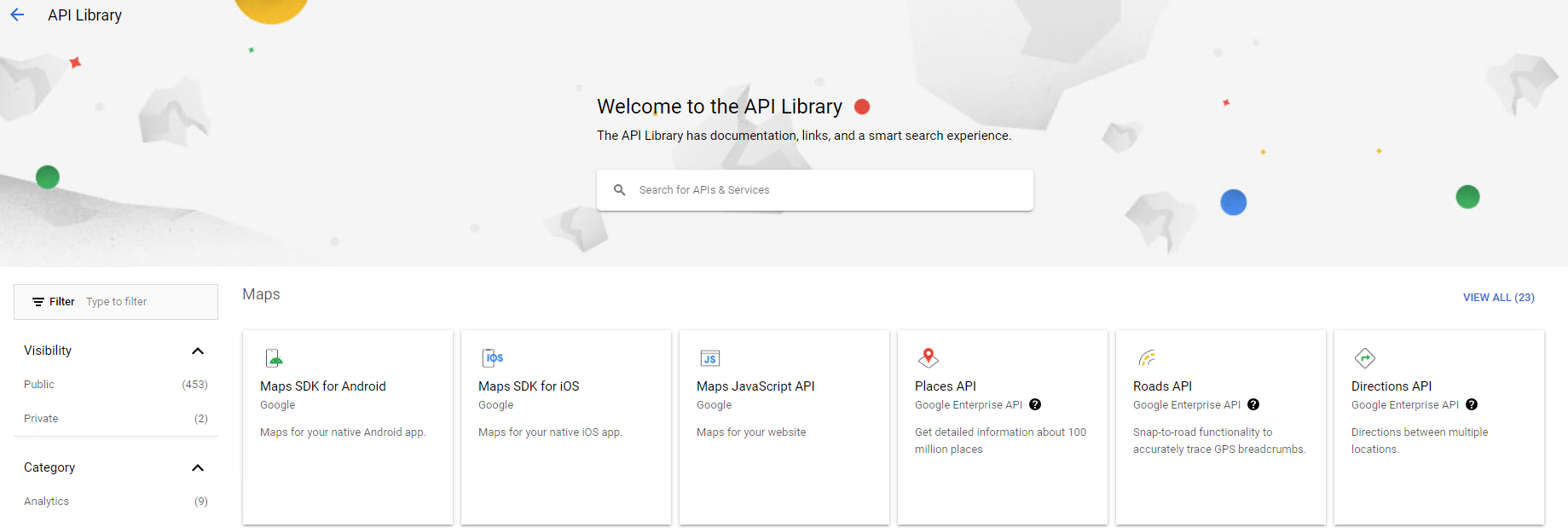
The API library page appears.
-
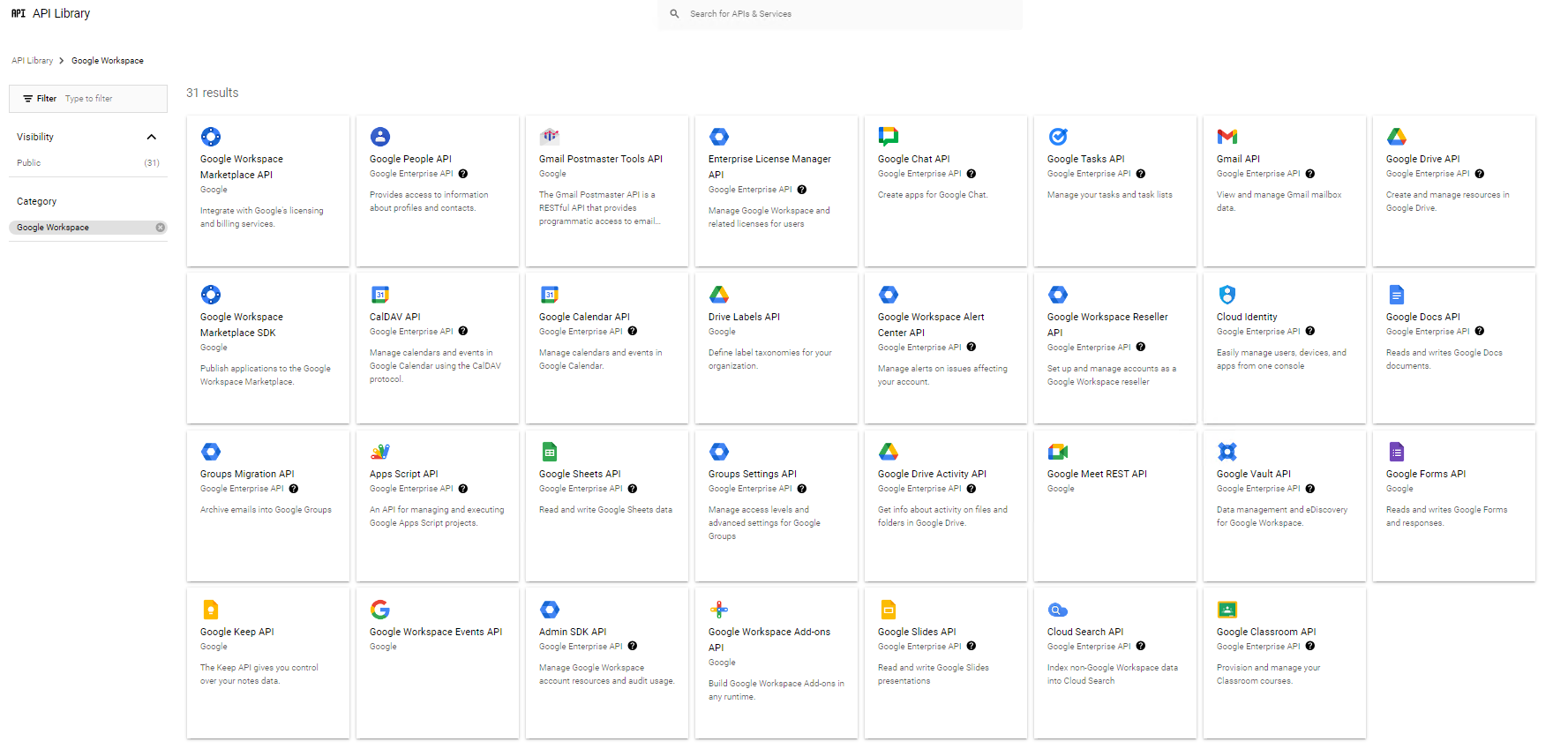
Search for and enable APIs that are required by your services (, , , or Fly: / ).
-
Click the API that you want to enable, and then click Enable.
