
Home > Configure Other Administration Settings > Manage Data Center Mappings > Overview
Export to PDFManage Data Center Mappings
If your Cloud Backup for Microsoft 365 enterprise subscription has multi-geo capabilities, you can navigate to Administration > Data center mappings to map your Microsoft 365 geo locations to AvePoint data centers.
*Note: Before you configure data center mappings for a Microsoft 365 tenant, ensure an app profile has been configured for the tenant.
Follow the instructions in Step 1: Configure Mappings for Microsoft 365 Geo Locations and Step 2: Define Central Locations in Microsoft 365 Tenants to complete configurations.
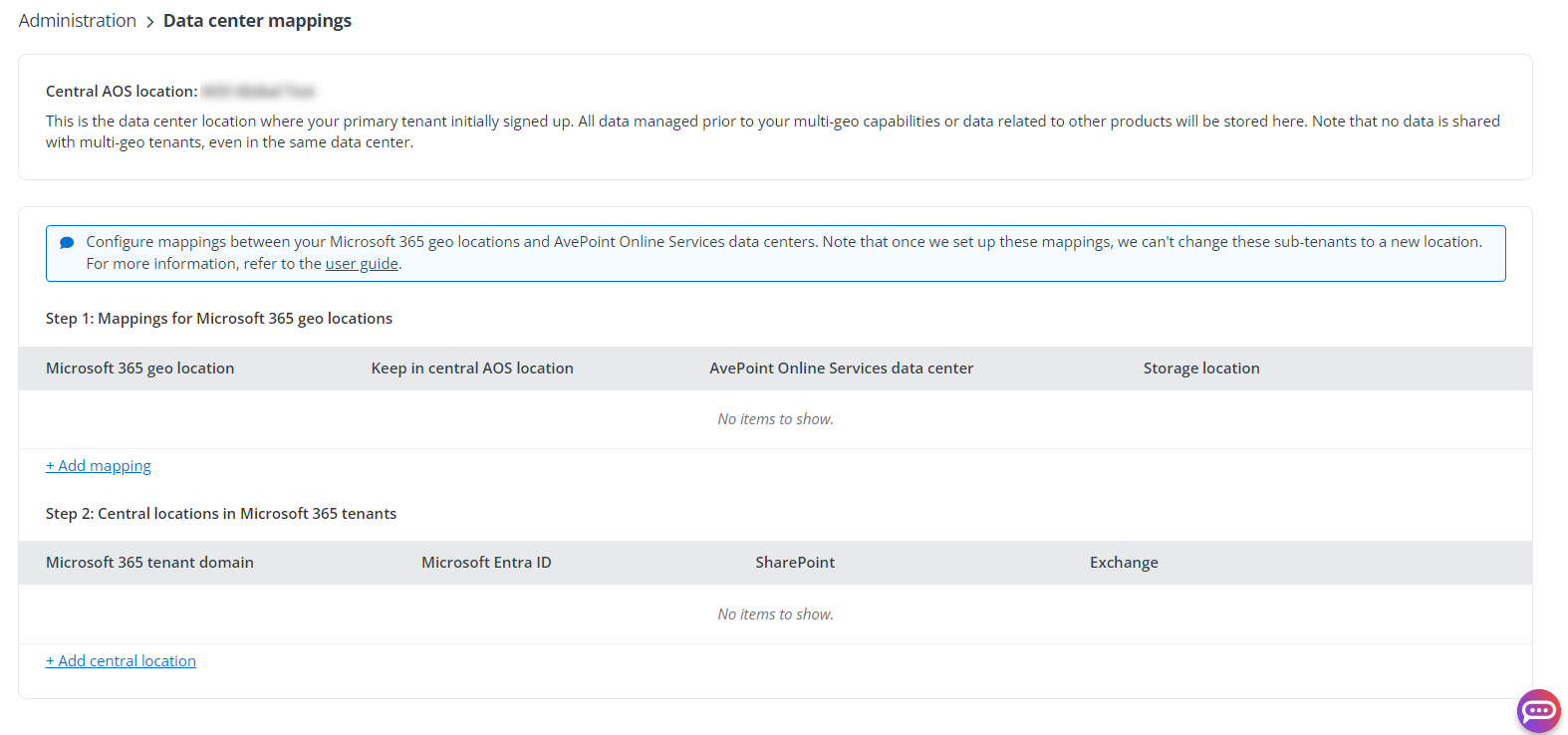
The Central AOS location is the data center where your primary AvePoint Online Services tenant initially signed up. All data managed before your multi-geo capabilities or data related to other services will be stored here. Note that the data is not shared with multi-geo tenants, even in the same data center.