
Home > その他の管理設定の構成 > データ センター マッピングの管理
Export to PDFデータ センター マッピングの管理
If your Cloud Backup for Microsoft 365 enterprise subscription has multi-geo capabilities, you can navigate to Administration > Data center mappings to map your Microsoft 365 geo locations to AvePoint data centers.
*Note: Microsoft 365 テナントのデータ センター マッピングを構成する前に、テナント用のアプリ プロファイルが構成されていることを確認してください。
Follow the instructions in Step 1: Configure Mappings for Microsoft 365 Geo Locations and Step 2: Define Central Locations in Microsoft 365 Tenants to complete configurations.
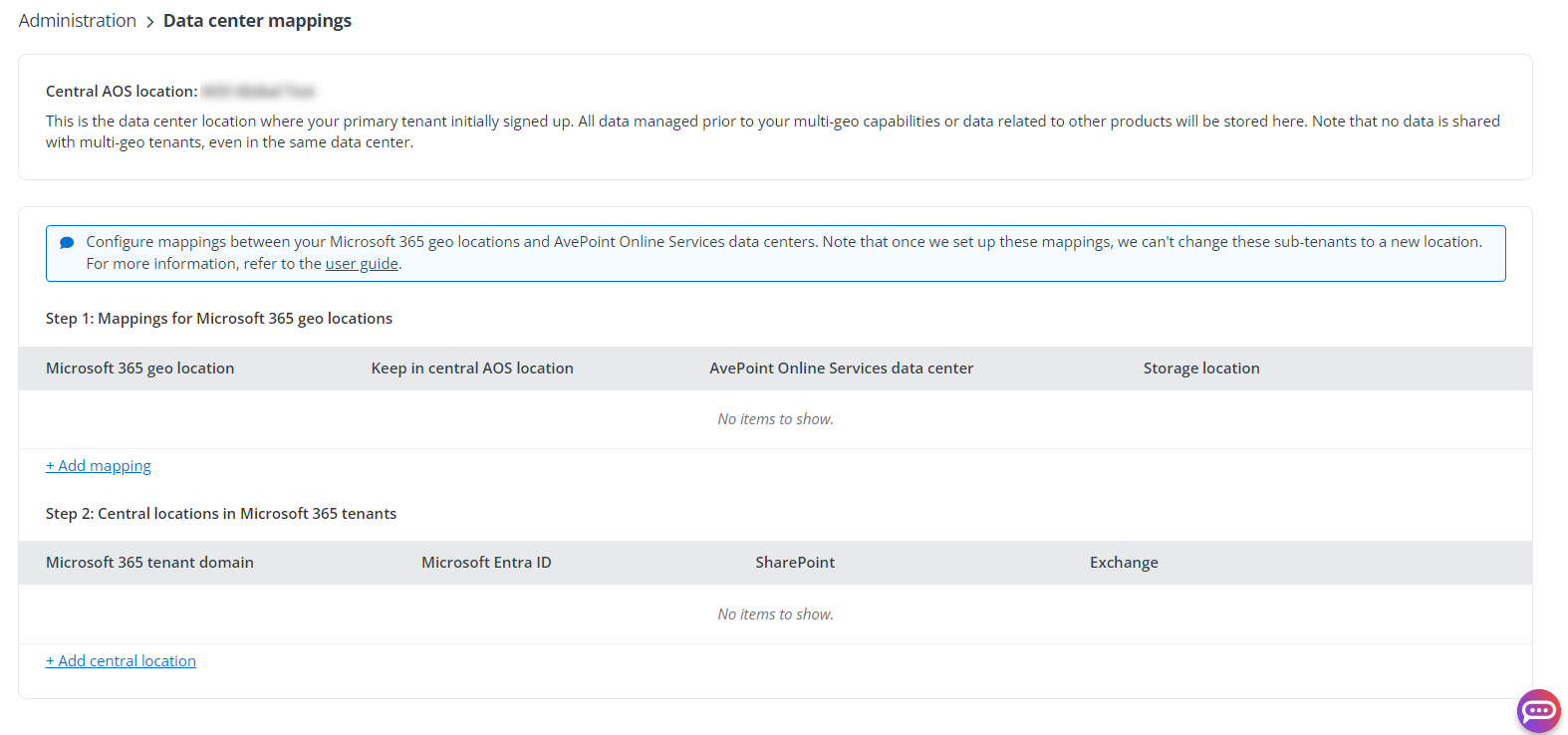
The Central AOS location is the data center where your primary AvePoint Online Services tenant initially signed up. Multi-Geo 機能より前に管理されているデータ、または他の製品に関連するデータがすべてここに保存されます。データが同一データ センターに保存されていても、Multi-Geo テナントとは共有されないことに注意してください。
このページの内容