
Home > アプリ プロファイルの管理 > カスタム アプリの作成 > カスタム Google アプリの作成 > ステップ 1: 新しいプロジェクトの作成および API の有効化 > API の有効化
Export to PDFAPI の有効化
Google API を有効にするには、以下の説明を参照してください。
-
Go to the .
-
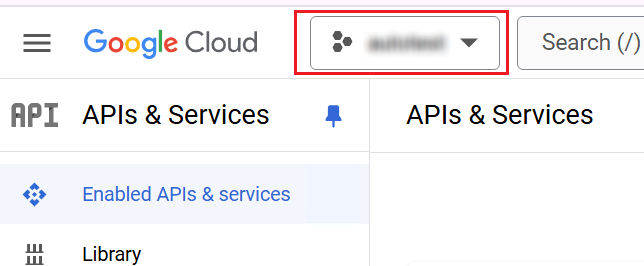
現在のリソースをリックして、プロジェクト リストを展開し、使用するプロジェクトを選択します。
*Note: プロジェクトの API を有効化できるユーザーはプロジェクトの所有者である必要があります。
-
Click Enable APISand services.

-
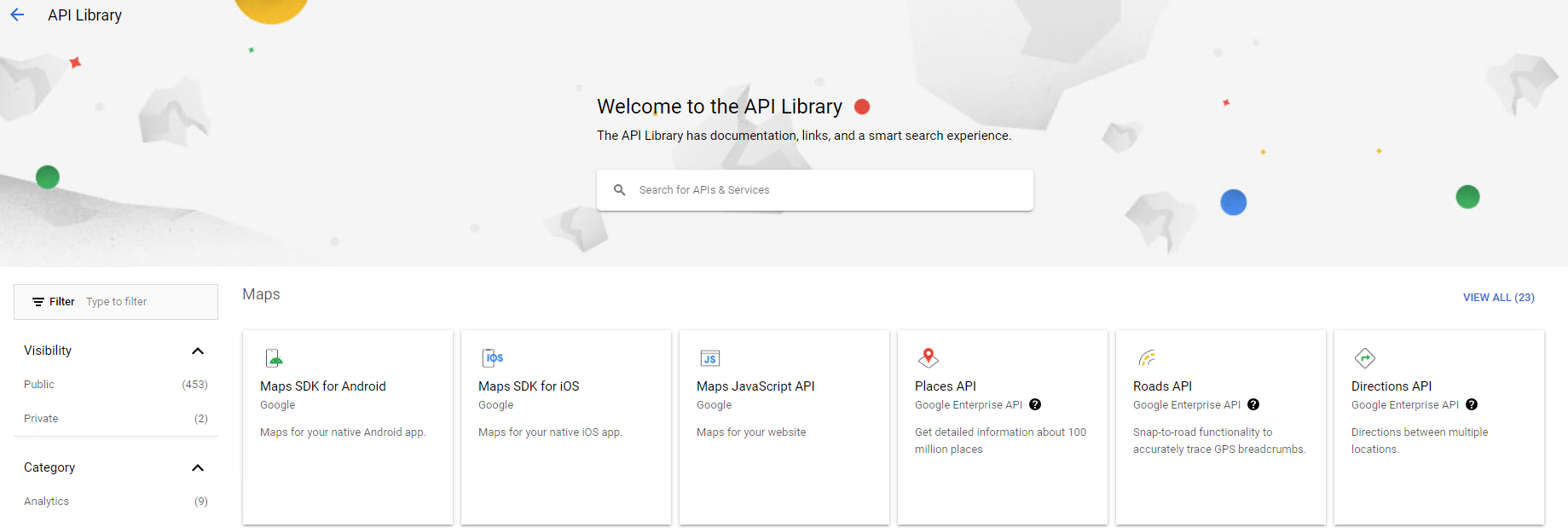
API ライブラリ ページが表示されます。
-
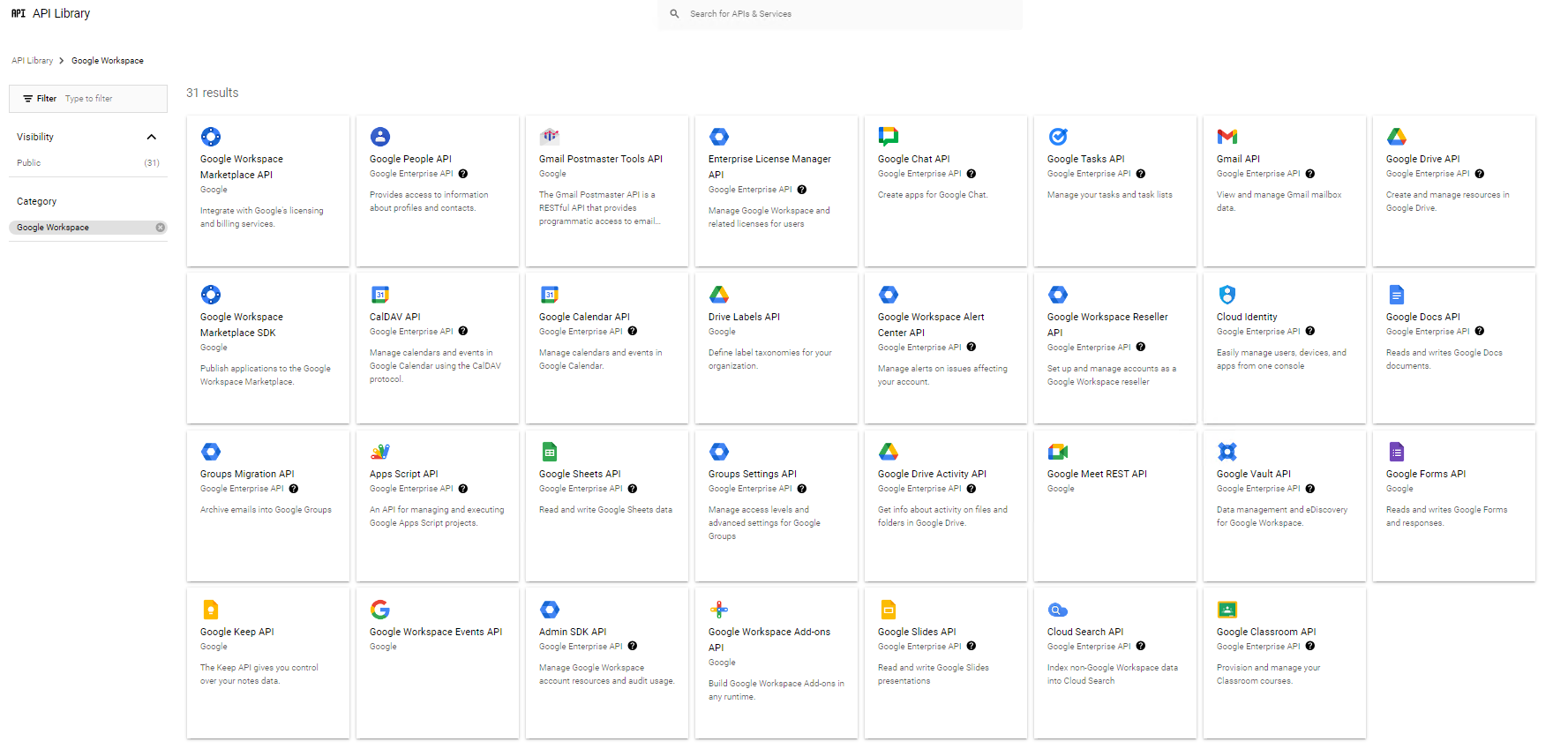
Search for and enable APIs that are required by your services (, , , or Fly: / ).
-
有効にする API を選択して、[有効にする]******** をクリックします。
