
Home > Manage App Profiles > Create Custom Apps > Create a Custom Google App > Step 1: Create a New Project and Enable APIs > Create a New Project (Optional)
Export to PDFCreate a New Project (Optional)
Follow the steps below to create a new project:
-
Go to .
-
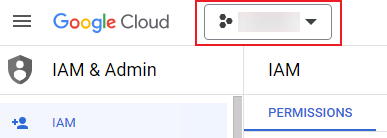
Click the current resource.
-
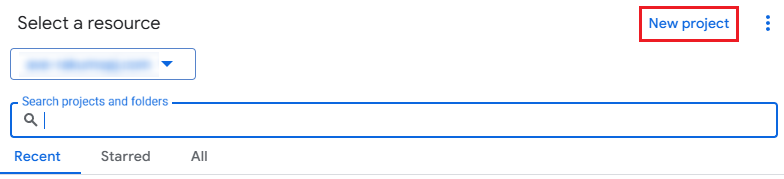
Click New project.
-
Complete the Project name, Organization, and Location fields.
-
Click Create.
On this page