
Home > テンプレート ギャラリー
この記事をダウンロードテンプレート ギャラリー
テンプレート ギャラリーには、イントラネット ポータル サイトの作成に使用できるテンプレートが保存されています。
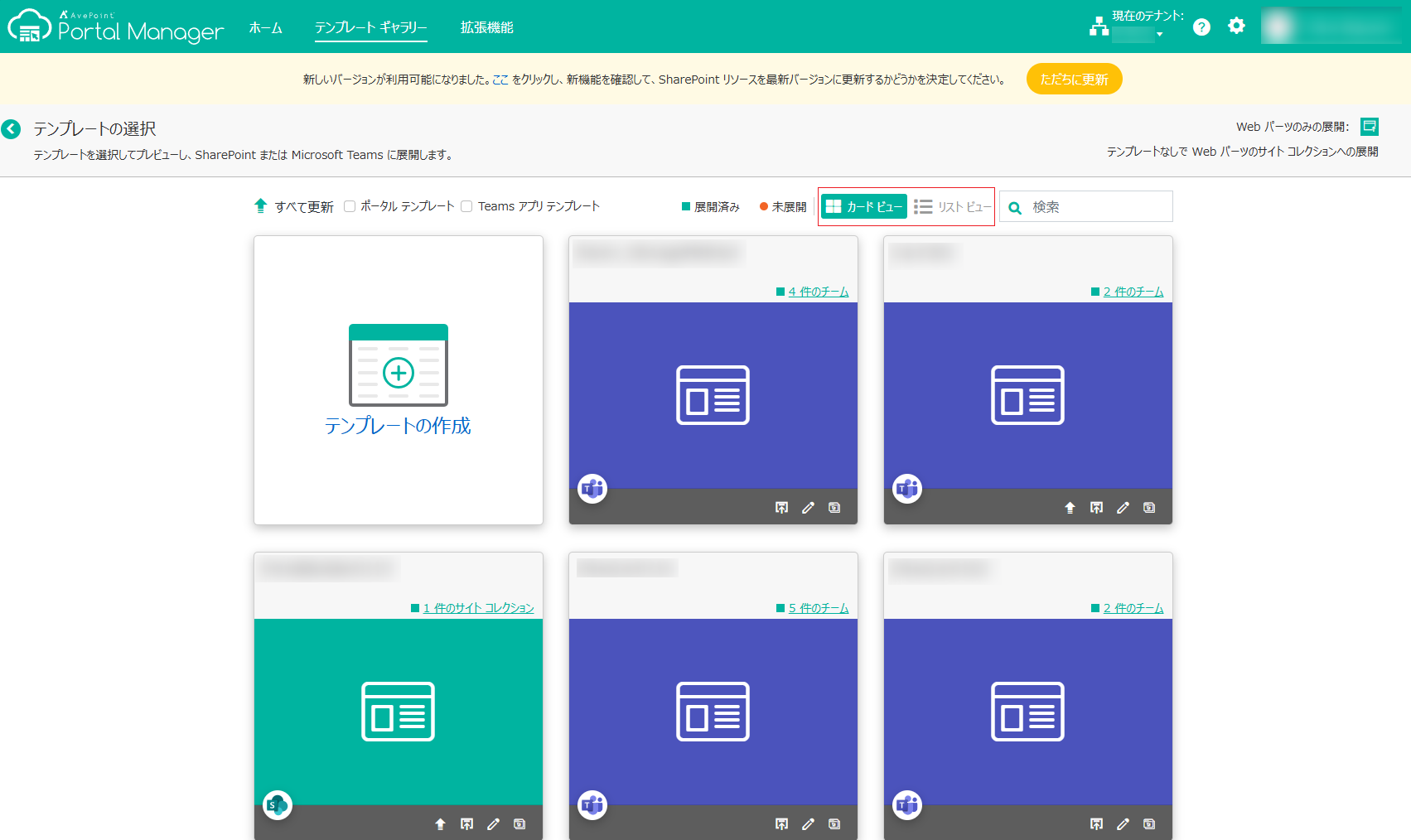
カード ビュー ボタンまたは リスト ビュー ボタンをクリックして、テンプレートを対応するビューで表示します。カード ビューで、[その他項目の表示] をクリックすると、その他 6 件のテンプレートが表示されます。
ポータル テンプレート および Teams アプリ テンプレート フィルターが利用できます。フィルターを選択して対応するテンプレートをフィルターします。
名前でテンプレートを検索する場合は、検索テキスト ボックスにキーワードを入力して、[検索] をクリックします。
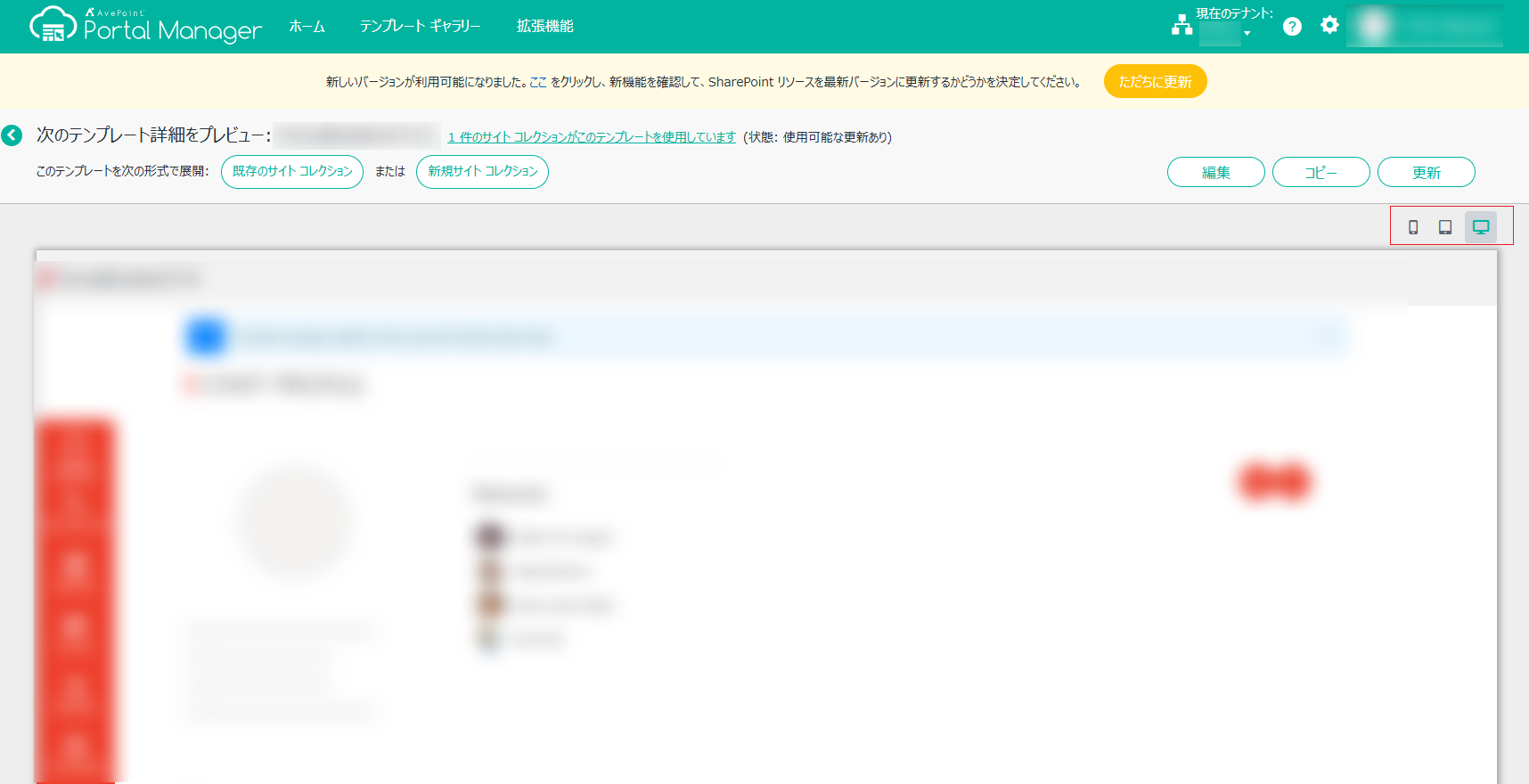
テンプレートをクリックすると、テンプレートの詳細ページが開き、テンプレートの設定をプレビューすることができます。携帯電話、タブレット、パソコン モードでテンプレートをプレビューし、異なるモードでコンテンツがどのように表示されるかを確認します。
このページの内容