
Home > About AvePoint Cloud Backup for Dynamics 365
Download this articleAbout AvePoint Cloud Backup for Dynamics 365
AvePoint Cloud Backup for Dynamics 365 ensures resiliency of service in the event of a disaster and quickly recovers lost or corrupted content from your backup. It offers seamless control over data protection requirements, with automatic backups and on-demand, full-fidelity recovery for almost all Dynamics 365 content at a record level and entity level. From June 2024 release, Cloud Backup for Dynamics 365 has upgraded to the new user interface with new designs and enhanced features for a simpler, more efficient experience.
Currently, AvePoint Cloud Backup for Dynamics 365 only provides data protection services for Customer Engagement and the data in Dataverse generated from Project for the web and Power Platform, including Power BI, Power Automate, Power Apps, and Power Pages. Note that the Dynamics 365 Business Central and Dataverse for Teams are not supported. For a detailed support list, refer to Supported Entities List.
Due to the API limitation, to protect the data generated from Project for the web, you must configure service account authentication using a service account with a Microsoft Project license.

Licensing and Subscription
To learn how AvePoint Cloud Backup for Dynamics 365 is licensed, refer to the document that matches your subscription model:
-
Dynamics 365 (Dataverse): See AvePoint Online Services for Dynamics 365.
-
Power Platform (Dataverse): See AvePoint Online Services for Power Platform.
-
Dynamics 365 and Power Platform (Dataverse): Refer to both above.
Language Support
AvePoint Cloud Backup for Dynamics 365 supports being browsed in French, Japanese, or German if the first preferred display language of the browser is French, Japanese, or German. Additionally, you can go to Settings > General > Language to choose Japanese, French or German as the display language in the e-mail notifications, the exported job reports, and system audit reports.
Customize View
On the Backup page, you can use the Customize view feature to hide organizations and environments that you do not need to monitor daily. You can restore them at any time, helping you focus on the most relevant items and monitor backup status more efficiently
You can also use Customize view to assign custom display names to connected organizations and environments. You can rename both active and invalid organizations/environments, making them easier to identify and manage at a glance.
Backup
The backup service for each organization runs scheduled backups automatically and compresses and encrypts the backup data by default. If audit data backup is enabled for your subscription, you can also configure a separate backup schedule and frequency for audit data.
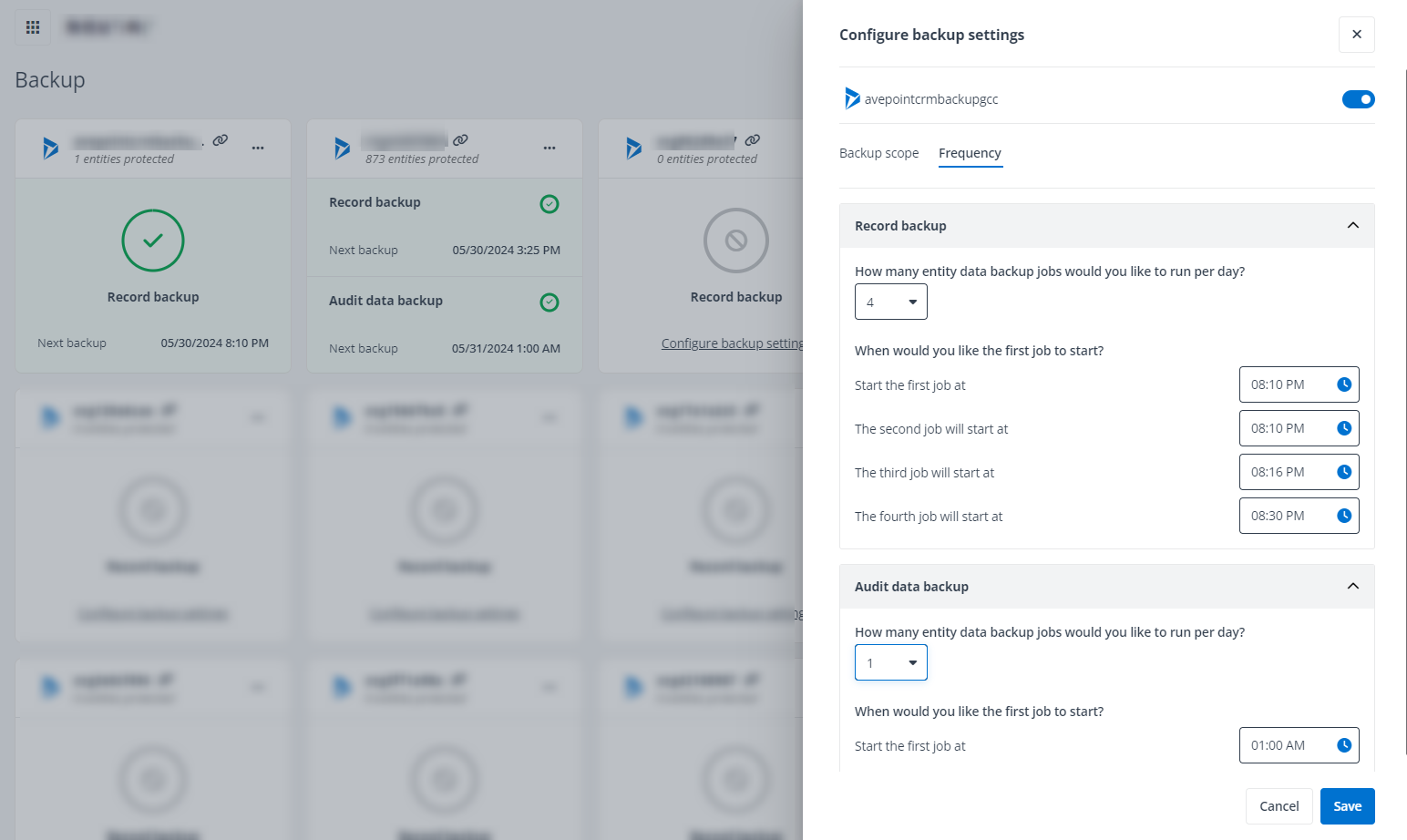
The backup jobs can also be run manually if some data failed to be backed up during the last backup job. For detailed instructions on manually running backup jobs, refer to Manually Run a Backup.
Storage and Data Retention
You can choose to store the backup data in the default storage location provided by AvePoint or your own storage location. Currently, you can choose from the following supported storage types for AvePoint-hosted default storage or for BYOS (bring your own storage):
| AvePoint Default Storage Type | BYOS Storage Type |
|---|---|
| • Microsoft Azure Blob Storage • Amazon S3 storage Note: The AvePoint-hosted Amazon S3 storage is only available in the commercial environment. | • Microsoft Azure Blob Storage • Amazon S3 storage • Amazon S3-Compatible storage • SFTP • IBM Storage Protect – S3 • IBM Cloud Object Storage |
If you use the default storage location, you can purchase a subscription with an unlimited retention period or a retention period that is between 1 and 99 years. You can also choose to customize the retention period for backup data either globally across all organizations/environments or individually for each organization/environment.
Before any data deletion, AvePoint will send email reminders 90 days, 60 days, and 30 days before the data deletion date, informing you of the backup data that will be deleted. You still have a chance to update the retention period to prevent any crucial backup data from being deleted unintentionally.
If you are currently using AvePoint-hosted default storage and you want to change to another storage type or use your own storage afterward, contact AvePoint support to update your subscription.
If you choose to use the AvePoint-hosted Amazon S3 storage, refer to the following data center mappings between the data center you signed up to AOS with and the data center of the Amazon S3 storage.
| Data Center You Signed Up for AOS (Home Region) | Amazon S3 Storage Data Center (Storage Region) |
|---|---|
| East US (Virginia) | US East (N. Virginia) |
| North Europe (Ireland) | Europe (Ireland) |
| Southeast Asia (Singapore) | Asia Pacific (Singapore) |
| Australia Southeast (Victoria) | Asia Pacific (Sydney) |
| Japan West (Osaka) | Asia Pacific (Tokyo) |
| UK South (London) | Europe (London) |
| Canada Central (Toronto) | Canada (Central) |
| Germany West Central (Frankfurt) | Europe (Frankfurt) |
| Korea Central (Seoul) | Asia Pacific (Seoul) |
| France Central (Paris) | Europe (Paris) |
| Switzerland North (Zurich) | Europe (Zurich) |
| West Europe (Netherlands) | Not Supported |
Restore
Using the Restore wizard of Cloud Backup for Dynamics 365, you can restore backup data to its original location to revert the selected entities, records, or fields to their state at a recovery point, or you can restore the backup data to another location, for example, you may need to sync data to a sandbox environment to test. Note that to perform a successful out-of-place restore, your destination organization must be using the same data structure as the source, including the information about entities, attributes, relationships, and option sets.
The Restore job can also help you restore the related records of the data you select to restore, or you can choose to restore the records to the state before the changes were made and backed up at your selected recovery point.
In the Restore wizard, you can choose to search across the backup data with data properties or backup time or you can browse a recovery point from the calendar to locate the data that you want to restore. In either mode of user experience, you have the same full capacity to search the objects via keywords in the metadata or find the data from a specific recovery point.
The Restore service also supports restoring your backup data to another location (out-of-place restore). Before you perform an out-of-place restore, you must configure the mapping settings for your source and destination organizations/environments to ensure data integrity in the destination after the data recovery job. For details on the mapping settings, refer to Configure Mapping Settings.
For more details on using the Restore wizard, refer to Restore and Recover Your Data.
Compare
The Compare method allows you to compare two recovery points in the same backup cycle to find the data that may have been lost or have unexpected changes to recover. The Compare method is an advanced restore feature. You can contact your AvePoint representative to enable this feature for your subscription. For details, refer to Compare Your Data for Restore.
Note that the Compare method only supports comparing the recovery points generated after the March 2022 release from the backup cycles that started after the November 2021 release.

Backup Data Export
Users with AvePoint default storage now have the following two methods to export the backup data:
-
Scheduled data export – Use the Scheduled data export feature to automate exports from the current backup cycle. For details, refer to Enable and Configure Scheduled Data Export for an Organization.
-
Direct export from backup job – Go to Job monitor > Backup & Restore tab to directly export backup data from a backup job via the action list. For details, refer to Direct Data Export from a Backup Job.
Please note that both methods have a combined monthly export limit of 100 GB. This means the total data exported using either or both methods cannot exceed 100 GB per month.
Monitor Alerts
You can now monitor operations on records through the Monitor alerts feature for organizations with backup enabled. Cloud Backup for Dynamics 365 will send instant email notifications to help analyze your latest recovery points whenever any pre-set rules are triggered. For details, refer to Enable Monitor Alerts for Record Operations.
Single Sign-On
With Single Sign-On(SSO) supported, you can access the Cloud Backup for Dynamics 365 interface via direct URL without providing user credentials once it is detected that you have signed into the AvePoint Online Services interface.
Use Public APIs for Job Information
You can now use the Cloud Backup for Dynamics 365 Public APIs to get information of backup and restore jobs. For details, refer to Use Public APIs for Job Information.
Ava Chatbot
Click Ask Ava on the upper-right corner of a page to chat with Ava (AvePoint’s virtual assistant). For any product-related questions, Ava is here to help.

Supported Browsers
The table below outlines the required browser versions to support AvePoint Cloud Backup for Dynamics 365.
| Browser | Version |
|---|---|
| Google Chrome | The latest version |
| Mozilla Firefox | The latest version |
| Microsoft Edge based on Chromium | The latest version |