
Home > Manage Your Storage
Download this articleManage Your Storage
Navigate to Settings > Storage to view your storage information and retention settings.
In your subscription, you can purchase two types of storage locations: the default storage and the custom storage.
-
Default storage location – If you want to use the default storage location, AvePoint offers two options: Microsoft Azure storage and Amazon S3 storage. If you want to change your default storage location to another storage type, contact AvePoint support for assistance. Note that even if you change your default storage, the backup data on the previous default storage location will remain accessible for data recovery until the retention period expires.
-
Custom storage location – For more control, you can use your own storage to store your backup. Supported options include Microsoft Azure storage, Amazon S3 storage, Amazon S3-Compatible Storage, SFTP, IBM Storage Protect - S3, or IBM Cloud Object Storage.
If you are a new BYOS customer and want to use your own Azure storage, you must provide your Microsoft Azure Blob Storage information. For existing customers who have configured their Azure storage, the File Share storage information will be disabled and unchangeable as AvePoint no longer stores backup data to this storage type.
Note the following:
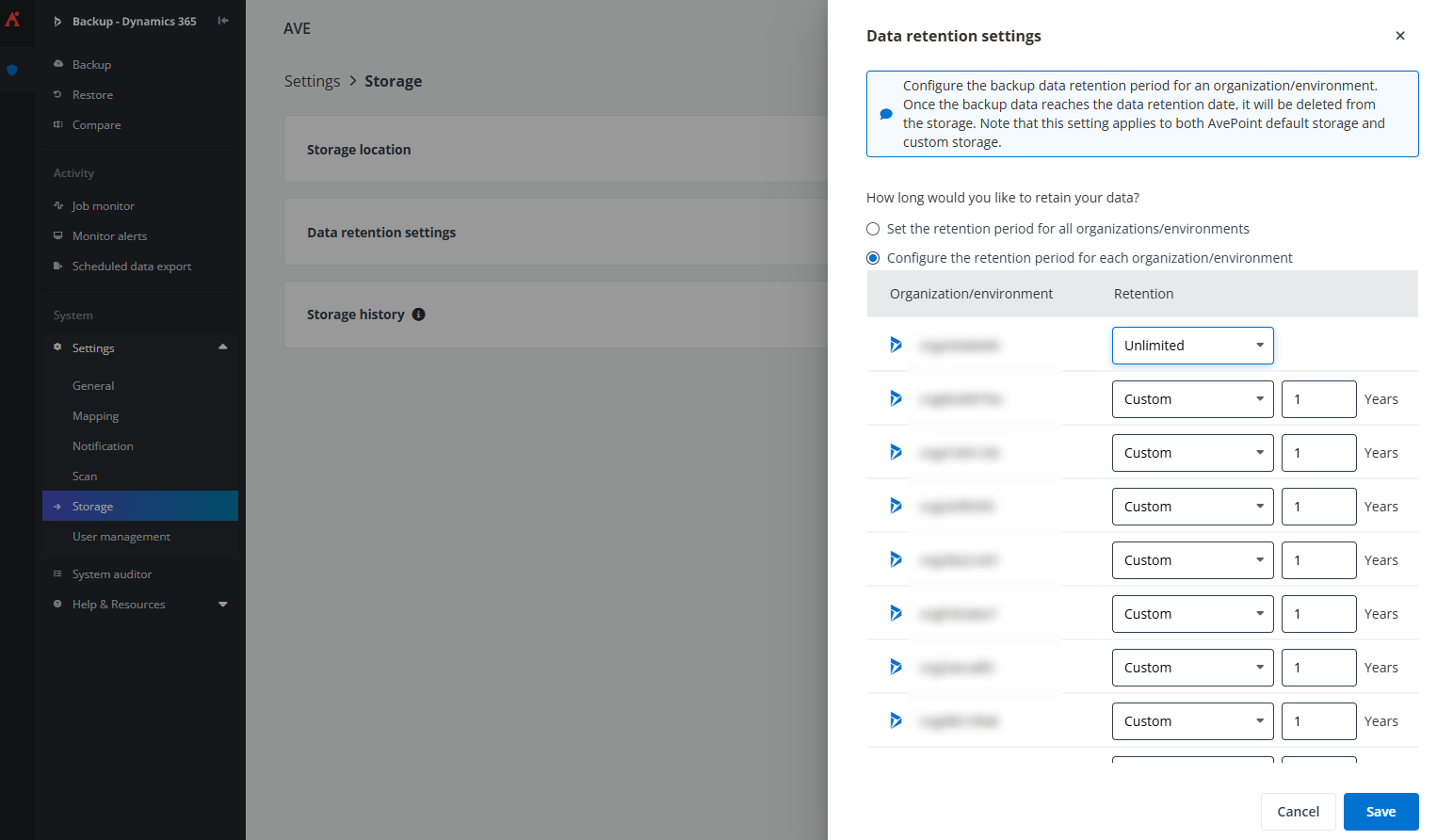
- If you are using AvePoint default storage, you can choose to customize the backup data retention period through the Data retention settings tile. You can configure the retention settings either globally across all organizations/environments or individually for each organization/environment.
-
If you are using your own Microsoft Azure Storage as the storage location, AvePoint recommends using the device in the same Data Center as your AvePoint Online Services tenant for optimal network performance.
-
Before you add the Azure storage account to the Cloud Backup interface, you must first add the AvePoint IP addresses to your Azure storage account firewall or configure the firewall to allow AvePoint agent servers running on a dedicated ARM Vnet subnet to access your storage location. For details, refer to Allow AvePoint Servers to Access Your Storage Account.
-
If you are using the Azure storage hosted by AvePoint, AvePoint Cloud Backup for Dynamics 365 will automatically store your backup data in the Azure Blob storage cool tier to help conserve storage costs. The supported Azure account kinds are StorageV2 and BlobStorage of Standard performance type. To use your Azure blob storage in the most cost-effective manner, you can also store the backup data in the archive tier. Contact AvePoint support to help you move your older backup data to the archive tier.