
Home > Settings > Configure the Format for the Delimited Data in the Exported Report
Download this articleConfigure the Format for the Delimited Data in the Exported Report
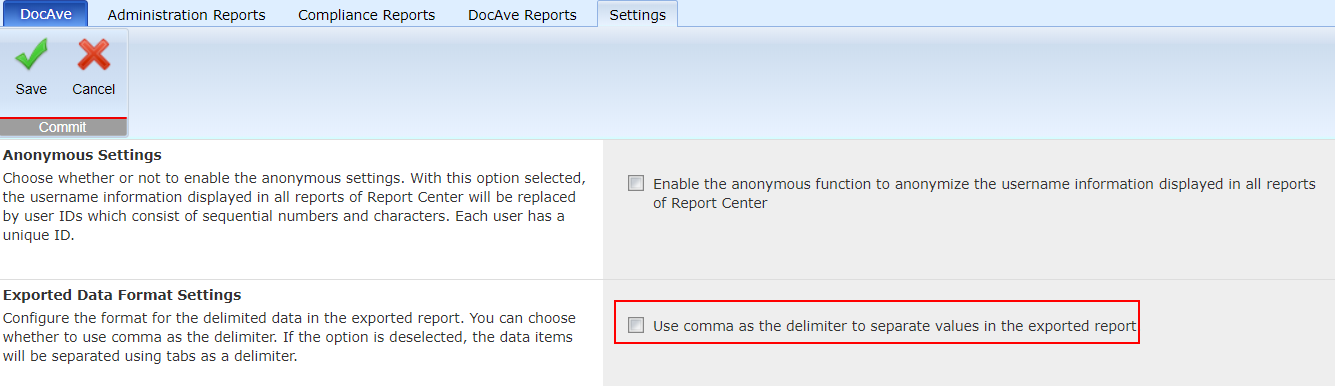
You can go to Report Center > Global Settings > Exported Data Format Settings to configure the format for the delimited data in the exported report.
You can choose whether to use a comma as the delimiter. If the Use comma as the delimiter to separate values in the exported report option is deselected, the data items in CSV will be separated using tabs as a delimiter.
On this page