
Home > System Auditor
Download this articleSystem Auditor
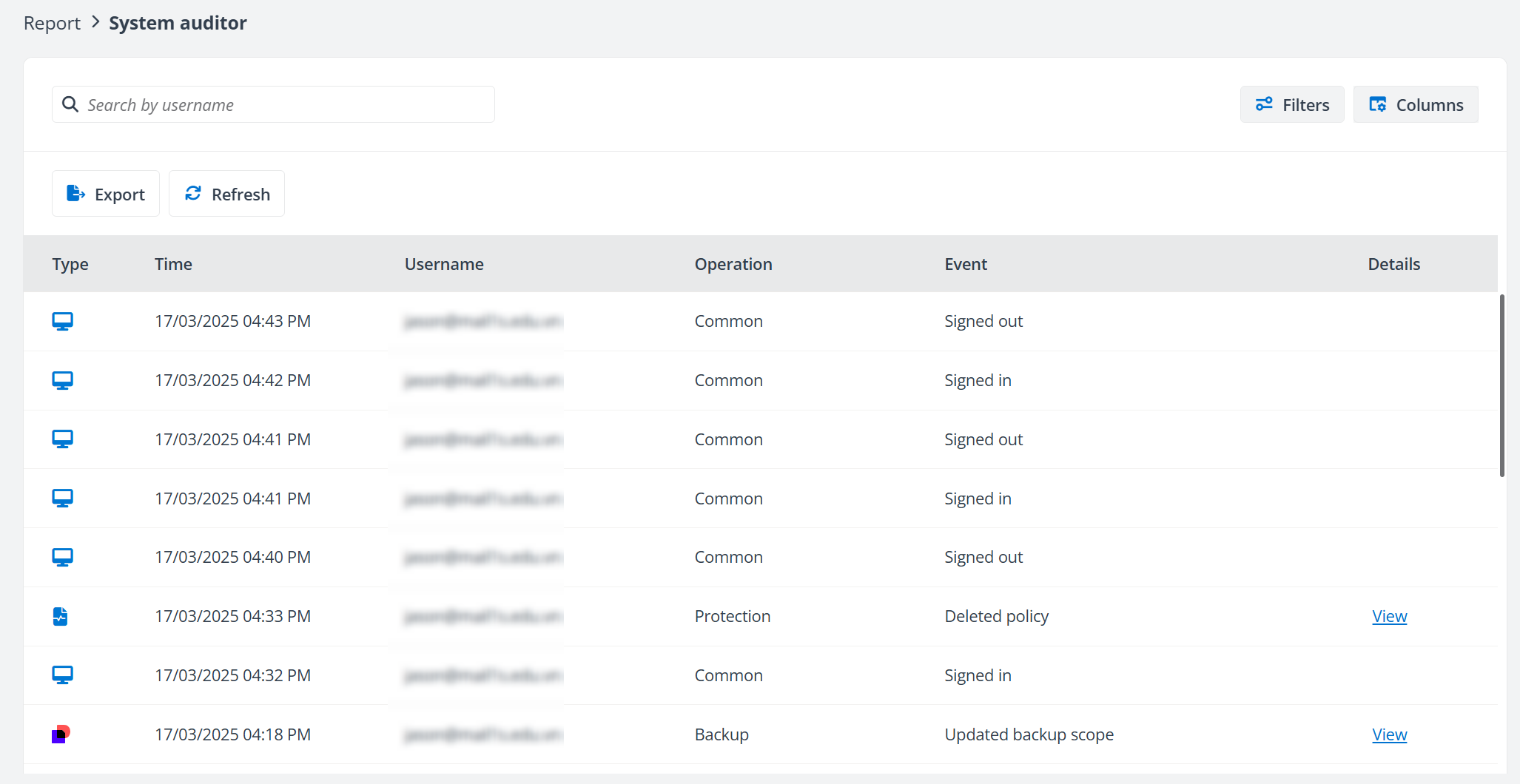
Go to System auditor page to view the user activities in Cloud Backup for SaaS Applications.
You can perform the following actions on the records of user activities:
-
Use the Filters (such as Operation, Type, and Date range) to filter the records.
-
Use the Columns (such as Type, Username, Operation, and Event) to customize the view of system auditor records.
-
Use the Search box to search for the activities by username.
-
Click the View link next to an event to go to the View details panel and check the changes.
-
Export the system auditor records. Follow the steps below:
-
Click Export. The Export window appears.
-
Customize the data range to export by selecting start and end time.
-
Click Export. The audit report will be exported to your browser’s download location. Click Cancel to cancel the export.
-