
Home > Application Resilience > Restore and Recover Your Data > Jira Service Management
Download this articleJira Service Management
To restore Jira Service Management data, follow the steps below:
-
Go to the Application resilience page.
-
Click Restore on the Jira Service Management service tile.
-
On the Restore page, click the Filter button to apply data type and other relevant filters to find the data you want to restore.
-
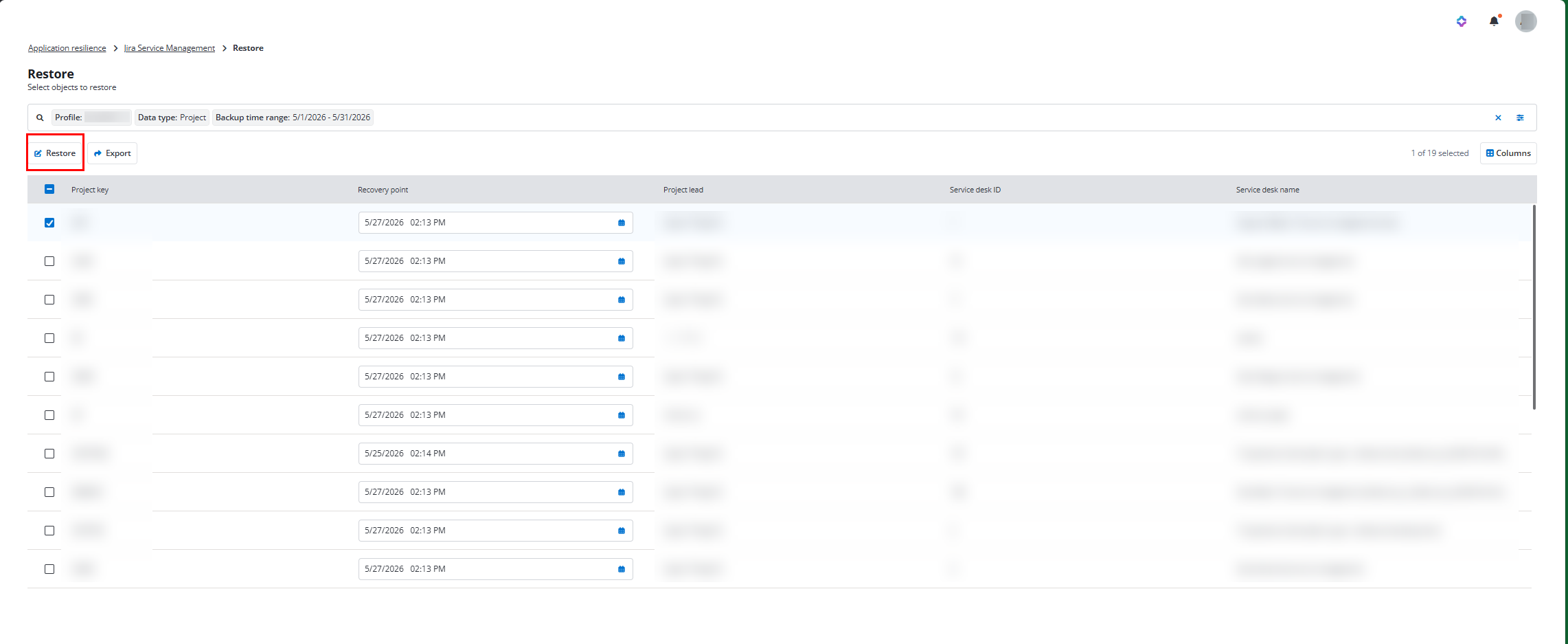
Select the data you want to restore, select a corresponding recovery point from the drop-down list, and then click the Restore button.
-
In the View properties step, view the information of the restore objects and then click Next.
-
In the Restore options step, select how to handle conflicts during restoration and then click Next. Based on the data type being restored, you can select the following conflict resolutions:
-
Skip - Destination data will be retained, and the backup data will be ignored.
-
Created new - Existing data in the destination will be retained. The backup data will be restored as a new, separate object.
-
Merge - Source and destination data will be combined at the field or attribute level using a merge strategy.
-
-
In the Overview step, review the restoration and click Restore to run the restore job. The restored object name will be updated to include the suffix: Restore_at_restore_time.
Due to API limitation, when restoring team-managed projects, team-managed projects will be created with default access roles, priority schemes and features, request can only be restored with existing field and request type, and request type cannot be added during restoration.