
Docusign
To restore Docusign data, follow the steps below:
-
Go to the Application resilience page.
-
Click Restore on the Docusign service tile.
-
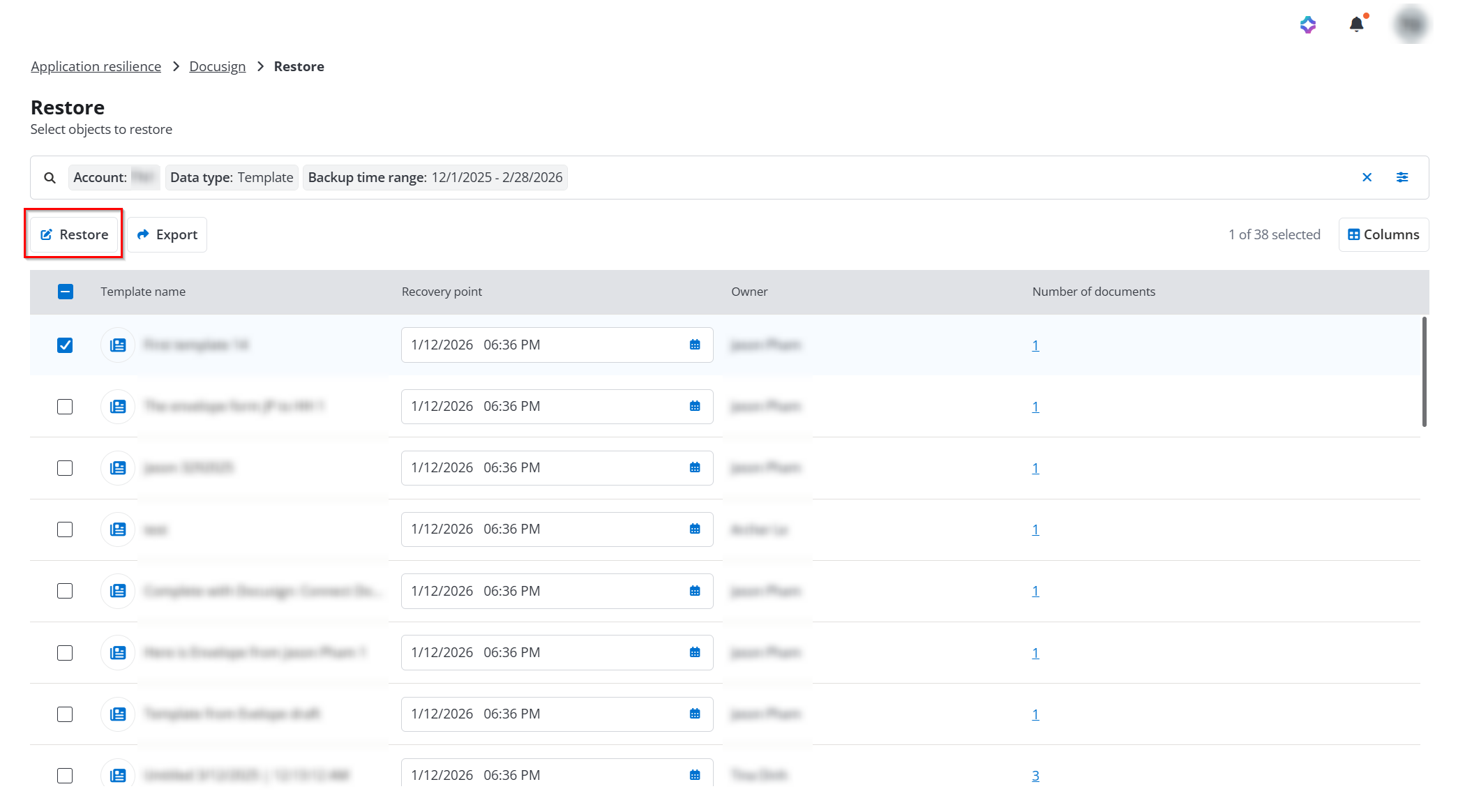
On the Restore page, click the Filter button to apply data type and other relevant filters to find the data you want to restore.
NOTEIn the Account field, you can select your Docusign account to ensure the appropriate data is restored.
-
Select the data you want to restore, select a corresponding recovery point from the drop-down list, and then click the Restore button.
-
In the View properties step, view the information of the restore objects and then click Next.
-
In the Restore options step, select how to handle conflicts during restoration and then click Next. Based on the data type being restored, you can select the following conflict resolutions:
-
Skip - Destination data will be retained, and the backup data will be ignored.
-
Created new - Existing data in the destination will be retained. The backup data will be restored as a new, separate object.
-
Merge - Source and destination data will be combined at the field or attribute level using a merge strategy.
-
Overwrite - All destination data will be replaced with the backup data.
-
-
If the data type of restoration is Envelope or Template, you can configure the Additional options in Restore options step to select how to handle existing Salesforce records. Enable the Enable syncing to Salesforce, and select from the following options, and then select an organization from the dropdown list:
-
Update status to obsolete
-
Update status to obsolete and remove the existing relationship
NOTETo automatically update Salesforce record IDs to point to newly restored Docusign envelopes, please access Cloud Backup for Salesforce at least once time in advance.
-
-
In the Overview step, review the restoration and click Restore to run the restore job.