
GitHub
To restore GitHub data, follow the steps below:
Restore for repositories larger than 3 GB is currently not supported.
-
Go to the Application resilience page.
-
Click Restore on the GitHub service tile.
-
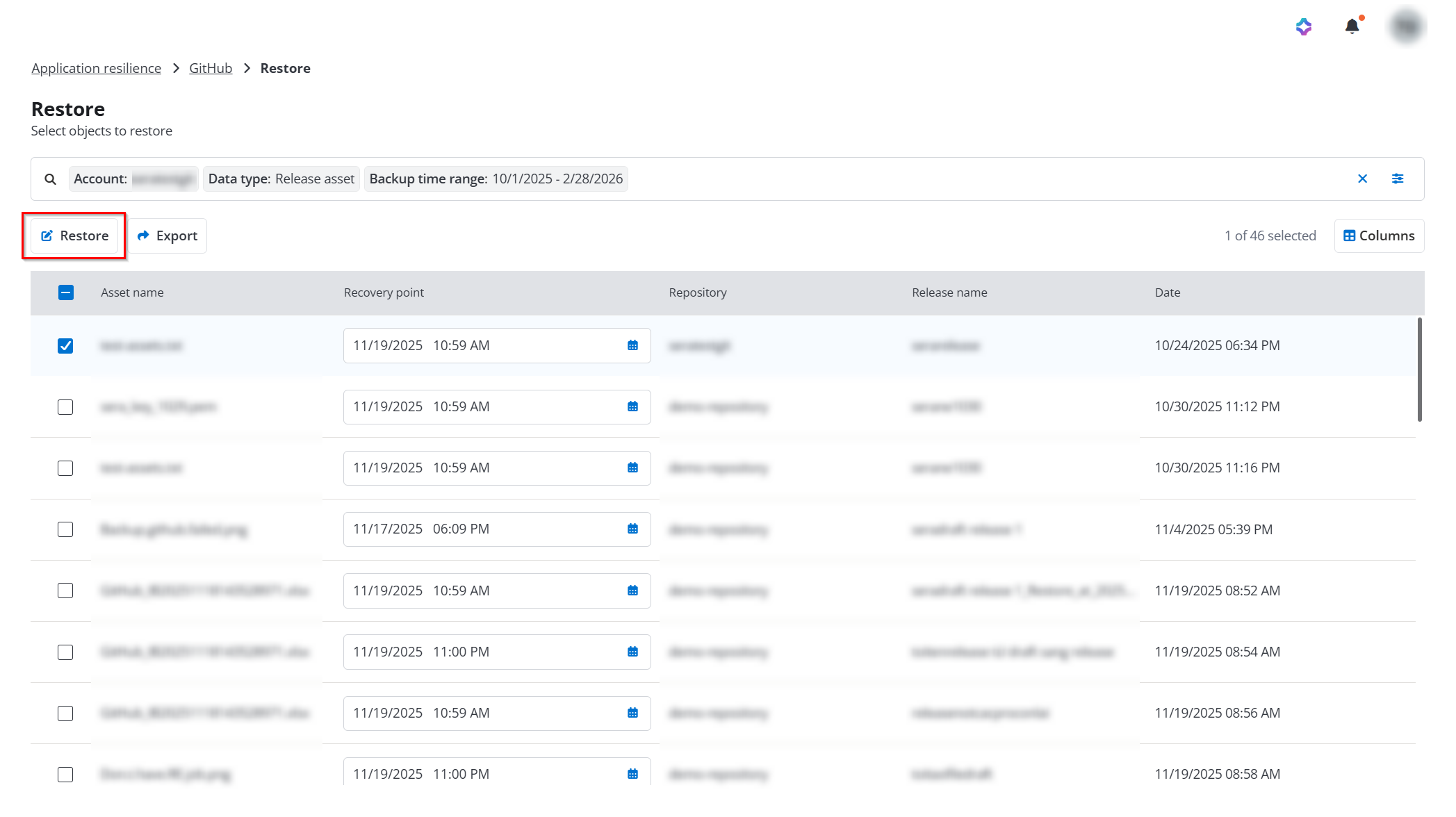
On the Restore page, click the Filter button to apply data type and other relevant filters to find the data you want to restore.
-
Select the data you want to restore, select a corresponding recovery point from the drop-down list, and then click the Restore button.
-
In the View properties step, view the information of the restore objects and then click Next.
-
In the Restore options step, select how to handle conflicts during restoration and then click Next. Based on the data type being restored, you can select the following conflict resolutions:
-
Skip - Destination data will be retained, and the backup data will be ignored.
-
Created new - Existing data in the destination will be retained. The backup data will be restored as a new, separate object.
-
Merge - Source and destination data will be combined at the field or attribute level using a merge strategy.
-
Overwrite - All destination data will be replaced with the backup data.
-
-
In the Overview step, review the restoration and click Restore to run the restore job.