
Home > Get Started > Configure Microsoft 365 Data > Change the Logo of the ReCenter Portal
Download this articleChange the Logo of the ReCenter Portal
You can apply a custom logo to the ReCenter portal. For more details, refer to Logo customization. The default logo in the following places will be replaced by the custom logo:
-
The logo displayed on the top of the left navigation.
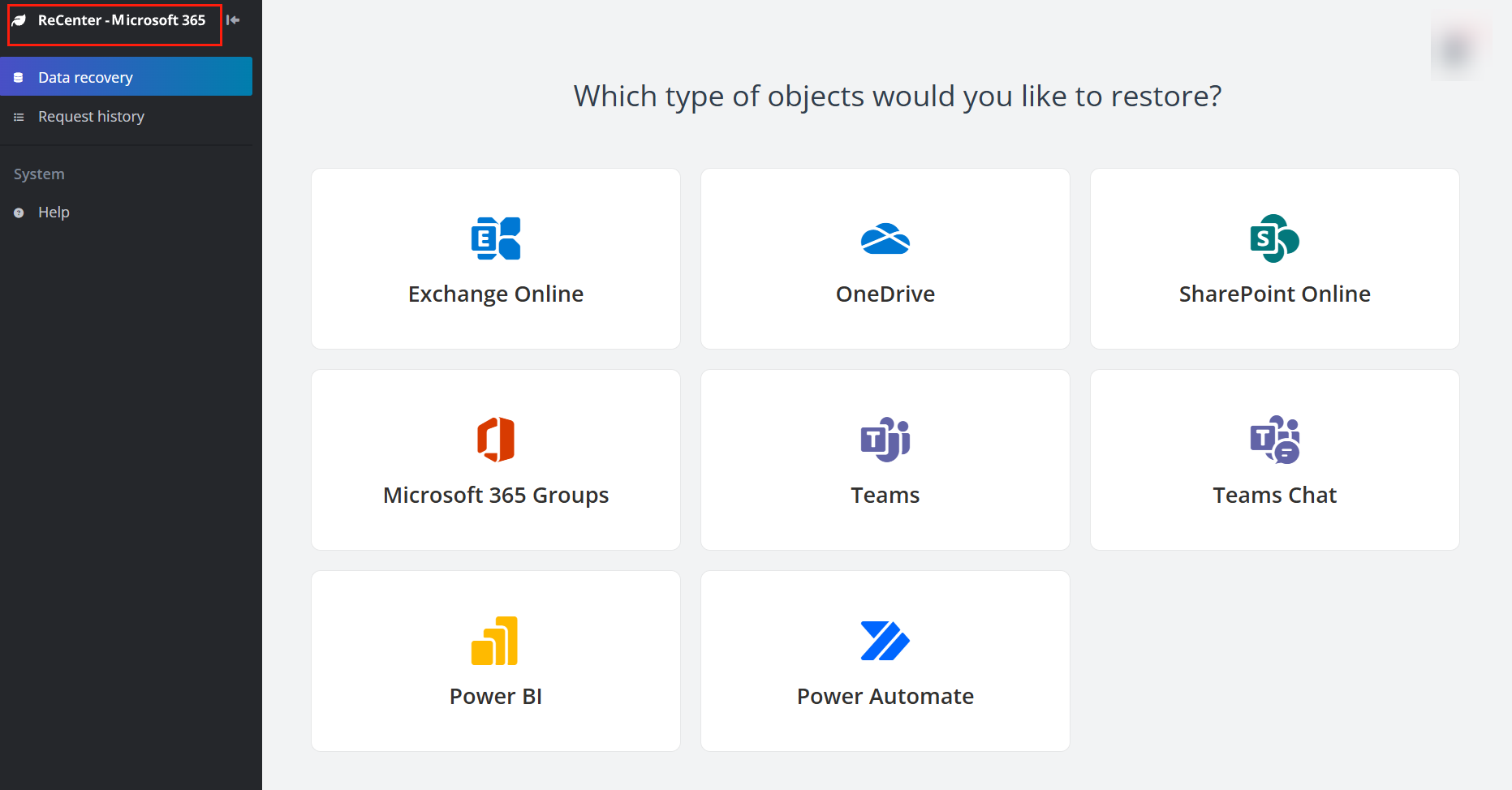
-
The logo on the page of recovering an archived file via a stub link.
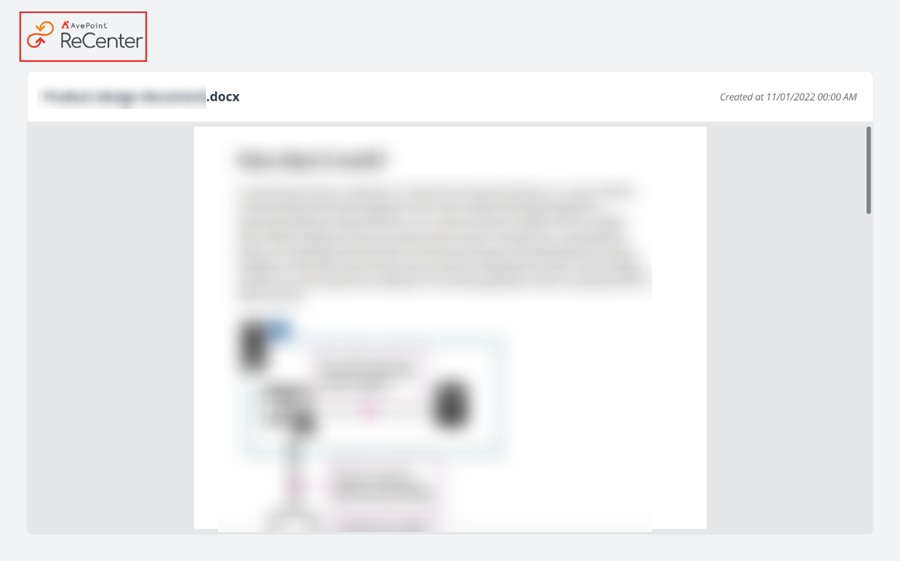
NOTE
The favicon on the tab of a browser cannot be changed.
On this page