
Home > About ReCenter > ReCenter for Microsoft 365
Download this articleReCenter for Microsoft 365
ReCenter is a portal for invited Microsoft 365 users to recover their protected data. Users can run recovery jobs for data safeguarded by Cloud Backup for Microsoft 365 or archived by AvePoint Opus. Additionally, they can view detailed job reports, ensuring a comprehensive and user-friendly data recovery experience.
Users with the Workspace Management - Storage Optimization subscription can now restore and export archived data from ReCenter.
The ReCenter portal has been deployed to the data centers where Cloud Backup for Microsoft 365 / AvePoint Opus is available. For details on data centers, refer to the Which Cloud Services are Provided in Your Data Center? section in the AvePoint Online Services user guide.
When you access the ReCenter portal, the Data recovery page will be automatically displayed, and you can click the tile of an object type to recover the corresponding data. Note that the Data recovery page now only displays modules that have been subscribed to and enabled by administrators.
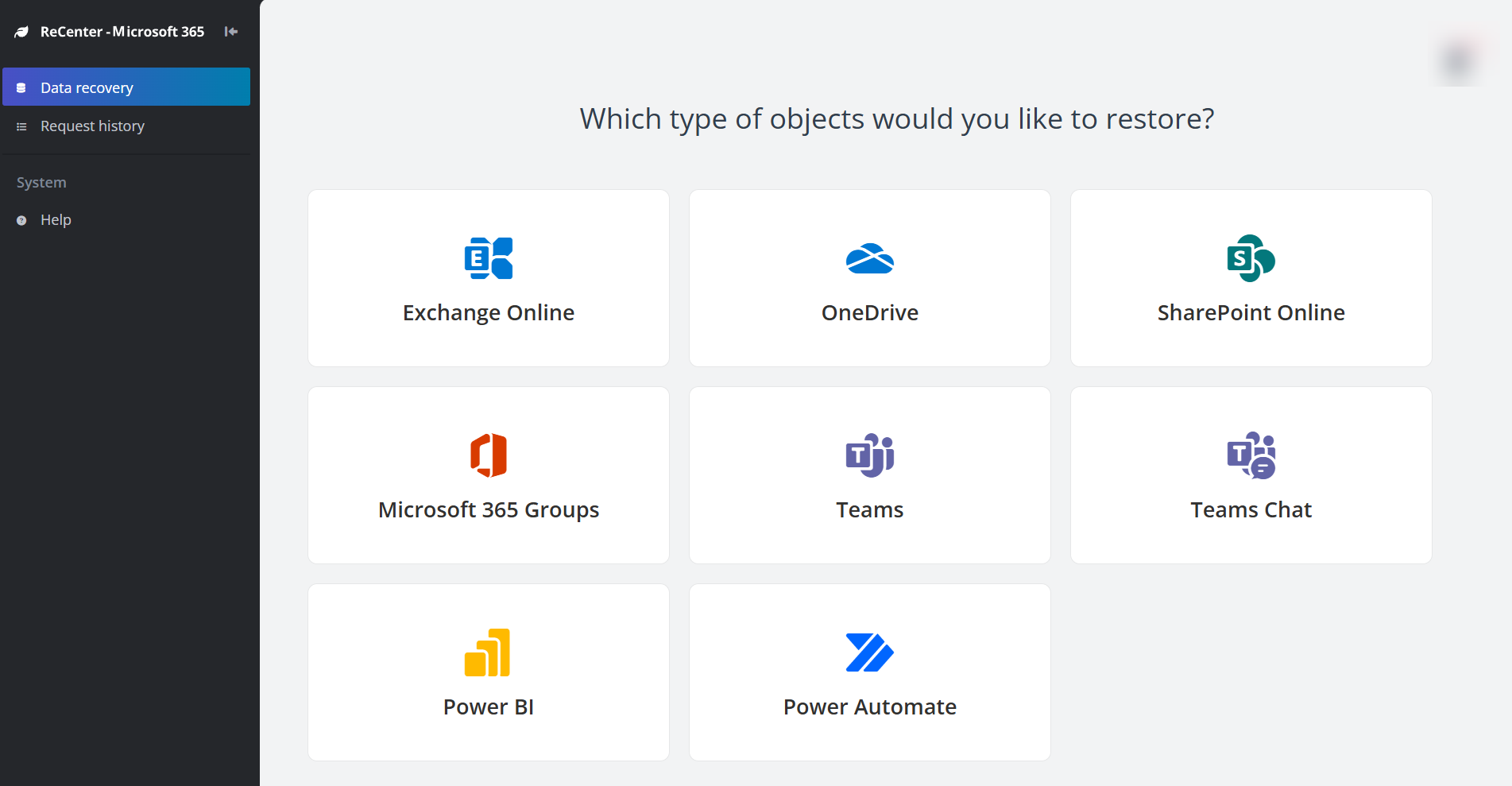
ReCenter supports the following languages: English, German, French, Japanese, Chinese, Korean, Spanish, Polish, Italian, Turkish, Dutch, Hungarian, and Thai.
In the ReCenter portal, you can click Help on the left navigation to access the user guide.
The ReCenter portal follows the Session timeout setting configured in AvePoint Online Services.
Supported Browsers
The following table provides the required browser versions.
| Browser | Version |
|---|---|
| Google Chrome | The latest version |
| Mozilla Firefox | The latest version |
Microsoft Edge (  )* )* | The latest version |
| Safari | The latest version |
Microsoft Edge based on Chromium (  ) ) | The latest version |