
Home > はじめに > Microsoft 365 データの構成 > ReCenter ポータル ロゴの変更
この記事をダウンロードReCenter ポータル ロゴの変更
ReCenter ポータルにカスタム ロゴを適用することができます。詳細については、ロゴのカスタマイズ を参照してください。以下の場所にある既定のロゴは、カスタム ロゴに置き換えられます。
-
左ナビゲーションの上部に表示されているロゴ
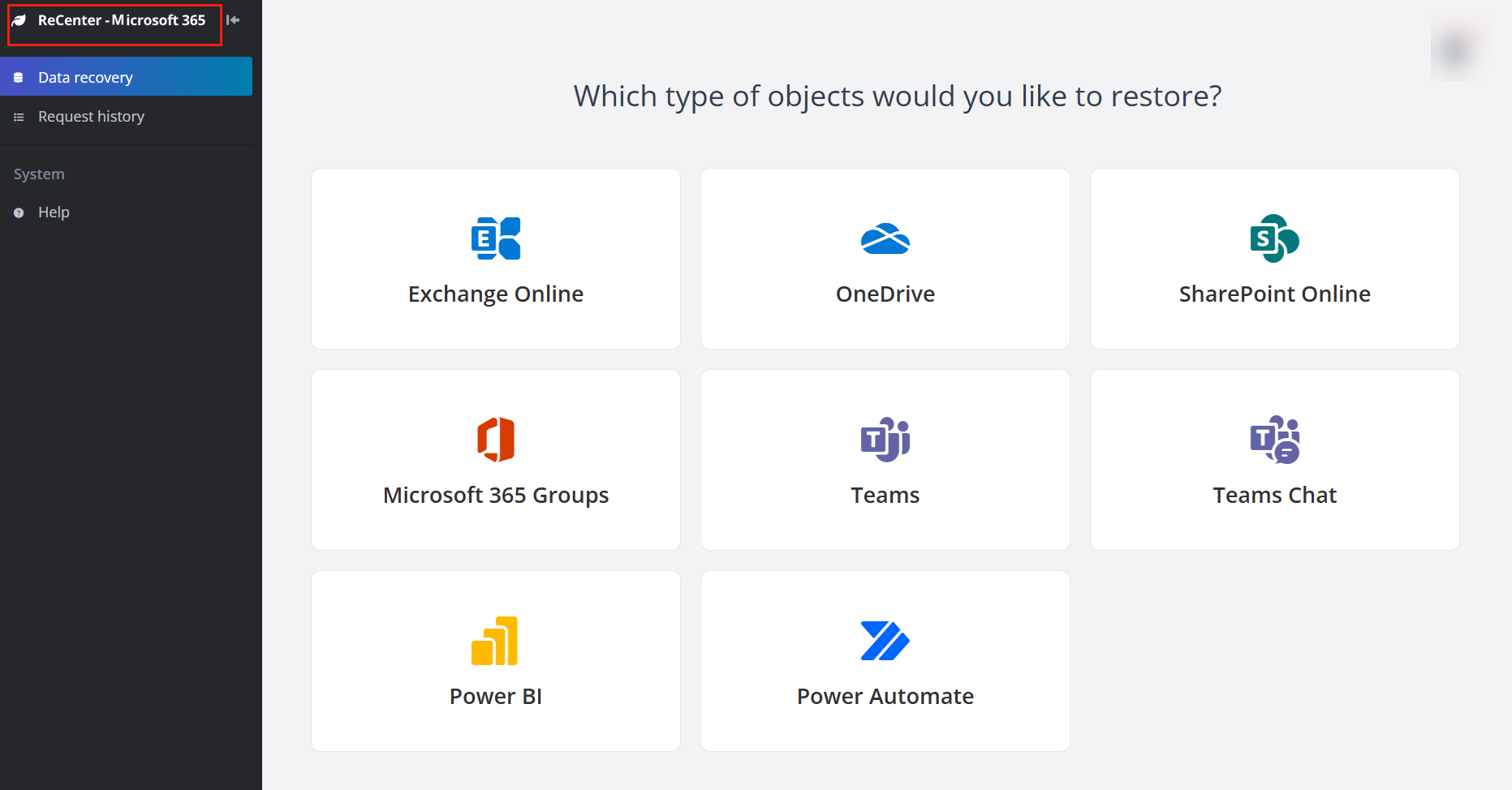
-
スタブ リンクでアーカイブ済みファイルを回復するページのロゴ
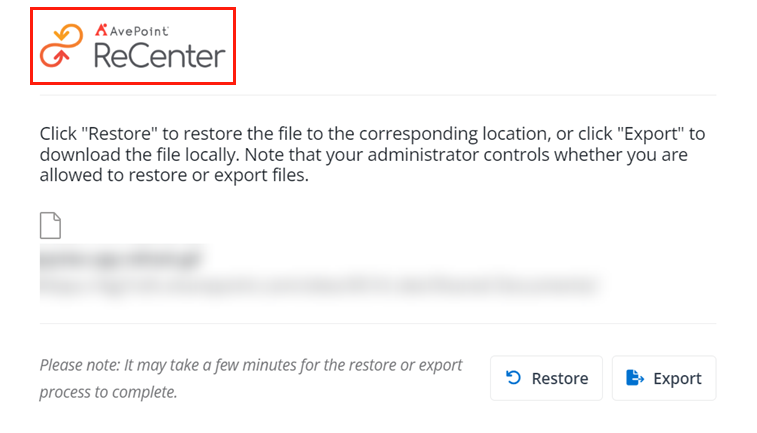
NOTE
ブラウザーのタブ上のファビコンを変更することはできません。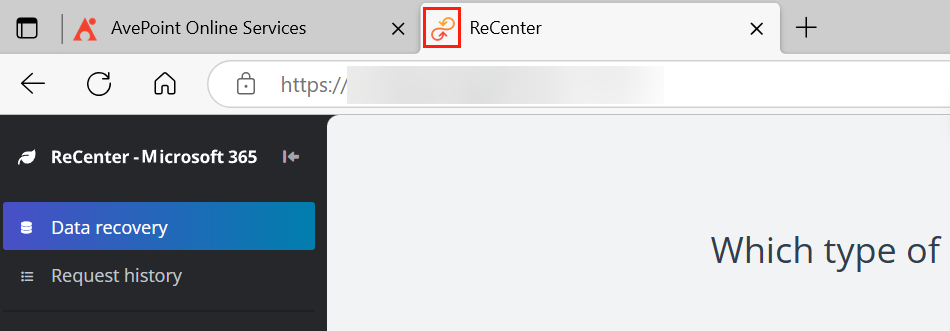
このページの内容