
Home > Replicator > Redirect Source Link URLs
Download this articleRedirect Source Link URLs
In a SharePoint library/list, users can create items from the Link content type to link to objects that are located inside or outside the library/list.
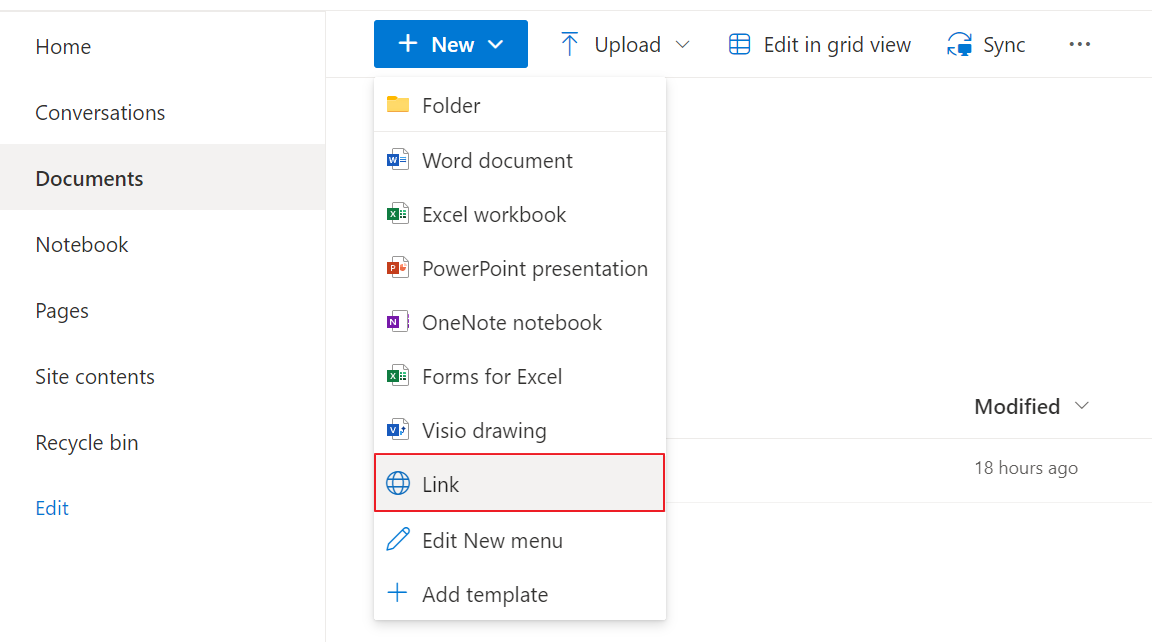
When you replicate the Link items to the destination by running replication jobs, you may also replicate the associated objects to the destination. You can choose whether to redirect the source link URLs to the destination URLs.
To enable the URL redirection, navigate to Profile Settings > Replication Options > Content, and select the Redirect source link URLs checkbox. If the option is deselected, clicking the items in the destination will open the source links.
On this page