
Home > Update AvePoint Portal Manager
Download this articleUpdate AvePoint Portal Manager
You can update AvePoint Portal Manager from the previous version to the current version.
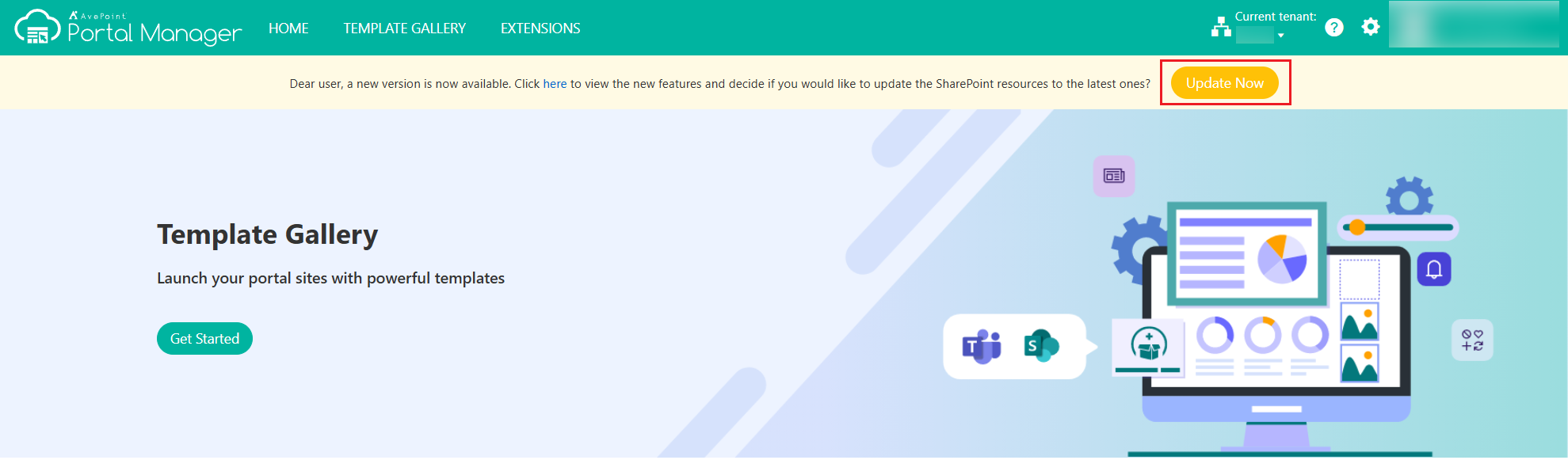
If a new version is available, the Dear user, a new version is now available. Click here to see the new features and decide if you would like to update the SharePoint resources to the latest ones message will appear after you sign in to AvePoint Portal Manager. Click Update Now to update the AvePoint Portal Manager immediately. The progress bar appears, showing how much of the update has been completed.
If an expected error occurred during the update, click Retry to retry the update. After the update completes, click Refresh to refresh the current page.
On this page