
Requests
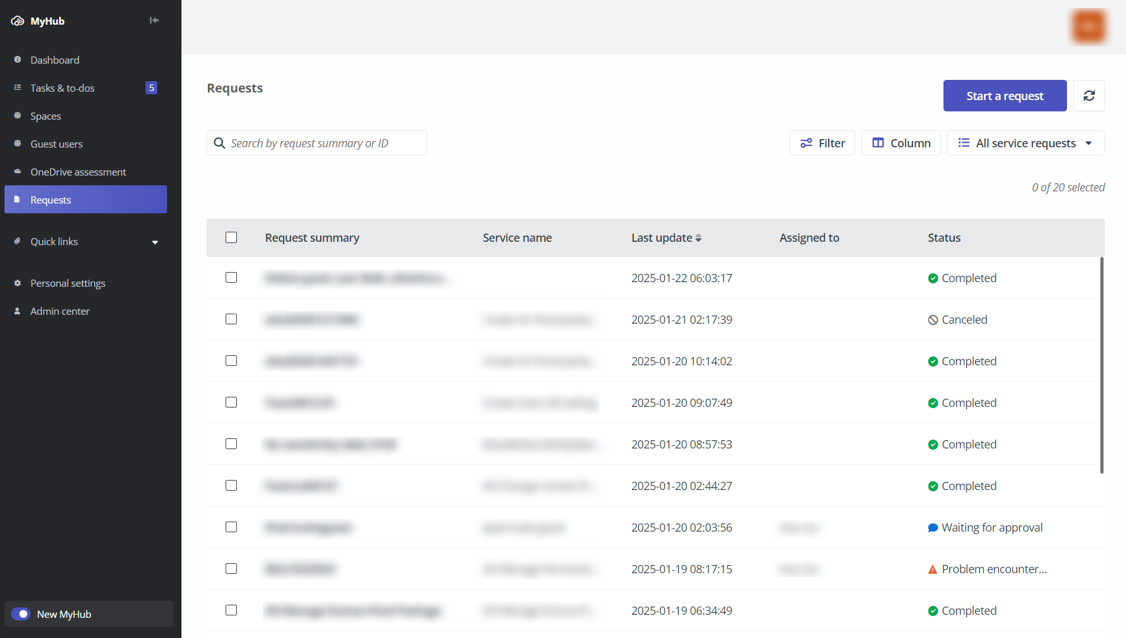
On the Requests page, you may see one of the following landing pages:
-
Request listing - Service requests submitted in New MyHub are listed. You can view the request summary, service name, last updated time, assignee, and status for each request.
To start a new request, click Start a request. Then, you can select a service to start the request process.
-
Service catalog – Available services are listed and you can click a service to quick start a request for the service. To view the request listing, click View request history in the upper-right corner.
On this page