Home > tyGraph Power BI Release Notes > tyGraph for Teams Power BI Release Notes > November 2022
Download this articleNovember 2022
This release of tyGraph for Teams focused on improving accessibility and adding increased flexibility to calculation options.
- Time Period Comparison Experience
Apply custom configurations to how you evaluate change in any measure over time. You will now see a drop-down at the top of the report which allows you to evaluate changes. You will find this in the top area of the reports. For details on how each of these rates of change is applied, see tyGraph Calculation Groups.
-
MOM
-
YoY
-
PoP
-
FvLM
-
General Change (H&H)
-
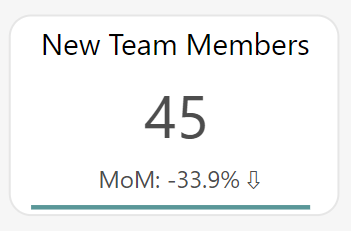
New Modern Button Experiences
Move through our reports with more ease with new button experiences. Including underlines beneath buttons to know which context you have applied.
-
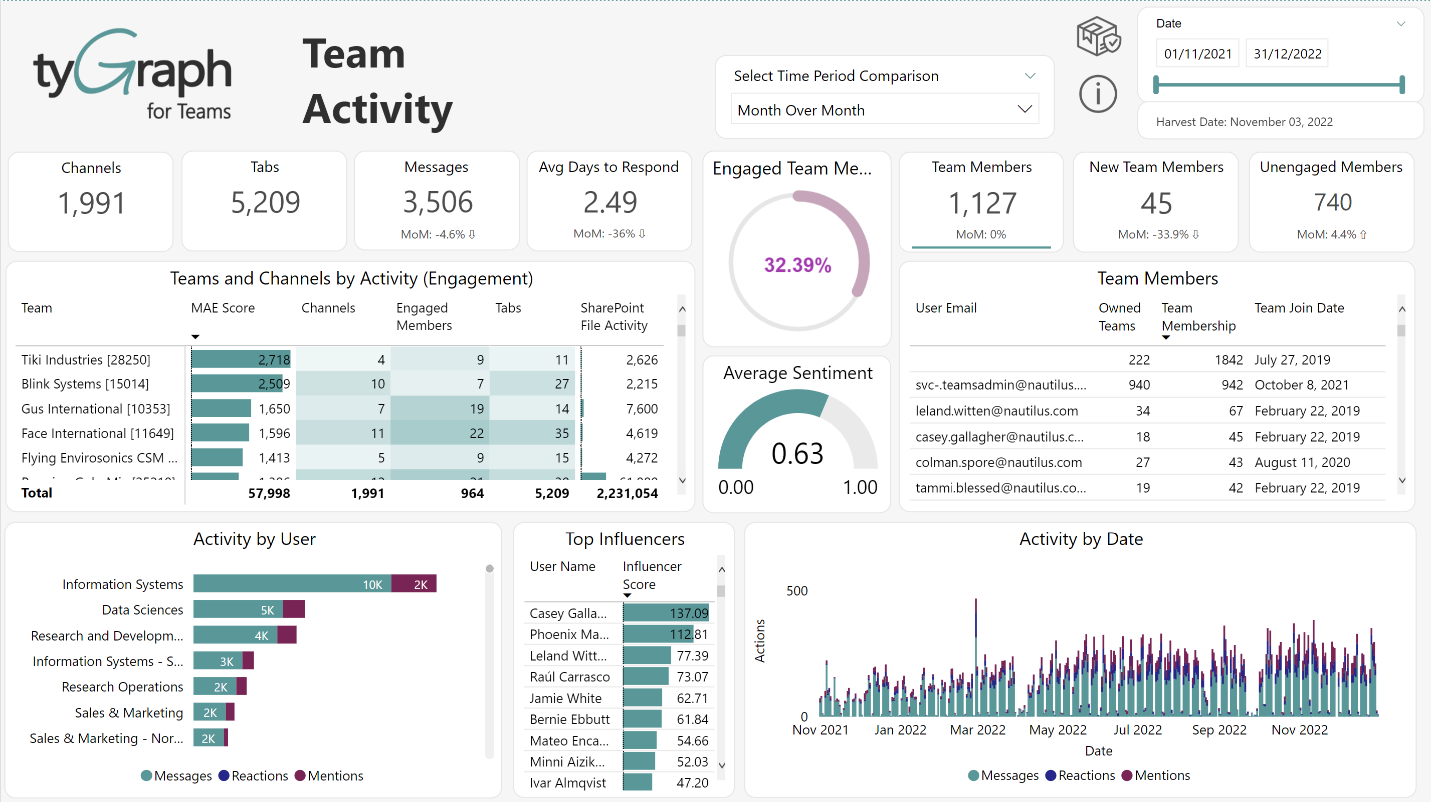
New AA Accessible Theme
We are proud to announce the Accessible theme is applied to tyGraph for Teams. This is AA-compliant with a range of visual impairments. We hope this makes our reports accessible to more people as well as being easier on your eyes!
-
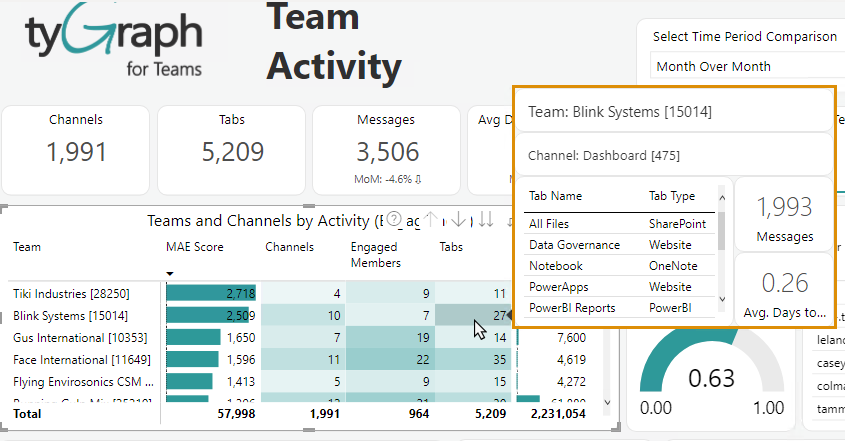
Team Tabs Are Back!
Due to popular demand, a popup showing Tabs in the team is back on the Team Activity Page. Thanks to those who highlighted this feature which we have brought back in this update.